
Elementor addon offering 120+ widgets and templates — Elementor Gallery, Slider, Form, Post Grid, Menu, Accord...
Free
1M+ installs 4.9★ (4,111)
WordPress native revisions for the theme and plugin editors.

Code Revisions is a WordPress plugin that tracks changes made to theme and plugin files through the WordPress code editors. It allows you to revert to previous versions of files, providing a safety net against potential errors caused by bad changes. The plugin also helps you identify changes that may have been overwritten by plugin updates, using a native WordPress revision viewer for easy access.
This plugin is suitable for WordPress site administrators and developers who frequently modify theme and plugin code. It offers a way to manage code revisions effectively, ensuring that you can restore previous versions when necessary.
Best for: WordPress developers and site administrators who manage code changes in themes and plugins.
What it does well
Where it falls short
Code Revisions provides a useful way to manage code changes, but its age and limited user base may raise concerns about ongoing support and compatibility.
Alex's own description of Code Revisions, lightly tidied.
This plugin will help you to keep track of changes made to theme and plugin files through the WordPress code editors. You no longer need to worry about possibly breaking something with bad changes because you can always return to an older version of the file. Additionally the plugin helps you to redo your changes when they might have been overwritten by a plugin update by easily showing you what changed. The revisions are handled in a way native to WordPress. Comfortably view revisions using the new revision viewer introduced in WordPress 3.6.
This plugin is part of my Google Summer of Code 2013 project at WordPress. You can find more information on make/core. It was also featured on wptavern.com if you are interested in some background information.
code-revisions.php: The main plugin file. It defines constants, loads the other files, instantiates the classes if appropriate and contains the uninstall automatism.
inc/class-code-revisions.php: Loaded on all pages this class does multiple general things. It adds the custom post type required for saving the code revisions (post_type()) and redirects the user from the post editor (wp-admin/edit.php) to the appropriate code editor (wp-admin/theme-editor.php or wp-admin/plugin-editor.php) when he tries to view those posts directly (redirect()). Further more this class hooks into the WordPress revision restore process to not only restore the post but also the related file (restore()) and handles styling the WordPress revision viewer (wp-admin/revisions.php) when viewing code revisions so it feels more code-editor-ish (styles()).
inc/code-revisions-editors.php: This file contains the Code_Revisions_Editors class which, in contrast to the Code_Revisions class in class-code-revisions.php, is only loaded on the WordPress code editor pages using the load-plugin-editor.php and load-theme-editor.php hooks. Using either, if available, POST and GET data or falling back to the appropriate default file the class generates an array containing meta information on the currently viewed file (generate_meta()). In an attempt to have as less theme or plugin file specific code this array contains 4 strings:
Using this data the plugin can check the database for a related post and retrieve it’s id if available (retrieve()). The meta information array is stored as custom post meta data alongside a file’s post.
When a file is opened in the editor and a related post is found in the database the plugin checks if the post’s content and the file’s content still match. If they don’t the post is updated with the new content (which results in a new revision) and the user is notified about the change using an admin notice (handle_direct_changes()).
On file updates through the code editor the plugin checks if the file has actually changed before WordPress writes to it. Only when changes are found a revision needs to be created. If no post is associated with the file yet a new post is created with the old contents. This post is then updated with the new content. This process guarantees that there is a revision with the initial file content to which the user can revert to (handle_file_update()). Additionally the plugin tries to do a syntax check for *.php files to prevent breaking the WordPress installation (check_syntax()). As mostly recommended the plugin utilizes php -l for this by writing the new contents to a temporary file. If this feature is not available a more basic check using eval is performed. When a syntax error is found the actual file is not written, but the user is redirected back to the editor with a notification about the error and it’s location with line highlighting.
inc/plugged.php: Contains a slightly changed version of the pluggable wp_text_diff() function. wp_text_diff() is utilized for generating the diffs rendered in the revision viewer. Normally it strips leading, trailing and multiple successive whitespaces. However this behavior is not very helpful when viewing code revisions, wherefore the plugin suppresses it for revisions associated with the custom code revisions post type.
inc/metabox.php: The template for the revision metabox.
js/editors.js: JavaScript for customizing the code editor pages (wp-admin/plugin-editor.php and wp-admin/theme-editor.php). It adds the revisions metabox below the editors, the revisions text with link next to the ‘Update File’ button and handles the text replacement and line highlighting when a syntax error was found.
css/editors.css: Styles for the code editors. Enqueued in inc/class-code-revisions-editors.php -> scripts().
css/viewer.css: Styles for the revision viewer (wp-admin/revisions.php). Enqueued only when viewing code revisions in inc/class-code-revisions.php -> styles().
Other plugins for content discovery.
Elementor addon offering 120+ widgets and templates — Elementor Gallery, Slider, Form, Post Grid, Menu, Accord...

Elementor templates, Header footer builder, Elementor Post Grid, Woocommerce Grid builder, Slider, Forms, Gall...

Gutenberg block editor with AI. 70+ Gutenberg blocks, patterns, WooCommerce blocks, post grid, gallery, menu w...
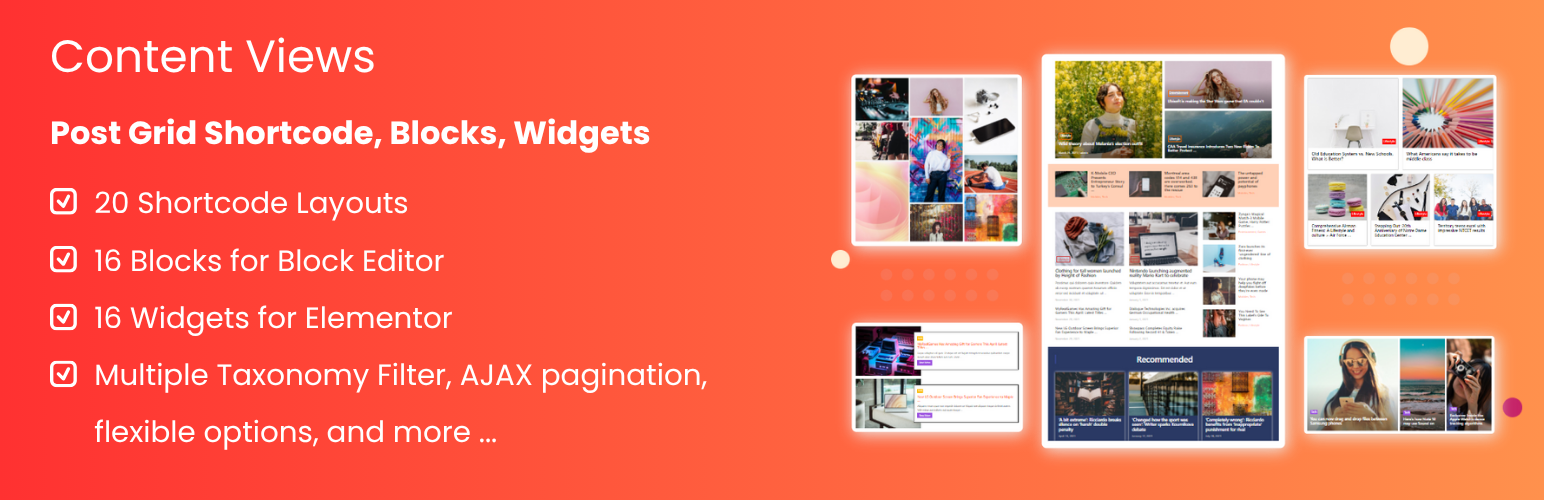
Easy to show posts, pages, custom posts in customizable grid, list, slider, accordion... Available as Widgets...
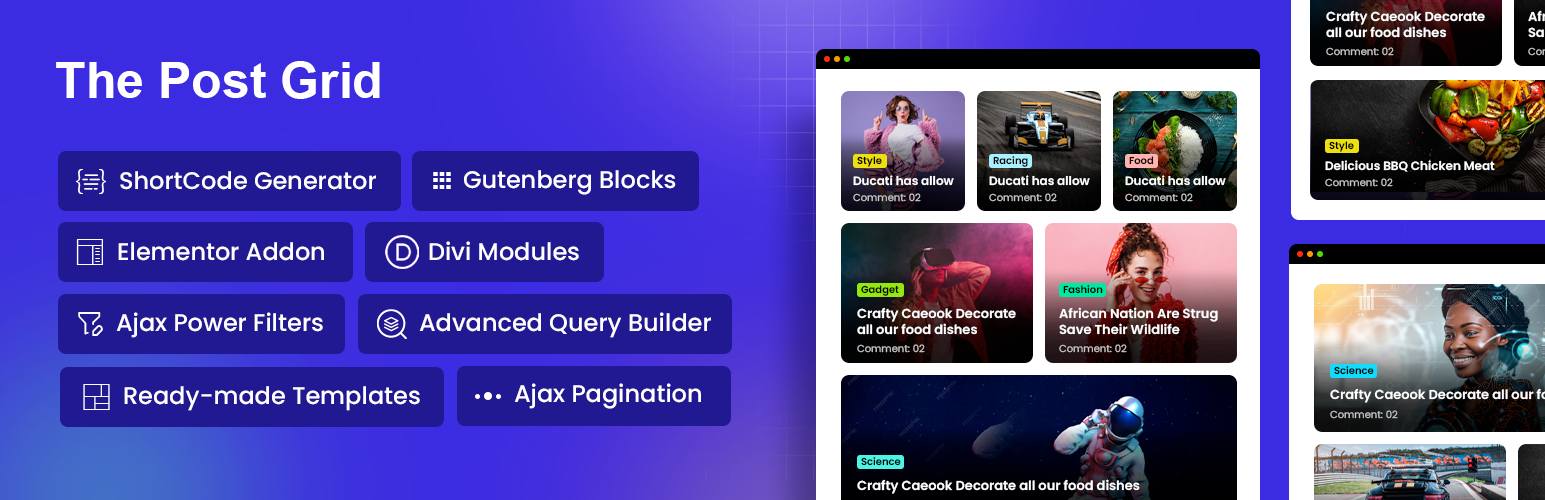
Display WordPress posts in beautiful grid, list, slider, and filter layouts. Works with Gutenberg, Elementor,...

Best Addons for Elementor with 120+ Elementor FREE & Pro Widgets & 1000+ Elementor Templates with Mega...