
WPThumbs
Themes Plugins By purpose By industry Best-of lists Fix it guides
Free Plugin by Curtiss Grymala v1.0

Collapsible Widget Area

Creates a tabbed or accordion-style widget that can hold other widgets.

Collapsible Widget Area

The facts

Rating
4.6★ from 8
Active installs
100+
Price
Free
Last updated
3 Apr 2018
Added
Jan 2012
Requires WP
4.0
Tested up to
WP 4.9.31
Downloads
16,418

Our analysis

AI-assisted

Collapsible Widget Area is a WordPress plugin that enables you to combine multiple widgets into a single tabbed or accordion-style interface. You can manage this through the Appearance -> Widgets section in your admin area, where you can drag and drop widgets into the designated collapsible area. The plugin also allows you to select different jQueryUI themes for the widget container.

Best for: This plugin is suitable for users who want to organise multiple widgets in a compact format on their WordPress site.

What it does well

  • Combines multiple widgets into a single interface
  • Offers both tabbed and accordion display options
  • Allows selection of jQueryUI themes from Google's CDN
  • Customisation options for including your own jQueryUI theme

Where it falls short

  • Limited to the features described in the author's description
  • Last updated in April 2018, may not be compatible with newer WordPress versions

Verdict

Collapsible Widget Area provides a straightforward solution for widget management, but its age and limited features may not meet the needs of all users.

From the developer

Curtiss Grymala's own description of Collapsible Widget Area, lightly tidied.

This plugin allows you to combine multiple widgets into a single tabbed/accordion-style interface in your theme.

Usage

To use this plugin, simply drag widgets into the “Collapsible Widget Area” widget area in Appearance -> Widgets within your admin area. Once you’ve done that, reload the Appearance -> Widgets page and drag the Collapsible Widget into the sidebar in which you want it to appear. Do not drag a “Collapsible Widget” into any of the existing “Collapsible Widget Area” sidebars.

Options

  1. Within the Collapsible Widget itself, you can specify whether you want to use a Tab interface or an Accordion interface.
  2. Under Settings -> Collapsible Widget Options, you can choose the jQueryUI theme you want to apply to the collapsible widget container. All of the included jQueryUI themes are hosted on Google’s CDN. If you already have a jQueryUI theme included in your WordPress theme, you can choose “None” from the option selector, and no extra stylesheet will be included for this widget. If you want to include your own jQueryUI theme, there are two ways you can do so:
    1. Use the collapsible-widget-ui-theme filter to specify the exact URI of the stylesheet you want to include.
    2. Use the collapsible-widget-theme-list filter to add or remove items from the list of available themes. The parameter sent through this filter is an associative array of the available themes. If the theme is hosted on Google’s CDN, just the keyword is needed as the array key (for instance, the keyword for the “UI Lightness” theme is “ui-lightness” and the keyword for the “Base” theme is “base”). If the theme is hosted elsewhere, the entire URI to the stylesheet should be used as the array key. The array value should be the human-readable name of the theme.

    Read the full description on the official page →

Tagged as

Alternatives

Other plugins for widgets and sidebars.

ElementsKit Elementor Addons

Join millions who empower their websites with ElementsKit Elementor Addons. Get templates, & 100+ widgets...

Free 1M+ installs 4.9★ (2,036)
Royal Addons for Elementor

Elementor templates, Header footer builder, Elementor Post Grid, Woocommerce Grid builder, Slider, Forms, Gall...

Free 600k+ installs 4.8★ (611)
Custom Sidebars

Flexible sidebars for custom classic widget configurations on any page or post. Create custom sidebars with ea...
Free 100k+ installs 4.7★ (1,028)
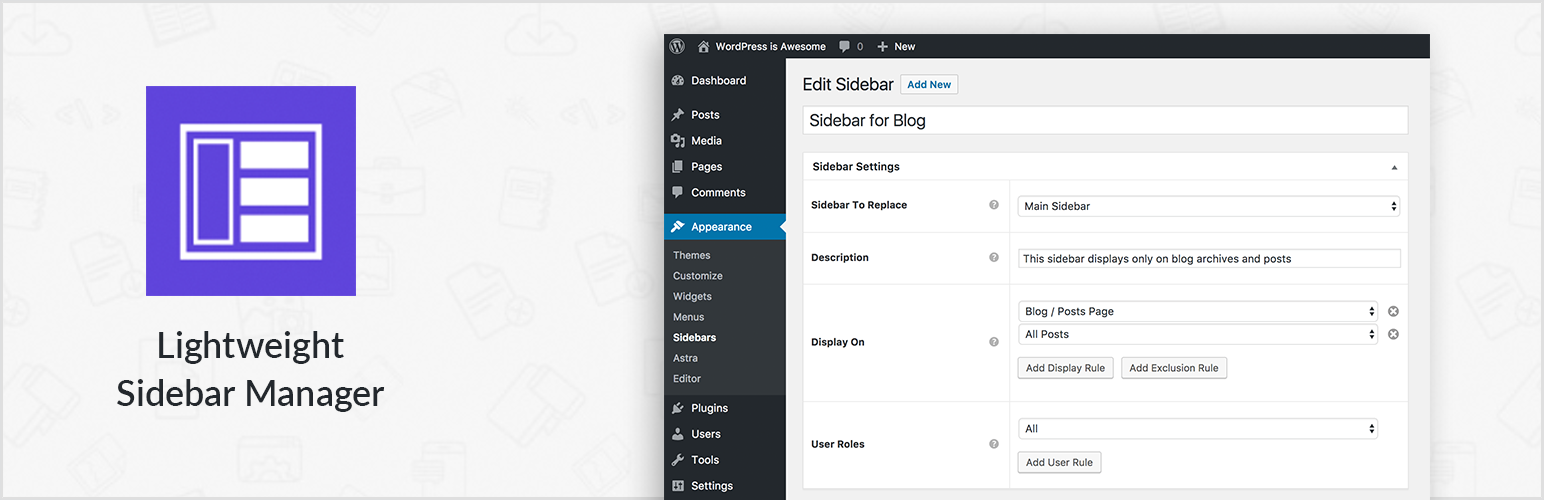
Lightweight Sidebar Manager

Create new sidebar areas and display them conditionally on certain pages. Works with all themes.
Free 80k+ installs 4.2★ (21)
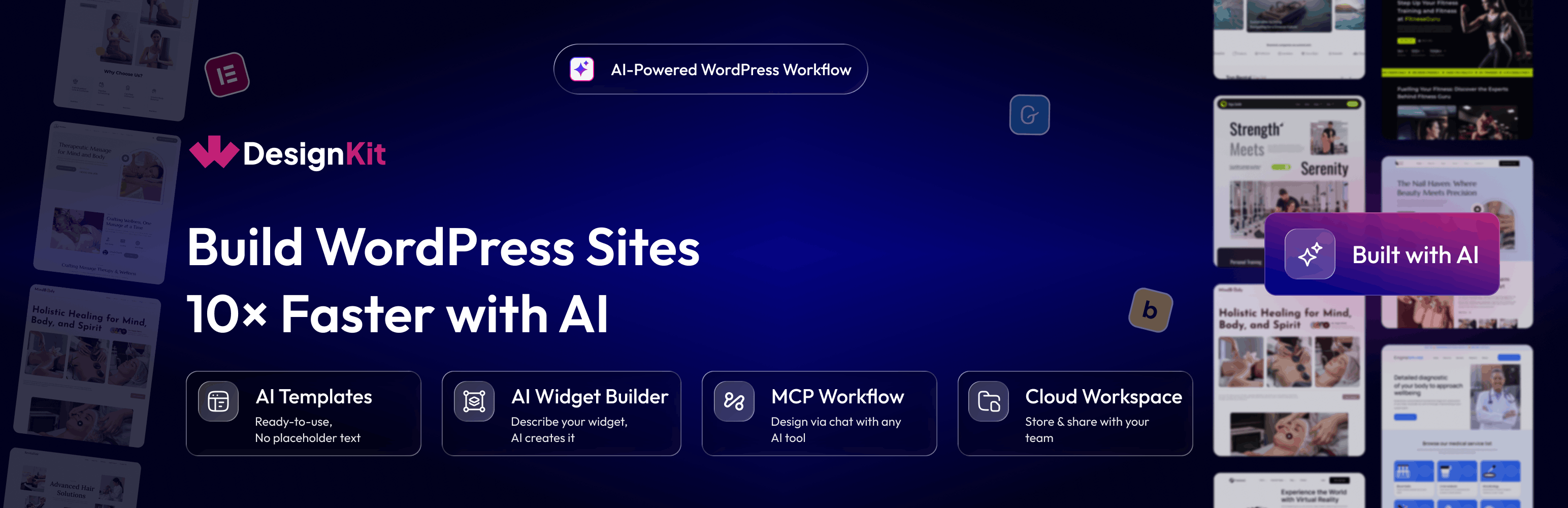
WDesignKit

3000+ Elementor & Gutenberg Templates, AI Widget Builder, AI Code Snippets, MCP Workflow, Cloud Workspace...
Free 30k+ installs 4.8★ (12)
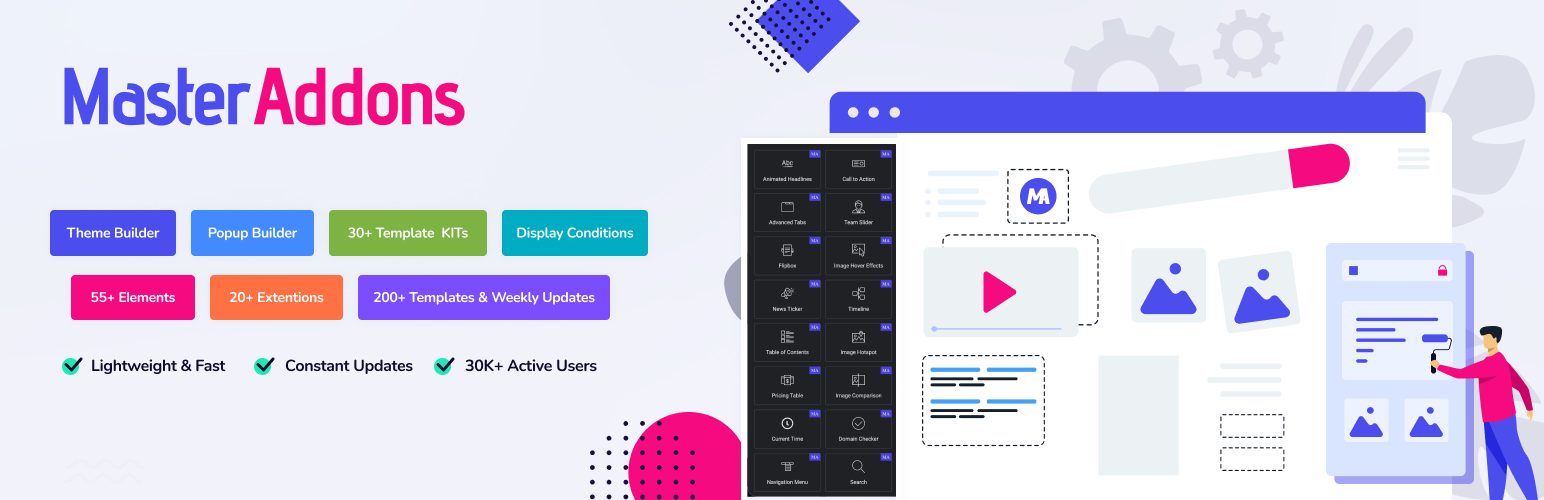
Master Addons for Elementor

The complete Elementor addons plugin: 55+ widgets for Elementor, Mega Menu Builder, Popup Builder, Widget Buil...

Free 30k+ installs 4.5★ (212)