
MetForm
93Elementor forms builder to create WordPress forms like contact form, booking form, feedback form, survey form,...
Free
600k+ installs 4.7★ (504)
Easily show/hide WordPress blocks & widgets with powerful, no-code display logic. Perfect for restricting content. Explore advanced scheduling, Ge …
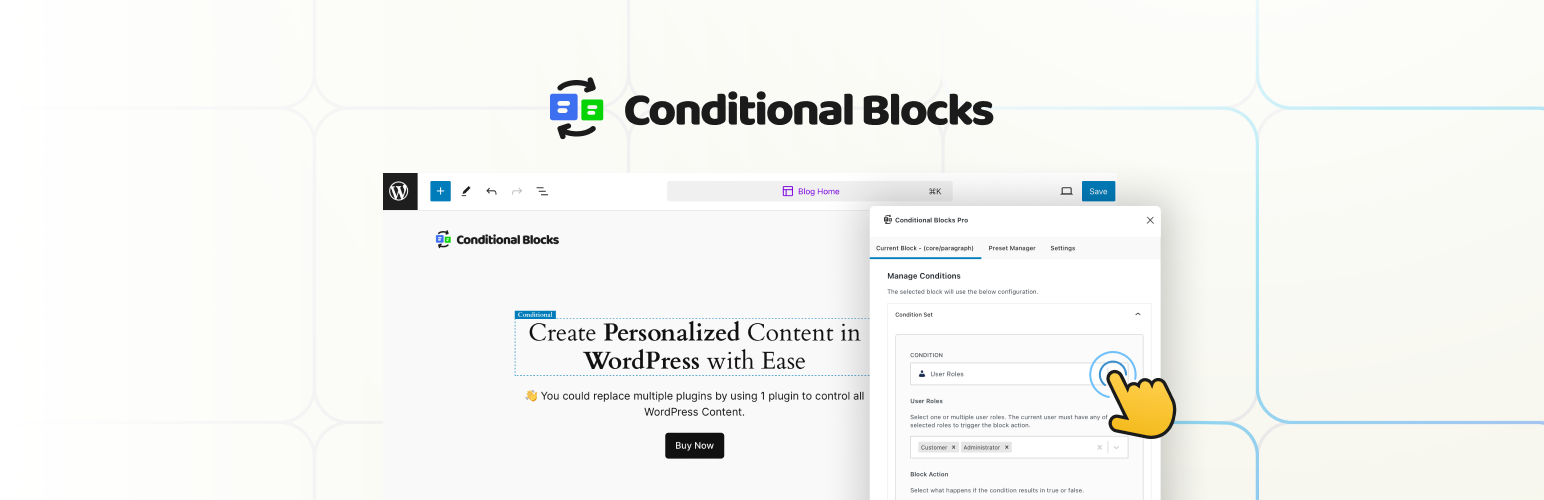
Conditional Blocks is a WordPress plugin that enables you to control the visibility of blocks in the Block Editor (Gutenberg) using advanced display logic. It is designed for freelancers and agencies who need to manage content visibility without coding.
The free version allows for three visibility conditions, including options for user status and responsive designs. It also includes a Conditions API for creating custom visibility conditions, making it suitable for various use cases such as dynamic headers, membership content, and tailored marketing sections.
Best for: This plugin suits freelancers and agencies looking to manage content visibility in WordPress sites.
What it does well
Where it falls short
Conditional Blocks offers a practical solution for controlling block visibility in WordPress. While the free version is useful, more advanced features are available in the Pro version.
Morgan Hvidt's own description of Conditional Blocks, lightly tidied.
Conditional Blocks is a powerful, no code plugin that allows you to control the visibility of any WordPress blocks within the Block Editor (Gutenberg) using advanced display logic.
Replace multiple plugins with our versatile Conditional Blocks, developed for fast paced freelancers and agencies.
🌏 Get the full overview on conditionalblocks.com
Everything is block in modern WordPress development with Full Site Editing (FSE). In plain words, you apply conditional display logic to everything.
Here’s some example use-cases where Conditional Blocks shines.
The free version of Conditional Blocks offers 3 visibility conditions + The Conditions API for creating your own conditions .
The free version is limited.
Consider joining our PRO community to create better WordPress sites & support development.
Conditional Blocks Pro unlocks the full suite of advanced block visibility conditions and integrations, allowing you to create truly dynamic and personalized user experiences:
🎯 Advanced Audience Targeting (Pro)
Other plugins for taking bookings.
Elementor forms builder to create WordPress forms like contact form, booking form, feedback form, survey form,...
Calculated Fields Form: complete WordPress form builder for contact,booking,quote,payment forms & more,wit...

Appointment booking plugin for WordPress. Let clients self-schedule 24/7, accept payments at booking, and redu...
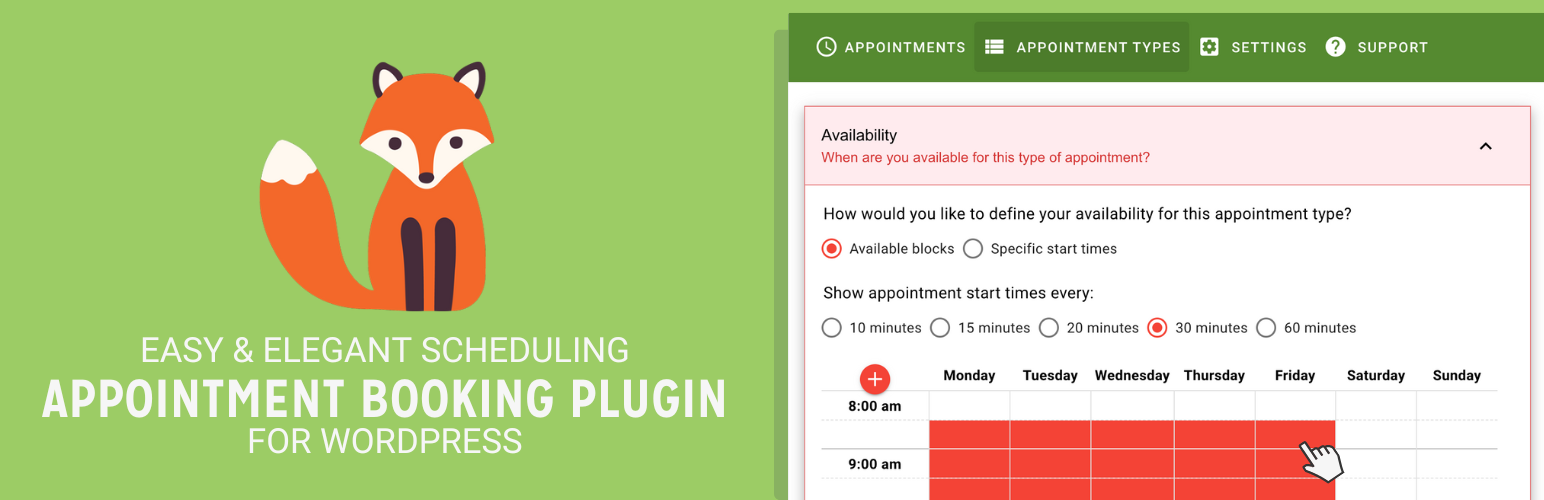
Unlimited appointments, booking calendars, and notifications. Powerful appointment booking plugin and booking...
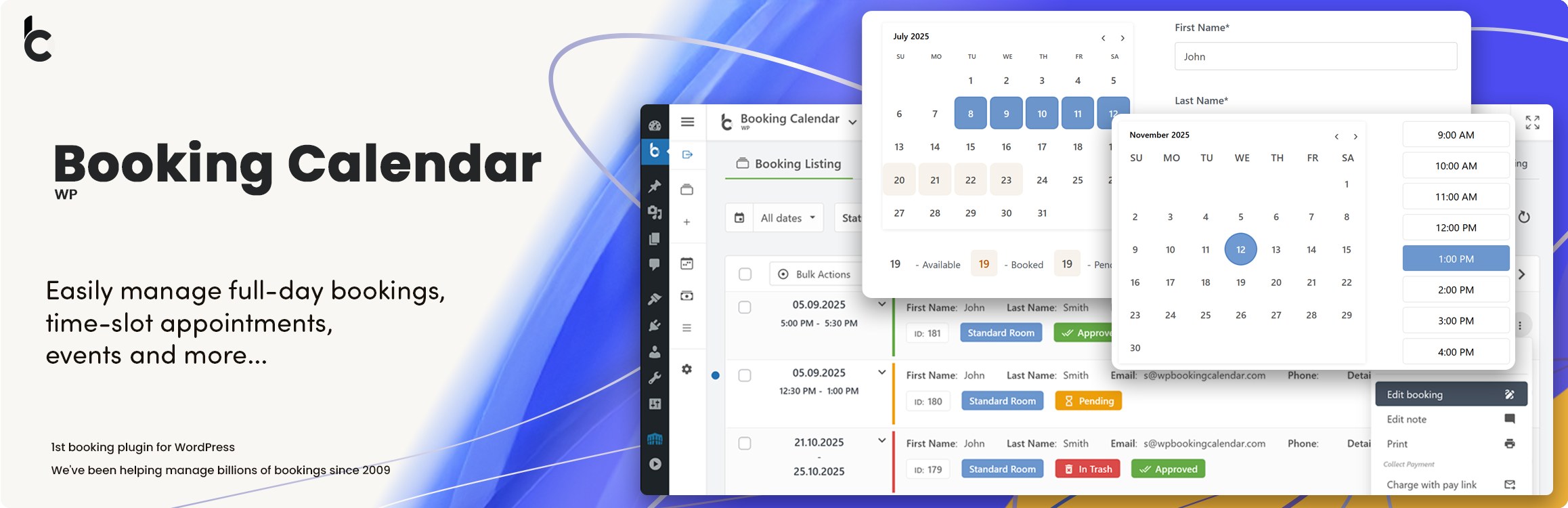
WP Booking Calendar plugin for full-day bookings, time-slot appointments, rentals & events. Accept booking...
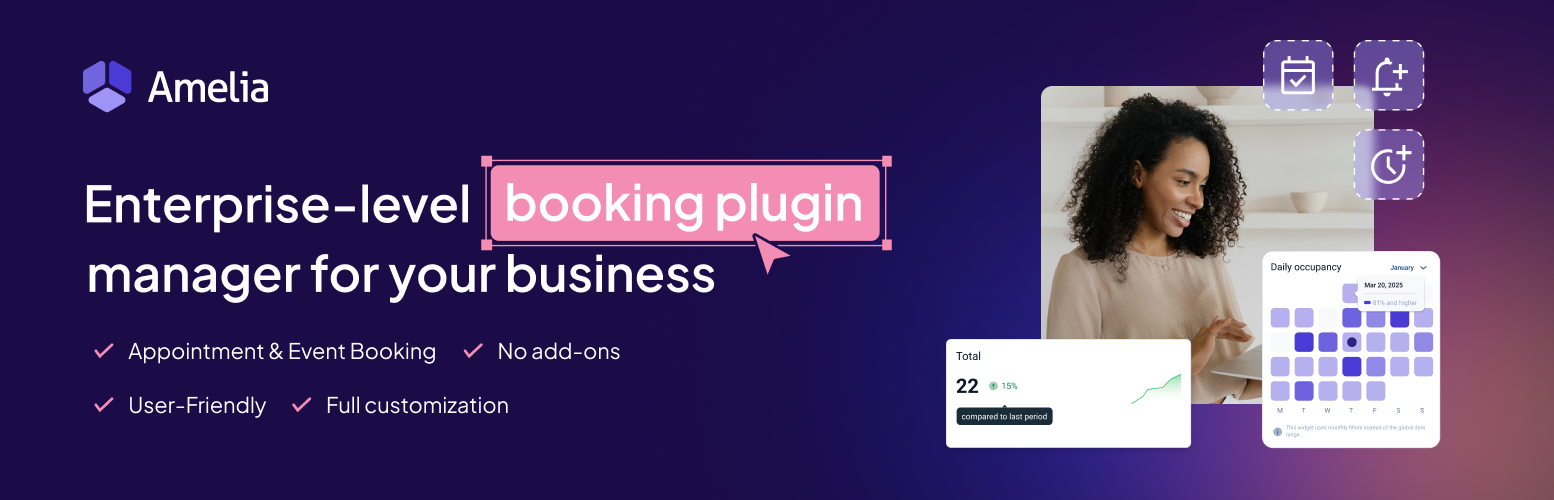
Amelia is a powerful booking plugin for appointments and events. Manage scheduling, calendars, and availabilit...