
Yoast SEO
98Real-time SEO guidance, schema, and AI built in. Help search engines and AI systems understand your content. A...
Free
10M+ installs 4.8★ (27,819)
Manage your WordPress site with a Custom GPT. Control content, comments and more using natural language inside ChatGPT.
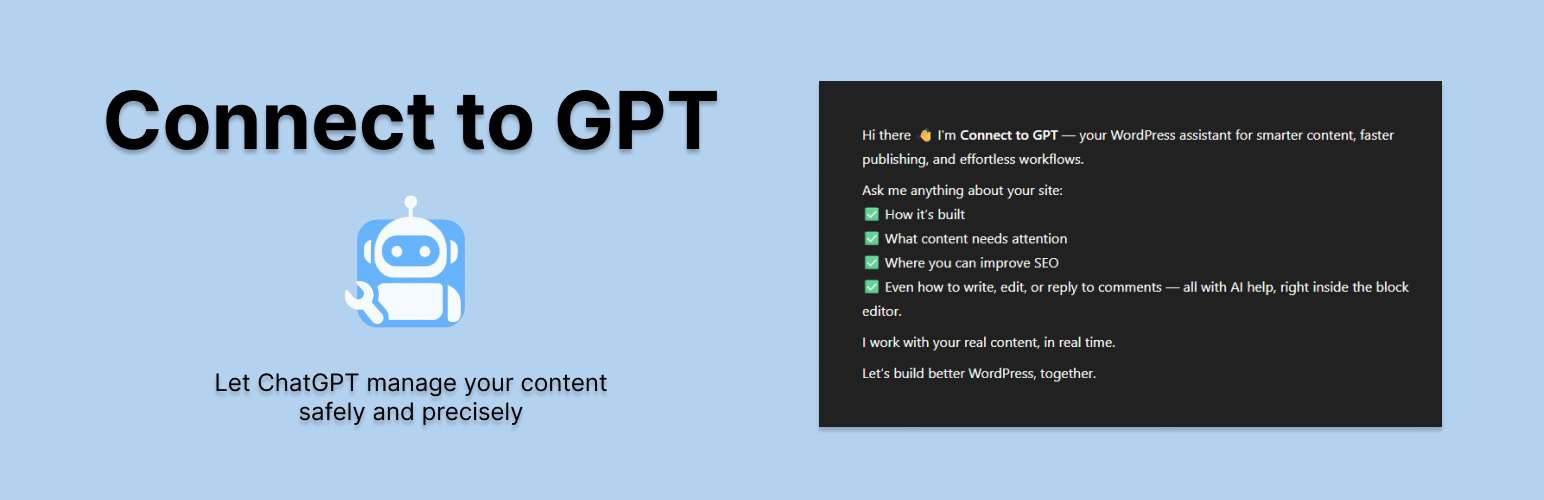
Connect to GPT is a WordPress plugin that links your site to a Custom GPT in ChatGPT, allowing you to manage your site using natural language commands. It creates a secure API bridge, enabling actions such as content creation, comment management, and site searches without embedding AI directly into WordPress.
This plugin is suitable for users of ChatGPT who manage a WordPress site, including bloggers, e-commerce owners, developers, and marketers. It requires no coding skills, making it accessible for those looking to streamline site management through conversational AI.
Best for: This plugin is best for users of ChatGPT who want to manage their WordPress sites more efficiently.
What it does well
Where it falls short
Connect to GPT offers a unique way to interact with your WordPress site through a Custom GPT, making it a practical tool for those familiar with ChatGPT. However, potential users should consider the requirement for a ChatGPT Plus account.
Jon Bishop's own description of Connect to GPT, lightly tidied.
Connect to GPT is a groundbreaking WordPress plugin that transforms how you interact with your site by connecting it to a Custom GPT in ChatGPT. Unlike plugins that embed AI into WordPress, Connect to GPT creates a secure, lightweight API bridge, allowing your Custom GPT to manage your site using natural language commands from within ChatGPT.
With Connect to GPT, you can:
– Create and update content: Write blog posts, pages or custom post types like products—complete with categories, tags, meta fields and media embeds.
– Target specific blocks: Append, replace or update individual Gutenberg blocks based on content, position or attributes.
– Manage comments: Retrieve recent comments, moderate (approve, trash, spam) or reply contextually using natural prompts.
– Search your site: Find posts, pages, users, media, taxonomies, plugins or themes with a single structured query.
– Get site insights: View a dashboard-like overview with post counts, recent activity and drafts.
What Makes Connect to GPT Unique:
– Built for Custom GPTs: Seamlessly integrates with ChatGPT’s Custom GPT builder, enabling natural language control over your WordPress site through structured endpoints.
– Block-Level Precision: Make surgical edits inside pages or posts—without relying on brittle prompt interpretation or messy shortcodes.
– No AI in WordPress: Keeps your site lean and secure by processing AI externally through a dedicated API layer.
– Safe Mode by Default: All content updates are saved as drafts and verified—nothing goes live until you allow it.
– User-Friendly Onboarding: A simple step-by-step guide mirrors OpenAI’s GPT setup, making it easy for non-developers to connect and use.
Who’s It For?
If you use ChatGPT and have a WordPress site, Connect to GPT is for you. Whether you’re a blogger, e-commerce owner, developer or marketer, this plugin lets you automate and streamline site management using conversational AI. No coding required. Just a ChatGPT Plus account and a desire to work smarter.
How It Works:
1. Install and activate Connect to GPT.
2. Follow the intuitive onboarding wizard to configure your Custom GPT, including name, instructions and API authentication.
3. Use natural language in ChatGPT to manage your site, like “Create a new blog post titled ‘Summer Sale’” or “Show my latest comments.”
4. Your Custom GPT interacts with your WordPress site via a secure API, performing actions and returning results.
Not an AI Plugin:
Connect to GPT doesn’t add AI to your WordPress site. It’s a purpose-built API for your Custom GPT, keeping your site fast, secure and future-proof.
Other plugins for AI features.
Real-time SEO guidance, schema, and AI built in. Help search engines and AI systems understand your content. A...

The best WordPress contact form plugin. Drag & Drop form builder to create beautiful contact forms, paymen...

Grow your organic traffic and AI visibility with powerful SEO tools, XML sitemaps, Schema automation, and buil...

Translate WordPress with Google Translate multilanguage plugin using AI translation. Complete multilingual SEO...

AIOSEO is the WordPress SEO plugin. Boost SEO rankings with AI SEO tools, schema, meta descriptions, XML sitem...

Elementor Carousel, Mega Menu, Posts List/Slider, WooCommerce Widgets, Display Conditions, AI Abilities, Prema...