
Create WordPress websites with free forms, Gutenberg blocks, popups, sliders, countdowns, animations, pre-buil...
Free
80k+ installs 4.9★ (22)
Event countdown timer for The Events Calendar. Show a countdown to upcoming events with a shortcode, block, Elementor widget or sticky floating bar.
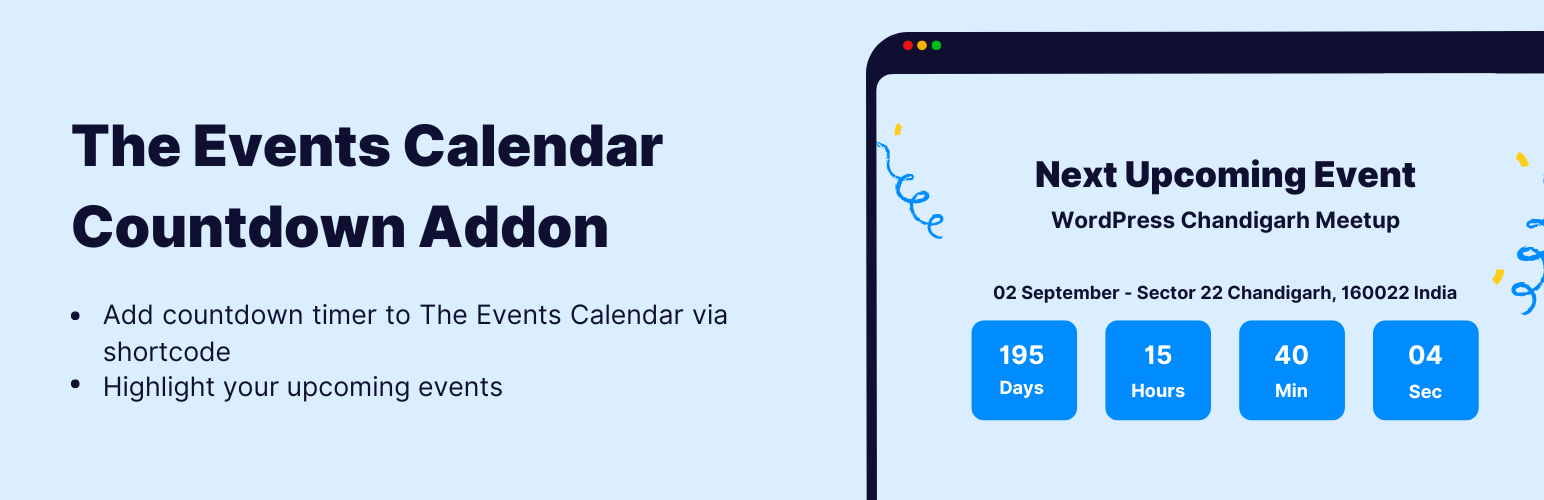
Event Countdown for The Events Calendar is a WordPress plugin that adds a countdown timer to events managed by The Events Calendar. It allows you to display a countdown in various formats, including shortcodes, Gutenberg blocks, and Elementor widgets, without requiring any coding skills.
The plugin automatically detects the next upcoming event and updates the countdown accordingly, even when using caching plugins. It is suitable for anyone looking to enhance event promotion, such as webinars, conferences, and festivals, by creating urgency around registrations and ticket sales.
Best for: This plugin is ideal for event organisers looking to promote upcoming events effectively.
What it does well
Where it falls short
Event Countdown for The Events Calendar provides a straightforward solution for adding countdown timers to events, making it a useful tool for those managing time-sensitive events.
CoolHappy's own description of Event Countdown for The Events Calendar, lightly tidied.
Event Countdown for The Events Calendar adds a live event countdown timer to The Events Calendar events. Show a days / hours / minutes / seconds countdown to your next upcoming event anywhere on your site using a shortcode, a Gutenberg block, an Elementor widget, or a sitewide floating countdown bar — no code required.
A countdown timer builds urgency and boosts attendance for webinars, conferences, workshops, meetups, festivals, and product launches. This event countdown addon automatically detects the next upcoming event from The Events Calendar and keeps the timer accurate — even behind full-page caching.
[events-calendar-countdown] from the built-in shortcode generator with a live preview.Webinar countdowns, conference and summit timers, workshop and class reminders, meetup and networking events, concerts and festivals, product launches, sales and offers, sports fixtures, and any time-based event managed with The Events Calendar.
[events-calendar-countdown autostart-next-countdown="yes"]
The easiest way to build a shortcode is the generator at Events Addons → Event Countdown, which lets you pick an event (or auto-detect the next upcoming event), choose a design preset, set colors and sizes, and copy the ready-made shortcode.
Building an event website with The Events Calendar? Extend it further with these event addons for more layouts, promotion, and management options.
Other plugins for urgency and countdowns.
Create WordPress websites with free forms, Gutenberg blocks, popups, sliders, countdowns, animations, pre-buil...
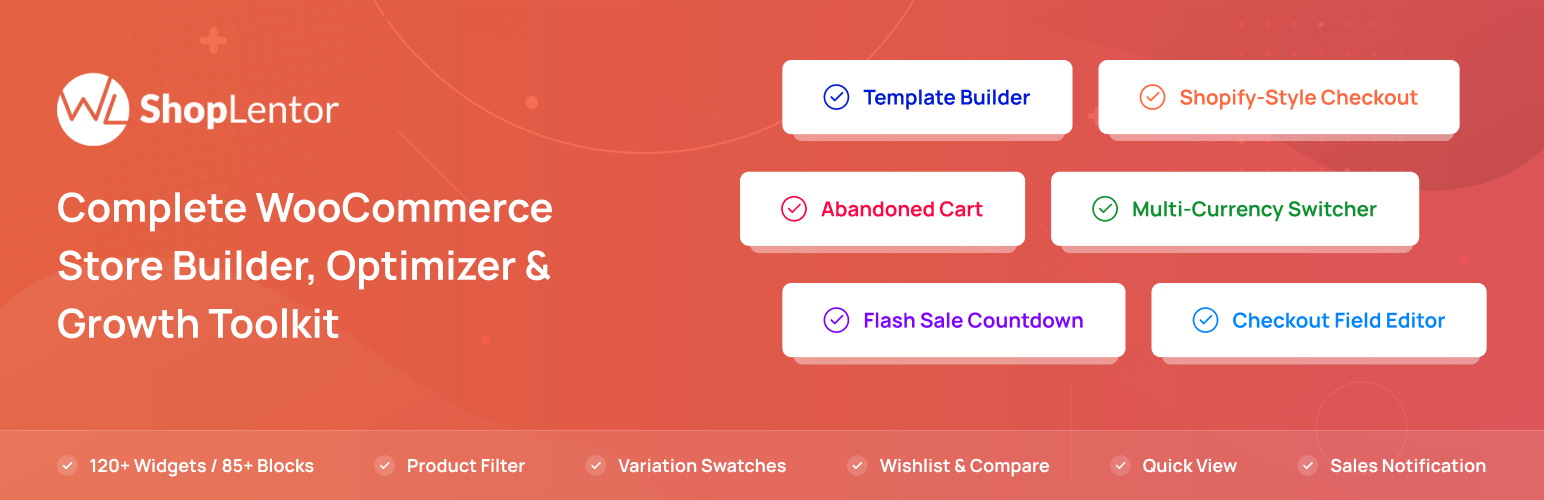
ShopLentor – More than a WooCommerce builder. A complete growth plugin to boost conversions, UX, and sales for...
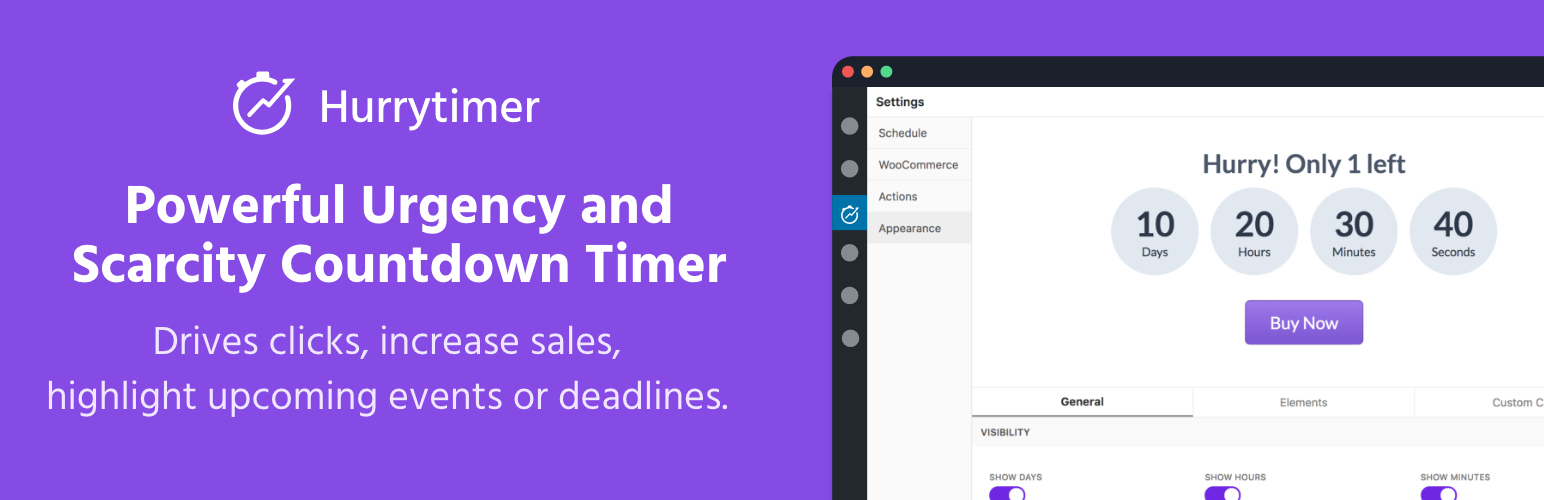
Create unlimited urgency and scarcity countdown timers for WordPress and WooCommerce to boost conversions and...

Free memory & server IP display, PHP EOL countdown, live CPU/RAM sparklines, server location, environment...
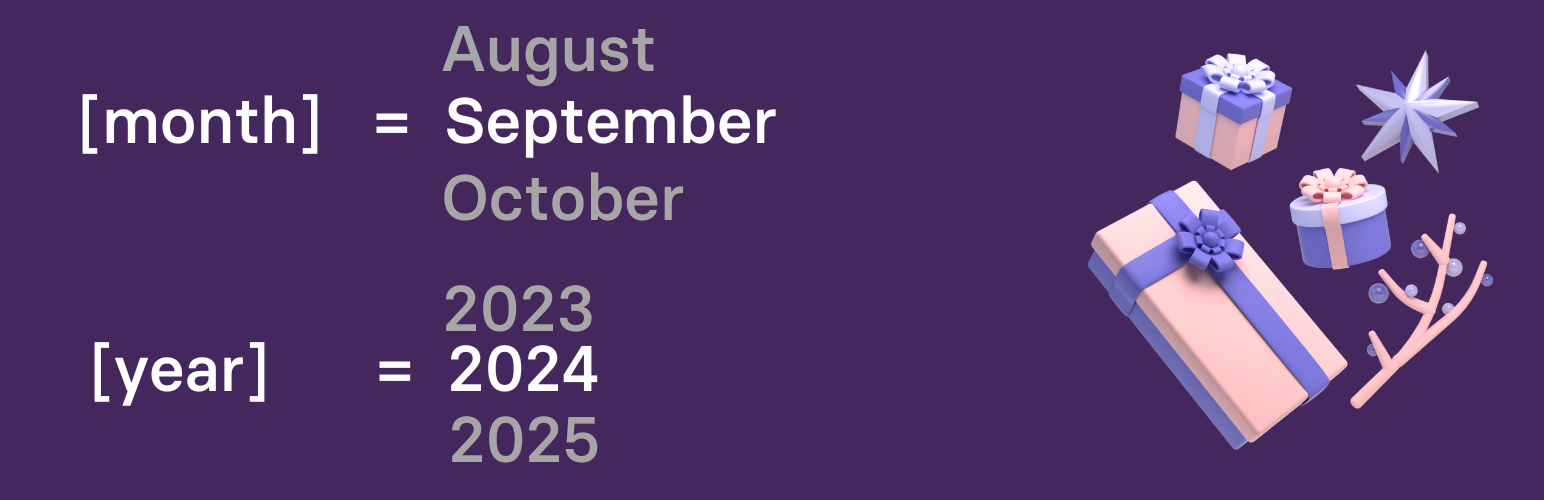
Automate SEO and content with dynamic shortcodes for dates, years, months, age calculations, seasons and count...
Create a coming soon page or maintenance mode screen with 15 responsive templates, countdown timer, MailChimp...