
Create WordPress websites with free forms, Gutenberg blocks, popups, sliders, countdowns, animations, pre-buil...
Free
80k+ installs 4.9★ (22)
This plugin allows you to setup a series of dates to count to or from in terms of years, months, weeks, days, hours, minutes, and/or seconds.

Countdown Timer is a WordPress plugin that allows you to set up countdowns to or from specific dates. You can display these countdowns in your site's sidebar using a widget or within posts and pages through shortcodes. The plugin supports 22 languages, making it suitable for multilingual sites.
This plugin is aimed at users who need to create countdowns for events, promotions, or deadlines on their WordPress sites. It is particularly useful for those who want to engage visitors with time-sensitive information.
Best for: This plugin suits event organisers and marketers who want to create urgency on their websites.
What it does well
Where it falls short
Countdown Timer provides basic countdown functionality for WordPress users. While it offers multilingual support, its last update was in 2019, which may raise concerns for some users.
fergbrain's own description of Countdown Timer, lightly tidied.
Countdown Timer allows you to setup one or more dates to count down to or away from.
Events can be inserted into the sidebar using the widget, or within posts and pages using shortcodes.
Currently supports 22 languages.
You’ll need to modify your wp-config.php file. To do this…
wp-config.php file in a text editor and search for: define ('WPLANG', '');('WPLANG', 'de_DE');Of course, you’ll replace de_DE with the language extension that you want to use, unless of course you actually did want the German language translation. For more information, consult Installing WordPress in Your Language on the WordPress Codex
Other plugins for urgency and countdowns.
Create WordPress websites with free forms, Gutenberg blocks, popups, sliders, countdowns, animations, pre-buil...
ShopLentor – More than a WooCommerce builder. A complete growth plugin to boost conversions, UX, and sales for...
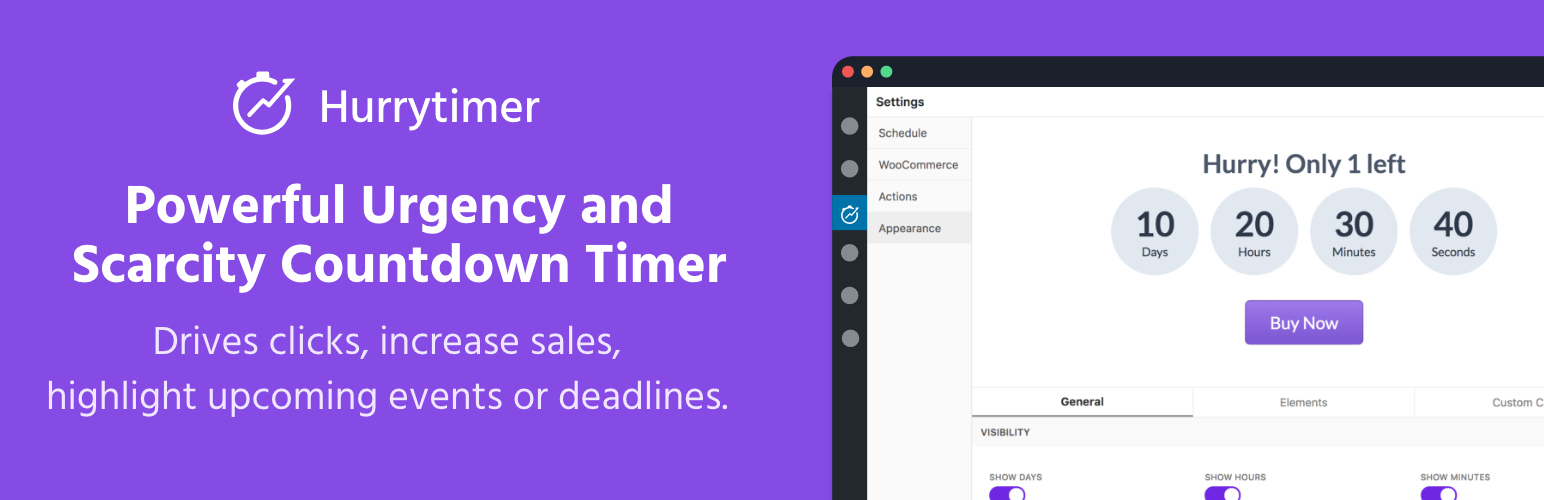
Create unlimited urgency and scarcity countdown timers for WordPress and WooCommerce to boost conversions and...

Free memory & server IP display, PHP EOL countdown, live CPU/RAM sparklines, server location, environment...
Automate SEO and content with dynamic shortcodes for dates, years, months, age calculations, seasons and count...
Create a coming soon page or maintenance mode screen with 15 responsive templates, countdown timer, MailChimp...