
Members
94The best WordPress membership and user role editor plugin. User Roles & Capabilities editor helps you rest...
Free
300k+ installs 4.9★ (1,274)
Easily display, edit, and synchronize CSV files as dynamic HTML tables using a simple shortcode—no coding required.
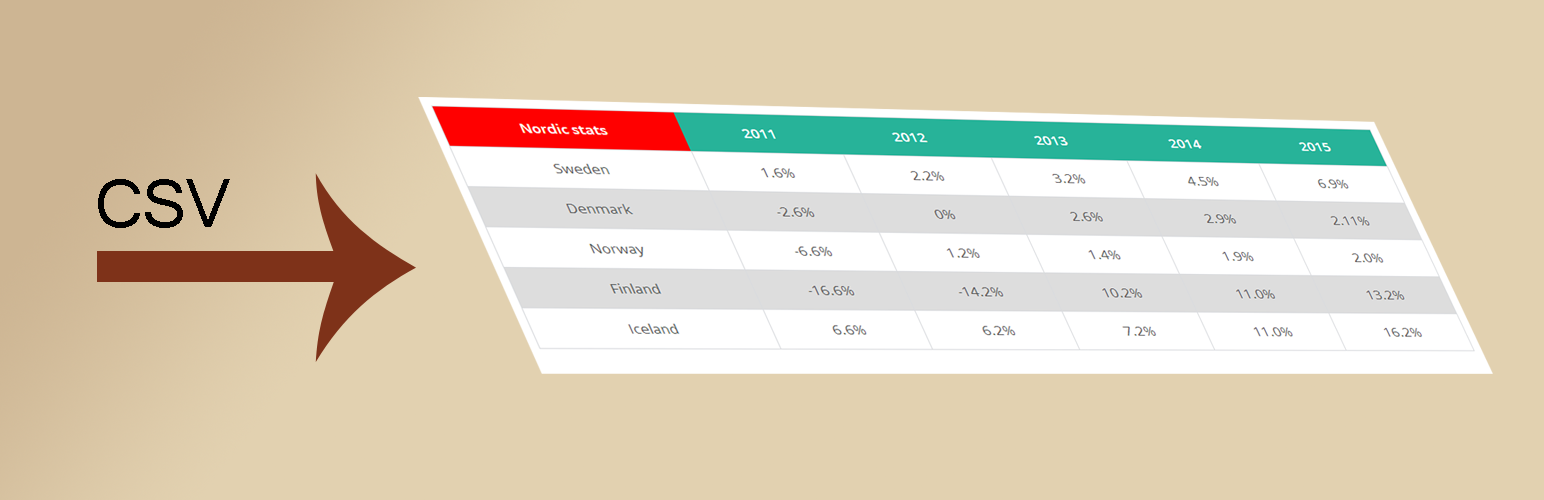
CSV to HTML is a WordPress plugin that allows you to display content from various file types, including CSV, XLSX, JSON, and ODS, in an HTML table format using a shortcode. It fetches content directly from the specified files, meaning any updates made to those files will be reflected in the displayed table without the need for manual imports or exports.
This plugin is suitable for users who want to easily integrate data from external or local files into their WordPress site. It is particularly useful for beginners looking for a straightforward way to present tabular data on their pages.
Best for: This plugin suits beginners and users needing to display data from files on their WordPress site.
What it does well
Where it falls short
CSV to HTML offers a simple solution for displaying file data in WordPress. It is effective for users looking to present dynamic tables without complex setups.
wibergsweb's own description of CSV to HTML, lightly tidied.
CSV to HTML is a highly configurable plugin that makes it easy to fetch content from file(s) (.csv,.xlsx, .json and .ods) and put content from that file/those files and display the html(table) on a page with a single shortcode. If using more than one file, content from all files are mixed into one single table instead of creating two tables.
The plugin fetches the actual content directly from the file(s) without having to import/export any file(s) manually. So any changes in the file(s) will be updated when you view your table(s). CSV to HTML is able to fetch both local and external files.
Get started with the plugin by moving on to the Installation tab. There’s a 4 step guide how you could start using the plugin. Good luck!
Other plugins for moving data.
The best WordPress membership and user role editor plugin. User Roles & Capabilities editor helps you rest...

Manage all your WordPress updates, including individual updates, automatic updates, logs, and loads more. This...

Redux is a simple, truly extensible, and fully responsive options framework for WordPress themes and plugins....

🌠 Shorten, brand, and track any URL on your own domain. Keep your links — and your data — where they belong....

Export WooCommerce orders to Excel, CSV, XML, JSON, PDF and HTML. Best free order export plugin for WooCommerc...

Easily export or import your WordPress customizer settings!