
Make email delivery easy for WordPress. Connect with SMTP, Gmail, Outlook, SendGrid, Mailgun, SES, Zoho, + mor...
Free
4M+ installs 4.8★ (5,185)
WordPress can't send email reliably on its own. Send through your SMTP provider, log every message, get alerts when sending breaks. Free, no upsell.
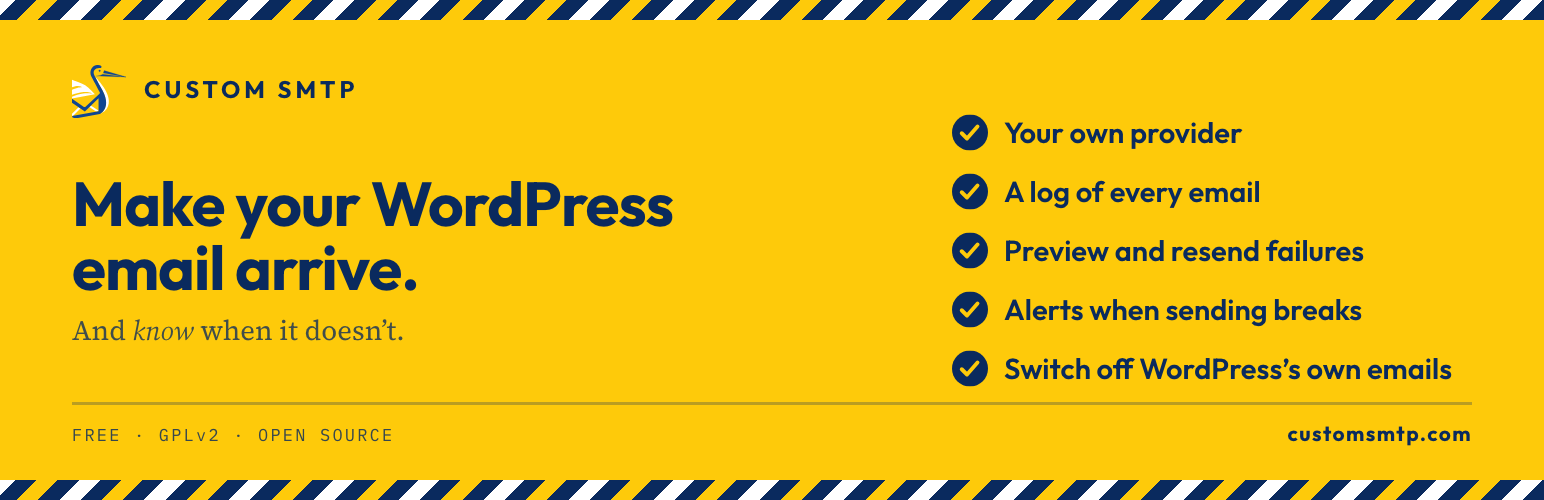
Custom SMTP is a WordPress plugin designed to improve email deliverability by sending emails through your preferred SMTP provider instead of the default PHP mail() function. It supports various providers, including Gmail, Outlook, and Amazon SES, and logs all email messages along with their delivery outcomes. The plugin also offers features like email previews, resend options for failed messages, and alerts for unusual sending activity.
This plugin is suitable for WordPress site owners who need reliable email delivery for contact forms, notifications, and other automated messages. It is particularly useful for those who want to ensure their emails reach recipients' inboxes rather than being marked as spam.
Best for: WordPress site owners needing reliable email delivery and logging capabilities.
What it does well
Where it falls short
Custom SMTP is a straightforward solution for enhancing email deliverability in WordPress. It offers essential features for monitoring and managing email sending without the need for external services.
Nicolas Verlhiac's own description of Custom SMTP: Email Deliverability, lightly tidied.
WordPress still hands your email to the PHP mail() function. Most hosts have switched it off or throttled it because spammers loved it, and where it still runs, unauthenticated mail lands in spam. If your contact form says thank you and nothing ever arrives, this is why.
Custom SMTP sends your email through the provider you already use instead: your host’s SMTP server, Gmail, Outlook, Brevo, SendGrid, Mailgun, Postmark or the Amazon SES API. It logs every message with its outcome, lets you preview and resend failures, and alerts you when sending spikes or starts failing. Everything is in the free plugin: no account to create, no third-party relay, no pro version.
Built for modern WordPress: WordPress 7.0 ready, PHPMailer 7.0.2 compatible, stateless / cloud-ready (Docker, Kubernetes), and fully translated in English and French.
Documentation lives at customsmtp.com/docs/, with step-by-step guides for twelve providers and a developer guide covering constants, environment variables and the Amazon SES API.
Point the plugin at the server you already pay for or the free tier you already use, with a preset that fills the technical values for you:
Never wonder if your emails were sent again. Logging works out of the box and captures every message going through wp_mail(): WooCommerce order notifications, contact form submissions, password resets, all of it.
A compromised contact form or a runaway plugin can turn your site into a spam relay, and a revoked password or an exhausted provider quota can stop your emails silently. Custom SMTP watches for both and warns you.
WordPress sends a handful of emails on its own, and some of them get old fast: a notice to the administrator every single time a user resets their password, a report after every automatic plugin update, a message for every comment awaiting moderation. Switch off the ones you do not want, one checkbox each, no code.
Other plugins for email deliverability.
Make email delivery easy for WordPress. Connect with SMTP, Gmail, Outlook, SendGrid, Mailgun, SES, Zoho, + mor...

Free WP Mail SMTP plugin - fix WordPress email deliverability with Gmail, Amazon SES, SendGrid, Mailgun, Cloud...

Make SMTP email sending and delivery easy. Configure Gmail SMTP, Outlook, Brevo, SendGrid, Mailgun, SendLayer...

Send emails from your WordPress site using your preferred SMTP provider like Gmail, Outlook, AWS, Zoho, SMTP.c...
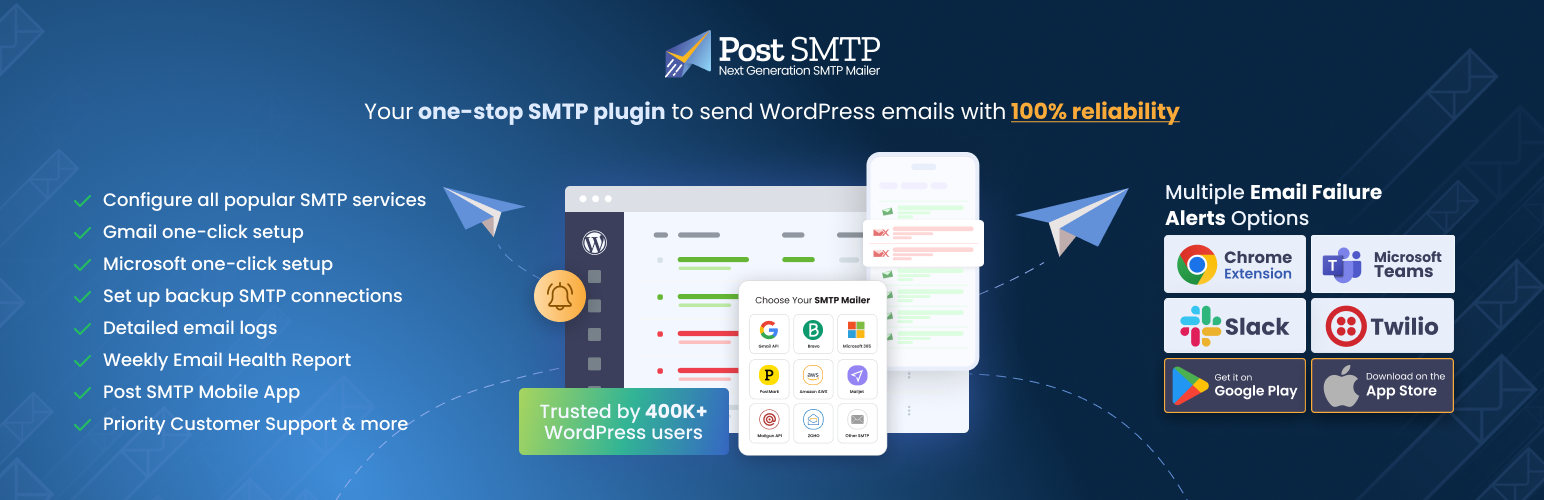
Improve WordPress email deliverability. Connect Gmail SMTP, Microsoft 365, Brevo, SendGrid, Mailgun, Zoho, Ama...

Check & Log email allows you to test if your website is correctly sending emails . Overriding of email hea...