
WPThumbs
Themes Plugins By purpose By industry Best-of lists Fix it guides
Free Plugin by inputwp v3.0

Availability Datepicker

Availability datepicker & booking calendar for any form. Configure business hours, time slots, date overrides and a booking window.

Availability Datepicker

The facts

Rating
4.1★ from 42
Active installs
10k+
Price
Free
Last updated
27 Feb 2026
Added
Jun 2018
Requires WP
6.0
Tested up to
WP 6.9.7
Requires PHP
7.4
Downloads
281,201

Our analysis

AI-assisted

Availability Datepicker is a WordPress plugin that integrates with Contact Form 7 to provide a booking calendar and date time picker. It allows you to define business hours, booking types, and availability rules, which are enforced automatically on the frontend. This plugin is suitable for various sectors, including medical clinics, salons, hotels, car rentals, and anyone else who manages appointments or reservations.

The plugin supports three booking types: Fixed Time Slots, Day Based, and Flexible Range, catering to different business needs. It features advanced settings for managing availability, including custom business hours, minimum notice periods, and blocked dates, making it a versatile tool for managing bookings effectively.

Best for: This plugin is best for businesses that require an online booking system for appointments, reservations, or rentals.

What it does well

  • Integrates easily with Contact Form 7
  • Supports multiple booking types
  • Advanced settings for availability management
  • No coding required for setup
  • Live admin preview of calendar settings

Where it falls short

  • Limited information on user experience or support
  • No details on customisation options beyond the described features

Verdict

Availability Datepicker offers a straightforward solution for managing bookings through Contact Form 7, with a range of features tailored to various business needs. It is particularly useful for those who want to display live availability without coding.

From the developer

inputwp's own description of Availability Datepicker, lightly tidied.

Availability Datepicker by InputWP is a booking calendar and date time picker plugin that turns any text field into a smart availability datepicker. Define your business hours, booking type, and availability rules — the calendar enforces them automatically on the frontend. Works with Contact Form 7 via a simple CSS selector, with no code required on your end.

Perfect For

  • Doctor / Medical clinic — Fixed 30-minute appointment slots, Monday–Friday, 24-hour minimum notice, 60-day booking window.
  • Salon & Beauty — Fixed 60-minute sessions, Monday–Saturday, 2-hour advance notice, 30-day booking window.
  • Hotel / Vacation Rental — Day Based mode, check-in and check-out date selection, minimum 2-night / maximum 30-night stay, 365-day booking window.
  • Car Rental — Flexible Range, pickup and return with date and time, 4-hour minimum / 7-day maximum, every day, 90-day booking window.
  • Equipment Rental — Flexible Range, overnight to multi-day rentals, 12–72-hour duration, 60-day booking window.
  • Meeting Room — Flexible 1–8-hour bookings, Monday–Friday, 15-minute buffers between slots, 30-day booking window.
  • And anyone who runs appointments, reservations, or rentals and needs to show live availability on their booking form.

Works with Contact Form 7

Availability Datepicker integrates with Contact Form 7 (and any other form plugin) through a CSS selector. Add a text field to your form, copy the CSS class from the Integration panel, and paste it into the field’s class setting. No shortcodes or custom code needed.

Follow the step-by-step guide for Contact Form 7 or Divi to connect your date picker field in minutes.

Three Booking Types

Choose the booking type that matches how your business operates:

  • Fixed Time Slots — Guests pick a specific time slot (e.g. 9:00 AM – 10:00 AM). Ideal for appointments, consultations, and classes. Uses a single date and time field.
  • Day Based — Guests pick a check-in date and a check-out date. Ideal for hotels, B&Bs, and vacation rentals. Uses two separate date fields.
  • Flexible Range — Guests pick a start date+time and an end date+time. Ideal for car and equipment rentals, meeting rooms, and multi-hour bookings. Uses two separate date+time fields.

Six Quick Setup Presets let you pre-fill all availability settings for the most common scenarios in one click.

Advanced Availability Settings

The availability calendar is driven by a comprehensive set of rules you configure in the admin panel:

  • Business Hours — Enable or disable each weekday independently. Add multiple open time ranges per day to model morning and afternoon shifts.
  • Availability Window — Control how far ahead booking is open: dynamically (X days from today) or within a fixed predefined date range.
  • Slot Interval — Set the gap between available time slots: 15, 30, or 60 minutes.
  • Minimum Notice — Require a minimum lead time before a slot can be booked (e.g. 24 hours in advance).
  • Buffers — Add preparation or cleanup time before and after each slot to prevent back-to-back bookings.
  • Min/Max Bookable Days — Set the shortest and longest allowed stay lengths (Day Based mode).
  • Min/Max Duration — Set the shortest and longest allowed rental or booking period (Flexible Range mode).
  • Blocked Dates — Mark specific dates as unavailable: holidays, closures, one-off exceptions.
  • Allowed Date Exceptions — Open a normally-closed date with custom hours (e.g. a special Saturday opening).
  • Live Admin Preview — See how the calendar looks with your current settings before saving.

Features

  • Date picker — Allow users to pick a date on the availability calendar.
  • Time picker — Let users choose an available time alongside the date.
  • Three built-in themes — Light, and Dark.
  • Multiple language support — Display the datepicker interface in 40+ languages.
  • Date formats — Choose from 15+ date format options (d/m/Y, Y-m-d, M j Y, and more).
  • Time format — 12-hour (AM/PM) or 24-hour display.
  • Timezone — Configure the timezone your availability rules are based on.
  • Inline display — Keep the calendar always visible on the page instead of opening as a dropdown.
  • Quick Setup Presets — Six pre-configured templates (Doctor, Salon, Hotel, Car Rental, Equipment Rental, Meeting Room) to get started in seconds.

Upgrade to PRO

Read the full description on the official page →

Tagged as

Alternatives

Other plugins for taking bookings.

MetForm

MetForm

93

Elementor forms builder to create WordPress forms like contact form, booking form, feedback form, survey form,...

Free 600k+ installs 4.7★ (504)
Calculated Fields Form

Calculated Fields Form: complete WordPress form builder for contact,booking,quote,payment forms & more,wit...

Free 40k+ installs 4.9★ (970)
Appointment Booking Plugin

Appointment booking plugin for WordPress. Let clients self-schedule 24/7, accept payments at booking, and redu...
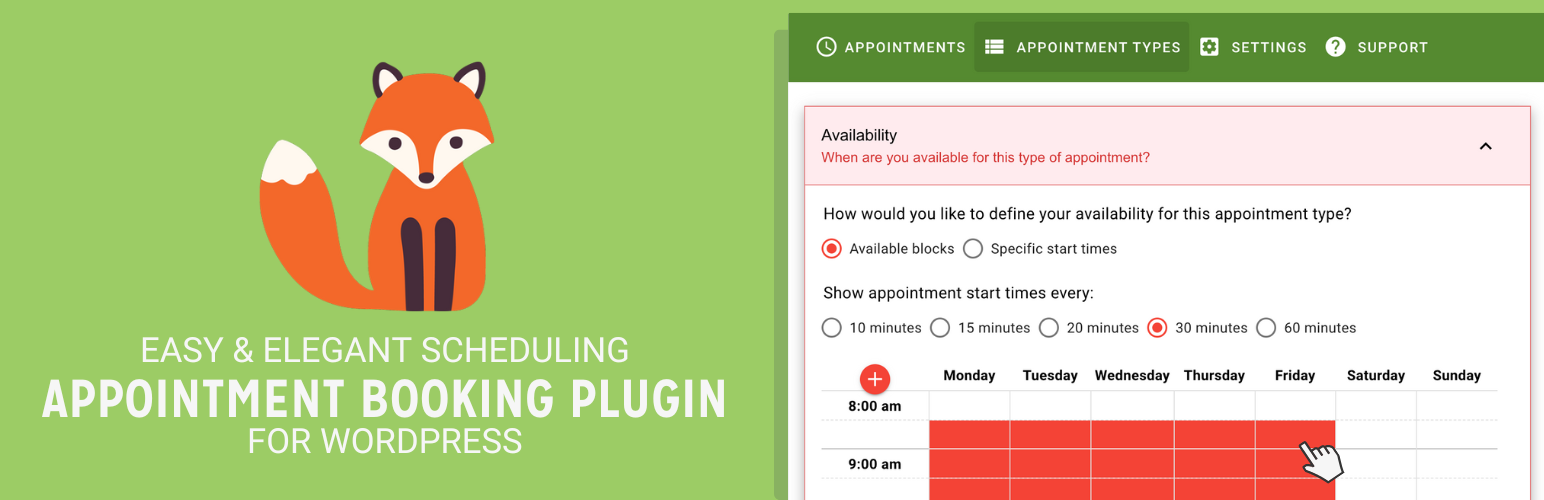
Free 100k+ installs 4.9★ (99)
Simply Schedule Appointments

Unlimited appointments, booking calendars, and notifications. Powerful appointment booking plugin and booking...
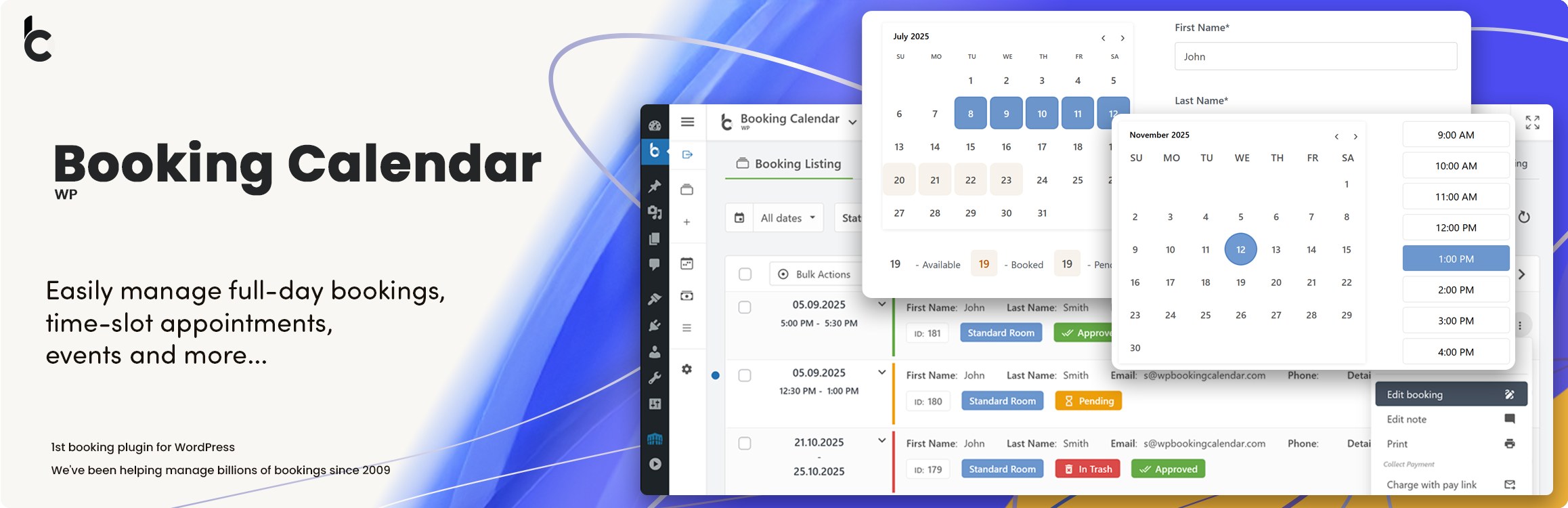
Free 50k+ installs 5★ (155)
Booking Calendar

WP Booking Calendar plugin for full-day bookings, time-slot appointments, rentals & events. Accept booking...

Free 40k+ installs 4.7★ (653)