
Create WordPress websites with free forms, Gutenberg blocks, popups, sliders, countdowns, animations, pre-buil...
Free
80k+ installs 4.9★ (22)
Show the nextday delivery timer with text based on cut off time.

Delivery Countdown Timer is a WordPress plugin designed to display a countdown timer for WooCommerce products. It allows you to inform customers about the remaining time for next-day or scheduled delivery. You can modify the display text and choose whether to show the timer before the Add to Cart button on the product page.
The plugin also supports individual day settings, enabling you to show or hide weekends. You can use a shortcode to place the timer in various locations on your site, and it operates based on the default WordPress timezone.
Best for: This plugin is suitable for WooCommerce store owners who want to provide delivery time information to their customers.
What it does well
Where it falls short
Delivery Countdown Timer offers basic functionality for displaying delivery times but may have compatibility issues due to its age. It is best suited for those looking for a simple solution to enhance customer awareness of delivery options.
Arul Jayaraj's own description of Delivery Countdown Timer, lightly tidied.
Display the delivery timer based on days and cut off time for woocommerce products like next day delivery and scheduled delivery to know the customer how much time is left for one day delivery.
Admin end we can modify the display text and need to show the timer before Add to Cart Button in single product page or not and may set each day individually, show or hide the weekends.
Use Timer as shortcode like <?php echo do_shortcode('[countdown]');?> on sidebar, below menu bar whereever you want
Timer location works based on wordpress default Timezone.
Other plugins for urgency and countdowns.
Create WordPress websites with free forms, Gutenberg blocks, popups, sliders, countdowns, animations, pre-buil...

ShopLentor – More than a WooCommerce builder. A complete growth plugin to boost conversions, UX, and sales for...
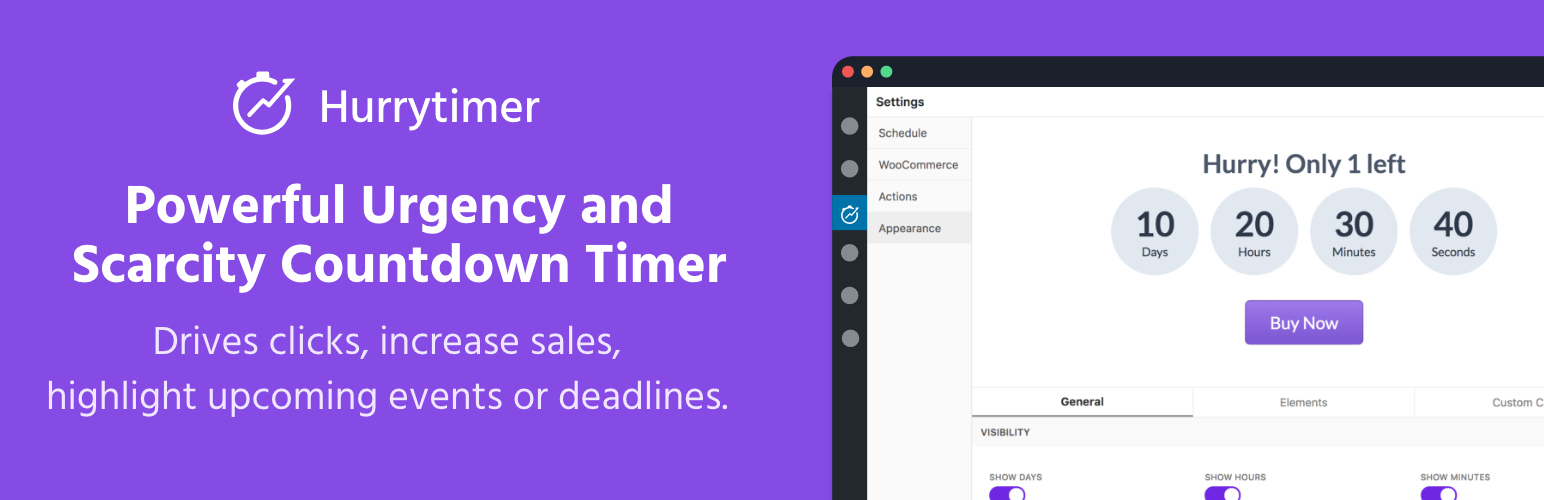
Create unlimited urgency and scarcity countdown timers for WordPress and WooCommerce to boost conversions and...

Free memory & server IP display, PHP EOL countdown, live CPU/RAM sparklines, server location, environment...
Automate SEO and content with dynamic shortcodes for dates, years, months, age calculations, seasons and count...
Create a coming soon page or maintenance mode screen with 15 responsive templates, countdown timer, MailChimp...