
Create WordPress websites with free forms, Gutenberg blocks, popups, sliders, countdowns, animations, pre-buil...
Free
80k+ installs 4.9★ (22)
Display a notification, announcement, sale banner or promotion using the top bar, bottom bar, widget, shortcode or WooCommerce product integration
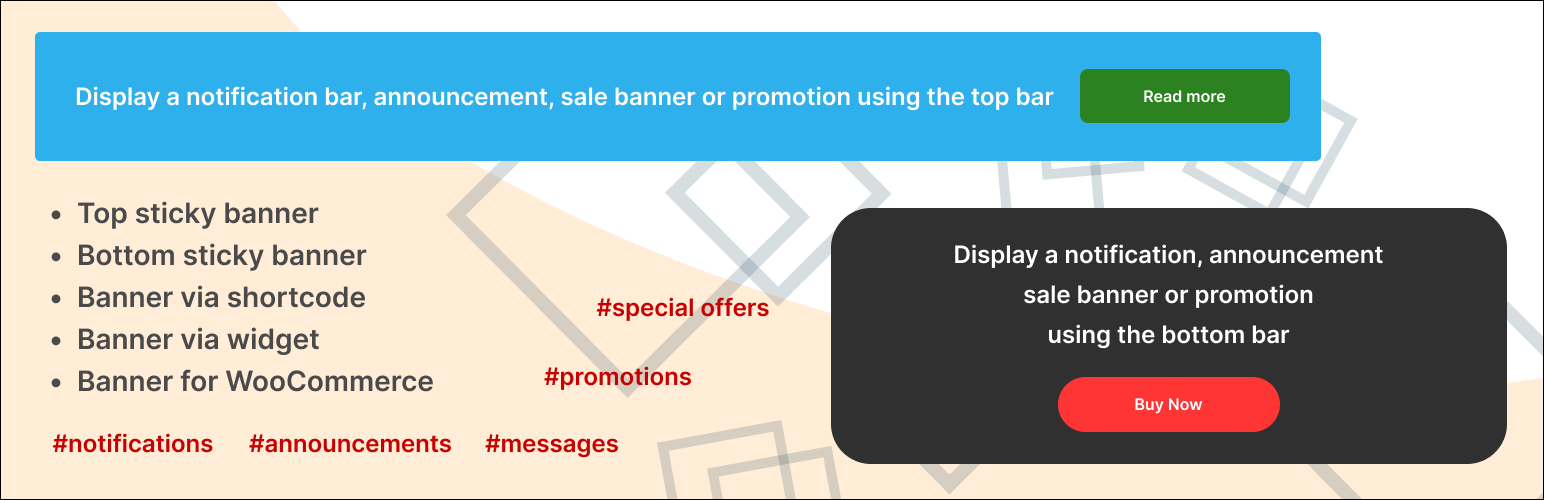
DMC Promo Banner is a WordPress plugin that allows you to add promotional banners and notifications to your site. You can display these banners in various locations, including the header, footer, or via widgets and shortcodes. The plugin is designed to enhance sales through promotional offers and announcements.
The plugin supports multiple banner placements, including sticky options for both the top and bottom of the site. Users can customize the appearance of the banners, including design choices, text options, and button actions. It is suitable for those looking to promote sales or announcements on their WordPress site.
Best for: This plugin is best for WordPress site owners looking to promote sales or announcements.
What it does well
Where it falls short
DMC Promo Banner offers a straightforward solution for adding promotional content to your site. It is a useful tool for those wanting to enhance their marketing efforts without incurring costs.
DMC's own description of DMC Promo Banner, lightly tidied.
DMC Promo Banner is the easiest way to add promotional banners, announcements, messages, informational notices, notifications, advertising promotions, and special offers to your site.
DMC Promo Banner displays eye-catching banners with text and a button. You can place the universal banner in the header or footer, on WooCommerce pages, or insert it via a widget or shortcode. Choose a ready-made banner design, add your text, and customize the action button.
The premium version includes a countdown timer to create a sense of urgency (FOMO). You can also schedule the banner to appear or disappear automatically based on a timer.
DMC Promo Banner is great for boosting sales through discount promotions, special offers, and FOMO marketing.
Top bar is displayed on all pages of the site and can be set as sticky when scrolling.
Bottom bar is also displayed on all pages. It is always sticky and its position can be customized (left, right, center, or full width).
Widget allows you to display a sales or notification banner in your sidebars.
Shortcode lets you insert a sale banner into any text editor — for example, in posts, pages, category descriptions, products, and more.
Special WooCommerce module allows you to choose the placement of the advertising banner on the product page. You can also set its placement on the product list page, cart page, order page, and user account page.
Other plugins for urgency and countdowns.
Create WordPress websites with free forms, Gutenberg blocks, popups, sliders, countdowns, animations, pre-buil...
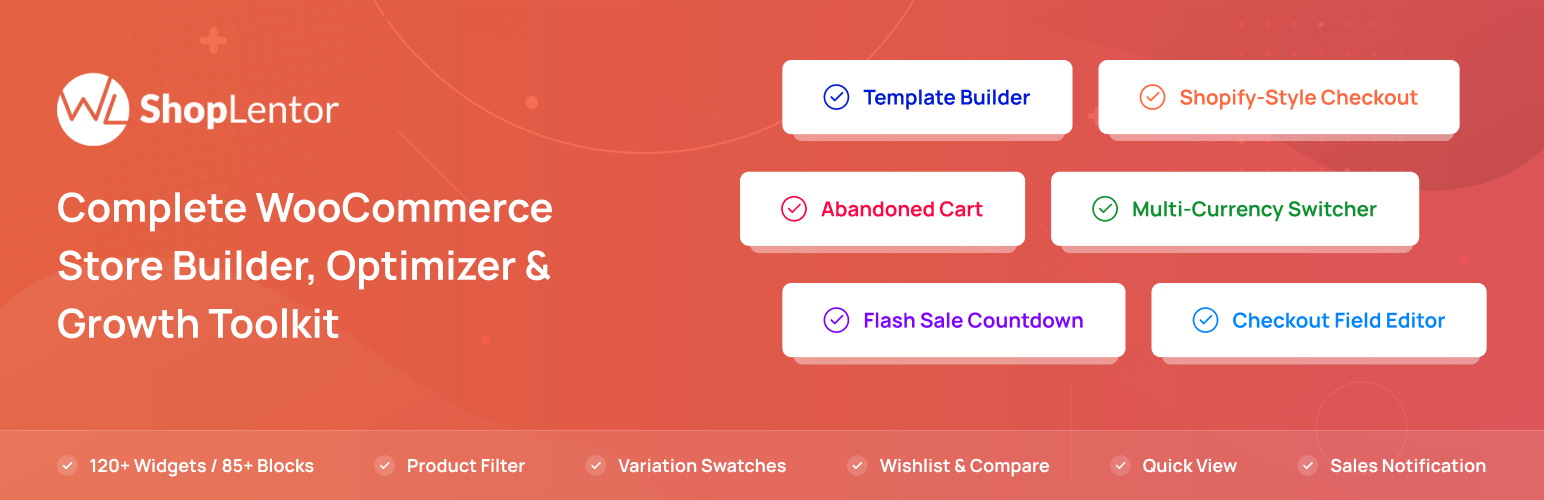
ShopLentor – More than a WooCommerce builder. A complete growth plugin to boost conversions, UX, and sales for...
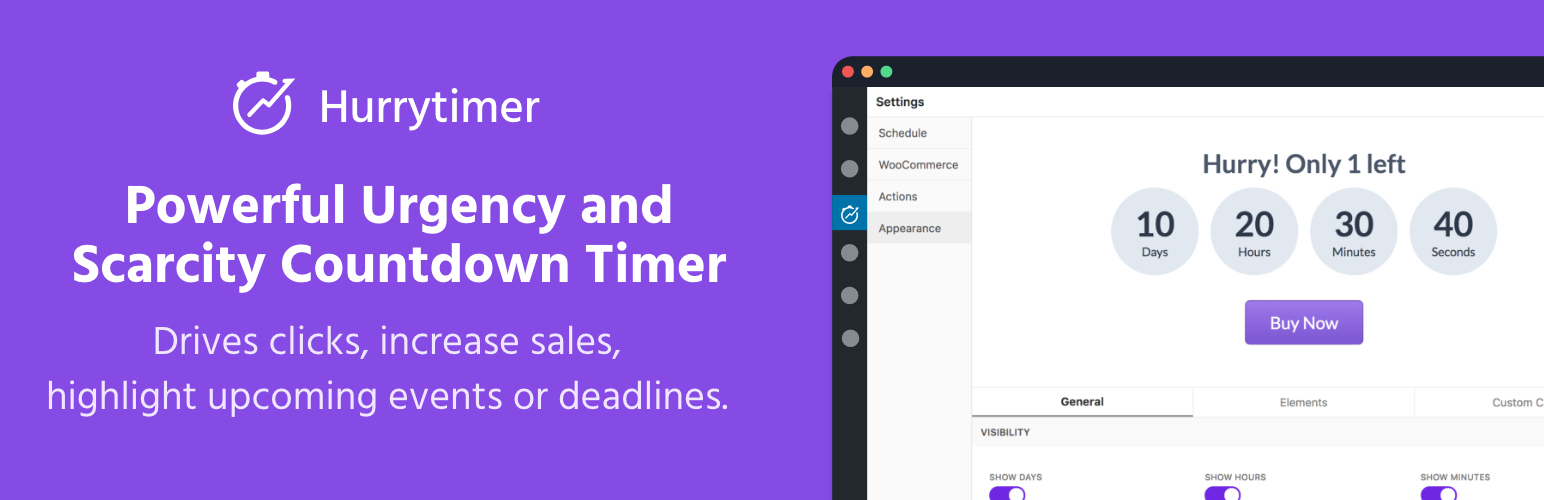
Create unlimited urgency and scarcity countdown timers for WordPress and WooCommerce to boost conversions and...

Free memory & server IP display, PHP EOL countdown, live CPU/RAM sparklines, server location, environment...
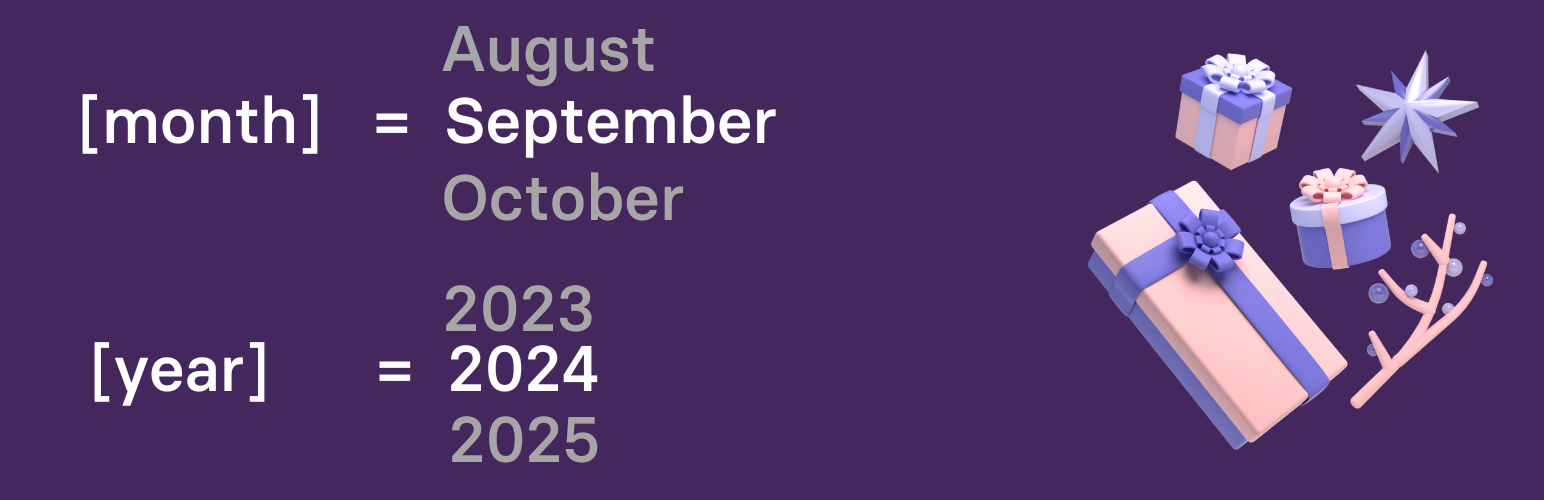
Automate SEO and content with dynamic shortcodes for dates, years, months, age calculations, seasons and count...
Create a coming soon page or maintenance mode screen with 15 responsive templates, countdown timer, MailChimp...