
SEOPress
93WordPress SEO plugin with AI SEO metadata, schema, XML sitemap, redirections & Search Console. Privacy-fir...
Free
300k+ installs 4.8★ (1,246)
The fastest way to add a WHMCS domain search form to WordPress. Multi-shortcode, zero JavaScript, full admin dashboard.
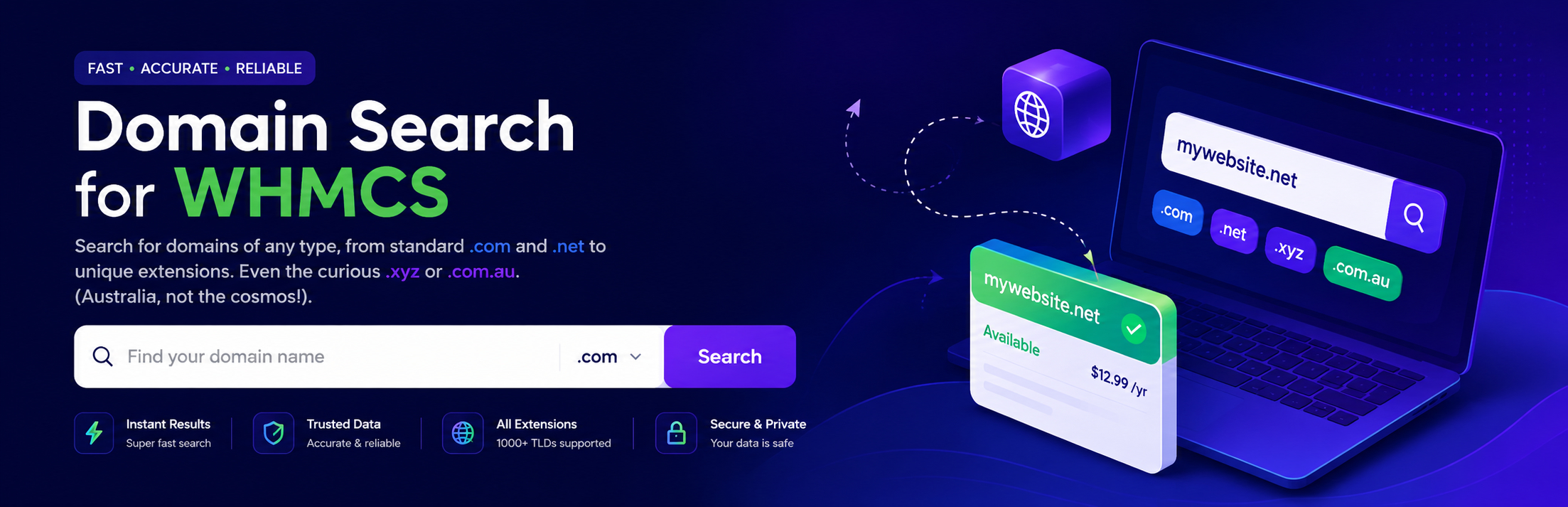
Domain Search for WHMCS is a WordPress plugin designed to integrate a domain search form into your website, directing visitors to your WHMCS billing portal for registration. It is specifically aimed at hosting providers, domain resellers, ICANN registrars, and white-label hosting brands that use WHMCS as their billing platform.
The plugin operates using a simple shortcode, allowing you to embed the domain search form in various locations on your site without the need for JavaScript or external requests. It supports the creation of multiple branded shortcodes, making it versatile for different WHMCS installations.
Best for: This plugin suits hosting providers and domain resellers using WHMCS for billing.
What it does well
Where it falls short
Domain Search for WHMCS offers a straightforward solution for integrating domain search functionality into WordPress sites, particularly for users of WHMCS. It is a clean and efficient choice for the target audience.
Shipon Karmakar's own description of Domain Search for WHMCS, lightly tidied.
Domain Search for WHMCS is a lightweight WordPress plugin that adds a polished domain search form to your site and hands the visitor off to your existing WHMCS billing portal to complete registration.
It is purpose-built for hosting providers, domain resellers, ICANN registrars, and white-label hosting brands who already use WHMCS as their billing platform.
[domain_search_for_whmcs] on any page.Most WHMCS integrations are heavy or hard-coded. This one is the opposite: a single, dependency-free shortcode that drops into any layout. It does one thing and does it cleanly.
Drop-in shortcode — [domain_search_for_whmcs] works in posts, pages, widgets, FSE template parts, page-builder shortcode blocks, or via do_shortcode() in PHP.
Unlimited custom shortcodes — create branded forms each pointing at a different WHMCS install with its own placeholder. Reference them as [domain_search_for_whmcs id="sc_xxxxx"].
Modern admin dashboard — tabbed UI, click-to-copy shortcodes, an “At a Glance” overview (custom shortcode count, active host, HTTPS status), and a built-in Support tab.
Built for speed — one ~1.7 KB CSS file. No JavaScript, no jQuery, no Ajax, no remote assets, no tracking pixels.
Theme-agnostic styling — six stable, well-named CSS classes you can target from any theme or page builder.
Developer extensibility — five filter hooks let plugins and themes change behavior without forking. See Developer Filters below.
Secure by default — nonce verification, capability checks, sanitized I/O, properly escaped output.
Translation-ready — every string wrapped in the domain-search-for-whmcs text domain.
Other plugins for customising wp-admin.
WordPress SEO plugin with AI SEO metadata, schema, XML sitemap, redirections & Search Console. Privacy-fir...

Duplicate post, post order, image resize, email via SMTP, admin menu editor, custom css / code, disable gutenb...

Admin UI for creating custom content types like post types and taxonomies

LoginPress is a Custom Login Page Customizer plugin allows you to easily customize the layout of login, admin...

Lets you edit the WordPress admin menu. You can re-order, hide or rename menus, add custom menus and more.

Customise dashboard panels and branding, hide menus plus lots more.