
HappyAddons packs Header Footer Builder, Megamenu, Single Post, Archive Page, & 500+ Ready Templates into...
Free
400k+ installs 4.8★ (487)
Duplicate Posts, Pages and Custom Posts easily using single click
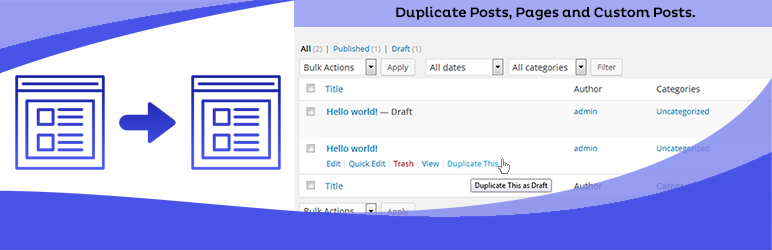
Duplicate Page is a WordPress plugin that allows you to duplicate posts, pages, and custom posts with a single click. After activation, you can configure settings to determine how the duplicates are saved—whether as drafts, public, private, or pending.
This plugin is suitable for users who need to create multiple versions of content quickly, such as bloggers, content managers, or website developers. It provides a straightforward way to streamline the content creation process.
Best for: This plugin is best for bloggers and content creators who need to duplicate content efficiently.
What it does well
Where it falls short
Duplicate Page is a practical tool for simplifying content duplication in WordPress. It is particularly useful for those managing large amounts of content.
mndpsingh287's own description of Duplicate Page, lightly tidied.
Duplicate Posts, Pages and Custom Posts easily using single click. You can duplicate your pages, posts and custom post by just one click and it will save as your selected options (draft, private, public, pending).
Buy Pro Version with various features & support.
Contact us for Support Only Pro Version Users.
Other plugins for dating sites.
HappyAddons packs Header Footer Builder, Megamenu, Single Post, Archive Page, & 500+ Ready Templates into...

Site metrics and social media analytics for Instagram, Facebook, YouTube, LinkedIn, X Twitter. The single best...
Disable admin notices and hide dashboard notifications from plugins, themes and core. Hide all notices, select...
Password protect WordPress pages and posts by user roles or with multiple passwords; protect your entire websi...
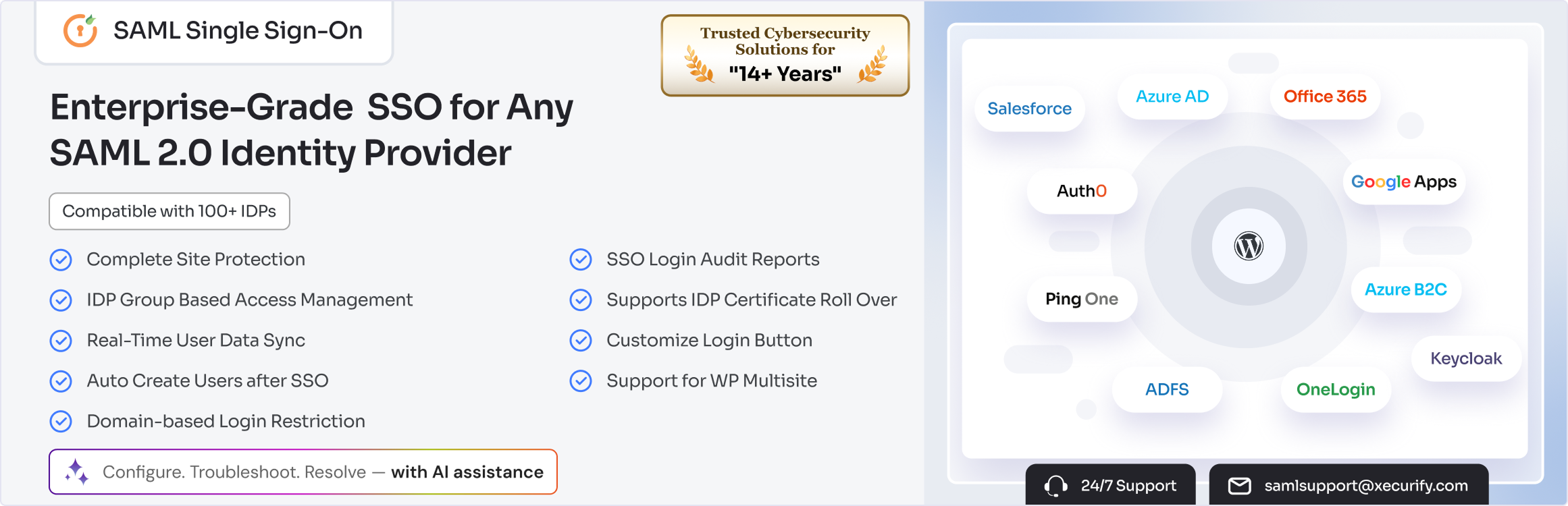
SAML SSO (Single Sign On) for WordPress Login with Okta, Entra ID/Azure AD, GSuite, Salesforce & All SAML...

Create & Restore Database Backup easily on single click. Manual or automated backups (backup to Dropbox, G...