
Popup Maker
94Want to boost sales & marketing efforts? Use your favorite forms & builder. Unlimited popups & imp...
Free
700k+ installs 4.9★ (4,504)
A simple plugin for displaying a notice at the top of your website that can be closed by the visitor. Completely free and minimal without any upsells.
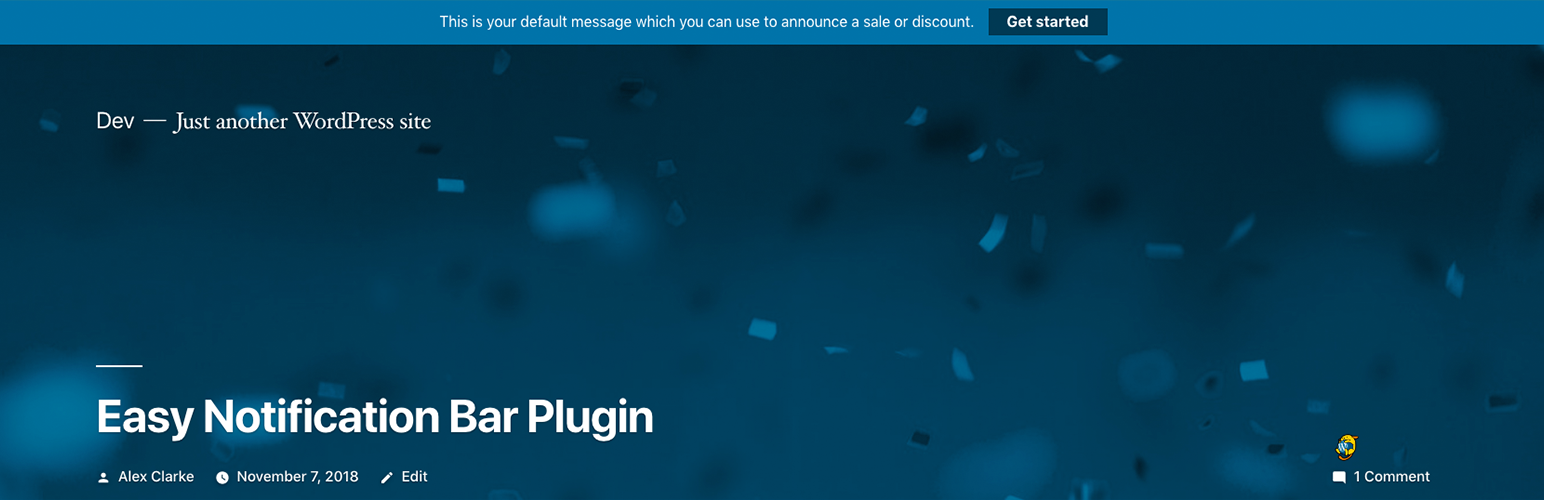
Easy Notification Bar is a WordPress plugin that allows you to add a custom notification message at the top of your site. You can use the WordPress customizer to set up the notification text and an optional button, making it suitable for alerts about sales, warnings, or other important messages.
The plugin is designed to work with any well-coded theme and offers features such as a sticky display option and a close icon for user convenience. It is aimed at site owners who want to communicate important information to their visitors effectively.
Best for: This plugin suits website owners looking to display important messages or alerts to their visitors.
What it does well
Where it falls short
Easy Notification Bar provides a straightforward solution for adding notifications to your site. Its customisation options and compatibility with various themes make it a useful tool for effective communication.
WPExplorer's own description of Easy Notification Bar, lightly tidied.
Easily add a custom top bar notification message to on your site with live customization options via the WordPress customizer. The plugin allows you to enter your notification bar text as well as an optional button to display next to your text. Perfect for notifying visitors of a current sale, hot product, warnings or other important messages.
The Easy Notification Bar plugin makes use of the newer “wp_body_open” action hook introduced in WordPress 5.2.0 which allows the plugin to work better with any theme that has been updated to support the tag. Contrary to other notice bar solutions which rely on absolute positioning, this plugin inserts the notice bar right after the body tag so it should display perfectly without any conflicts on any well-coded theme.
By default, the notification bar is “static” which means it displays at the top of your site so when you scroll down the page it will become “hidden”. This is generally better for usability and SEO. However, in version 1.4 we added a new sticky option which you can enable in the Customizer so that the notification bar remains visible as you scroll down the page. The sticky functionality makes use of the CSS sticky property (not javascript).
Although disabled by default, you can enable a close icon for your notice. When enabled, your visitors will see an “x” icon over the top bar which they can click to hide the message for their current and future sessions. This functionality makes use of localStorage (not cookies). You can also select to hide the notification bar when clicking the call to action button.
Other plugins for popups and optins.
Want to boost sales & marketing efforts? Use your favorite forms & builder. Unlimited popups & imp...

Formerly Easy Fancybox. The most popular WordPress lightbox plugin. Simple, fast, and responsive. Opens images...

Create a welcome notification bar for your website. Also, My Sticky Bar plugin can make your menu or header st...

Build Stunning Slider and Popup. Exit intent Popup, Image slider carousel, video slider carousel, post slider...

Free email automation, email campaigns, exit intent popup builder, gamified popups with spin the wheel, contac...

🤩 Make popups & optin forms to get more email newsletter subscribers, leads, and sales - #1 most popular...