
Join millions who empower their websites with ElementsKit Elementor Addons. Get templates, & 100+ widgets...
Free
1M+ installs 4.9★ (2,036)
Easily display widgets in rows of columns.

Easy Widget Columns is a WordPress plugin that allows you to arrange widgets in rows of columns. It adds a 'Column width' option to each widget, enabling you to set width values and create complex layouts using 'Widget Row' and 'Sub-Row' widgets.
Optimised for the Genesis Framework but compatible with most themes, it can work with existing CSS styles. The plugin is also translation ready and supports RTL layouts, making it suitable for a variety of users looking to enhance their widget areas.
Best for: This plugin is suitable for WordPress users who want to create custom widget layouts, especially those using the Genesis Framework.
What it does well
Where it falls short
Easy Widget Columns provides a straightforward way to manage widget layouts, but users should consider the directory score when evaluating its reliability.
Alexis J. Villegas's own description of Easy Widget Columns, lightly tidied.
Easy Widget Columns makes it really easy to arrange your widgets in rows of columns. It works by adding a new ‘Column width’ select option at the bottom of your widget’s form that allows you to set a width value for each widget.
You can define new rows and sub-rows of widget columns with the ‘Widget Row’ widget and the ‘Sub-Row’ widget respectively, allowing you to create complex layouts directly from within your widget area or sidebar.
Genesis Framework users, be sure to check out the Widgetized Page Template plugin, which helps you create full-page widget areas to use as a “blank canvas” with Easy Widget Columns.
Works With Most Themes
Easy Widget Columns is optimized for use with the Genesis Framework, but it is not required. It uses the Genesis Framework Column Classes to display your widgets in rows of columns. If your theme already incorporates the Genesis Framework Column Classes, or you want to manually add or edit the CSS, you can choose not to load the CSS under ‘Settings’ > ‘Widget Columns’ and rely on your theme’s stylesheet instead. This option is recommended for most Genesis users or those concerned with loading additional assets on their website.
Translation and RTL Ready
The plugin supports RTL layouts and is translation ready.
Filters for Developers
The following filters are available for you to take full control of the plugin on your themes.
ewc_include_widgets – This whitelist filter is used to add the width control ONLY to the specified widgets.ewc_exclude_widgets – This blacklist filter is used to remove the width control from the specified widgets.ewc_color_palette – This filter allows you to add a custom color palette to the color picker control in the ‘Widget Row’ widget.ewc_preset_classes – This filter allows you assign preset CSS classes that display as a checkbox list in the ‘Widget Row’ widget.ewc_advanced_options – This filter allows you to remove specific or all advanced options from the ‘Widget Row’ widget.1. ewc_include_widgets / ewc_exclude_widgets
Both filters accept the widget’s ID base as parameters. Please note that you cannot use both filters at once. The ewc_include_widgets filter will always take precedence over the ewc_exclude_widgets filter and overwrite it.
The examples below demonstrate how you can implement these filters on your theme.
add_filter( 'ewc_include_widgets', 'myprefix_add_ewc_control' );
/**
 * Filter to add the EWC control to specified widgets.
 *
 * @param  array An empty array.
 * @return array An array containing the widget's ID base.
 */
function myprefix_add_ewc_control( $ewc_widgets ) {

    $ewc_widgets = array(
        'meta', // WP Meta widget
        'archives', // WP Archives widget
        'calendar', // WP Calendar widget
        'categories', // WP Categories widget
    );

    return $ewc_widgets;

}

add_filter( 'ewc_exclude_widgets', 'myprefix_remove_ewc_control' );
/**
 * Filter to remove the EWC control from specified widgets.
 *
 * @param  array An empty array.
 * @return array An array containing the widget's ID base.
 */
function myprefix_remove_ewc_control( $ewc_widgets ) {

    $ewc_widgets = array(
        'recent-comments', // WP Recent Comments widget
        'recent-posts', // WP Recent Posts widget
        'rss', // WP RSS widget
        'tag_cloud', // WP Tag Cloud widget
    );

    return $ewc_widgets;

}
2. ewc_color_palette
This filter allows you to add a custom color palette to the color picker control in the ‘Widget Row’ widget. It accepts an array of hex color values as parameters.
Other plugins for widgets and sidebars.
Join millions who empower their websites with ElementsKit Elementor Addons. Get templates, & 100+ widgets...

Elementor templates, Header footer builder, Elementor Post Grid, Woocommerce Grid builder, Slider, Forms, Gall...

Flexible sidebars for custom classic widget configurations on any page or post. Create custom sidebars with ea...
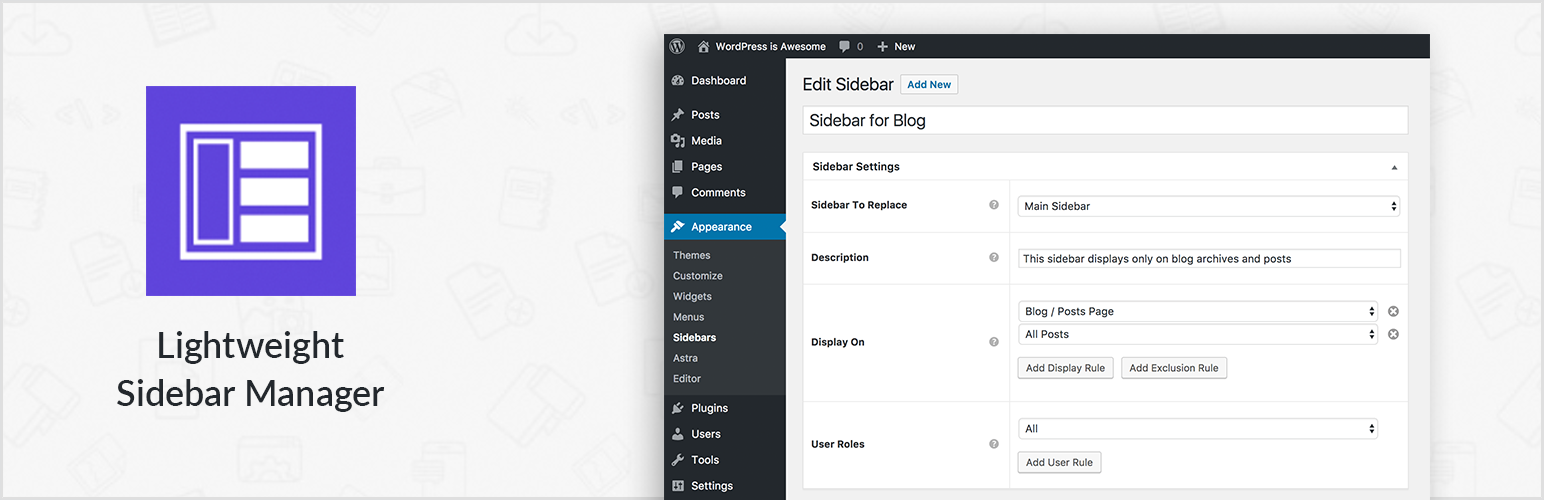
Create new sidebar areas and display them conditionally on certain pages. Works with all themes.

3000+ Elementor & Gutenberg Templates, AI Widget Builder, AI Code Snippets, MCP Workflow, Cloud Workspace...
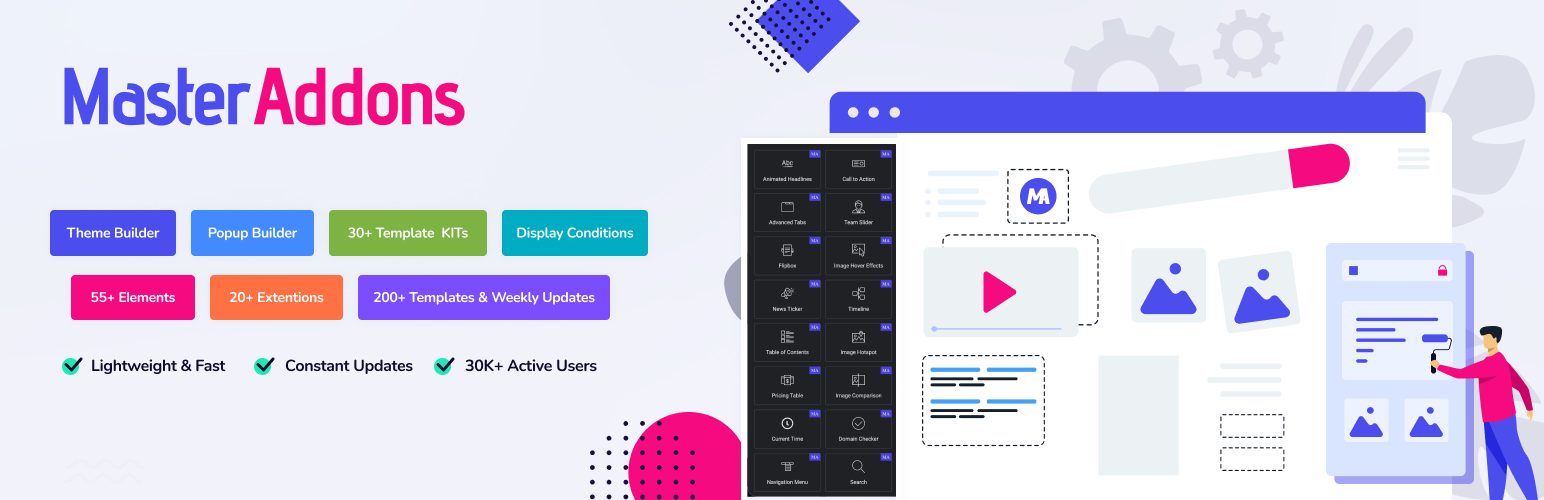
The complete Elementor addons plugin: 55+ widgets for Elementor, Mega Menu Builder, Popup Builder, Widget Buil...