
Join millions who empower their websites with ElementsKit Elementor Addons. Get templates, & 100+ widgets...
Free
1M+ installs 4.9★ (2,036)
The ultimate in Widgets & Features for SiteOrigin Page Builder.

Echelon Widgets for SiteOrigin is a WordPress plugin that enhances SiteOrigin Page Builder by integrating UIkit, providing a range of widgets and features for building web pages. It includes over 30 widgets, 15 core features, and a library of more than 240 interface blocks, allowing for flexible combinations and layouts. The plugin is designed for users who want to create interactive and visually appealing pages without extensive coding knowledge.
The plugin offers features such as reusable layouts, various animation options, improved positioning capabilities, responsive visibility settings, enhanced background image controls, and a custom colour palette. It is suitable for anyone looking to enhance their SiteOrigin Page Builder experience with additional functionality and design options.
Best for: This plugin is best for users of SiteOrigin Page Builder seeking to enhance their page design capabilities.
What it does well
Where it falls short
Echelon Widgets for SiteOrigin provides a robust set of tools for building interactive web pages, though it may require some familiarity with SiteOrigin to fully utilise its features.
echelonso's own description of Echelon Widgets for SiteOrigin, lightly tidied.
Echelon combines the web’s best frontend framework (UIkit) with SiteOrigin’s ease of use to create premium level pages at unbelievable speeds. We have included over 30 widgets, 15 core features and a library of over 240 ready to use interface blocks, making the unparalleled front-end power of UIkit available to anyone who can use SiteOrigin Page Builder.
While our widgets are simple enough to use individually Echelon is unique as all our widgets are designed to be combined together. Combine Loops with Sliders and Filters, Overlays with Light Boxes, Modals with Galleries, Off Canvas with Menus the possibilities are endless, flexible and intuitive.
Building on the global nature of Echelon we have included a build it once and reuse it system called Echelon Layouts. They provide an area in the WordPress administration (Admin > Echelon Layouts) to store and organize layouts along with a dedicated widget (Reuse Layout) for displaying the content anywhere on your website. If you update the content in the Echelon Layout it will update in all areas you have it displayed.
UIkit has a large array of front end Animations and Transitions available, as such Echelon is by default a highly interactive front-end right out of the box. We didn’t stop there though, alongside the baked in interactivity we have included two specific interaction features. The Animate feature will add entrance animations to any widget, row or cell, while the Hover Transition feature with add transition animations to widgets when hovered or focused. You can also trigger Transitions on widgets when using them inside the Slider widget and in loads of other places across the plugin.
If you have ever tried to layout widgets horizontally without using columns or a tried to add a dynamic label to a widget you will know its not easy to position elements with Page Builder. UIkit has a plethora of positioning options so theres no reason Page Builder can’t use them as well. From absolute and relative positioning to responsive flex box options Echelon can better position your widgets than ever before.
Sometimes its just not possible to have desktop layouts degrade properly and a dedicated replacement section is needed. Echelon provides a simple Visibility feature to hide widgets rows or cells from certain sized screens. Choose if an element should be displayed on mobiles, tablets, desktops or any combination of the three.
Unfortunately SiteOrigin’s background image features are lackluster and minimal, Echelon supercharges backgrounds with some key features sadly missing in the Page Builder core. Choose which image size to use for the background, position the background image, blend the background image with the background color and disable the image responsively are just some of the awesome background image features available with Echelon.
You know those little color squares displayed under the various color pickers? Thats the Color Palette. Would be great if you could set those to colors of your choosing, now you do just that by going to Appearance > Customise > Echelon > Custom Palette.
Other plugins for building pages visually.
Join millions who empower their websites with ElementsKit Elementor Addons. Get templates, & 100+ widgets...
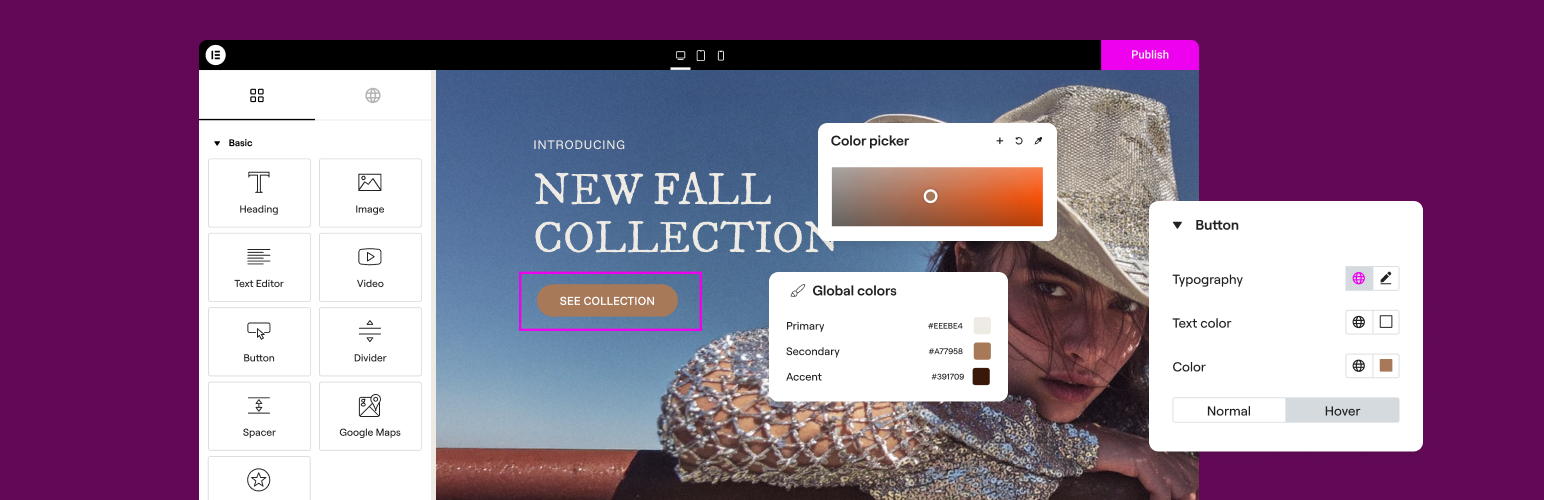
The Elementor Website Builder has it all: drag and drop page builder, Atomic Editor, pixel perfect design, glo...

The growing library of 300+ ready-to-use templates that work with all WordPress themes including Astra, Hello,...

Easy Drag & Drop Page Builder. A complete solution to create a WordPress Website, Custom Themes, Landing P...
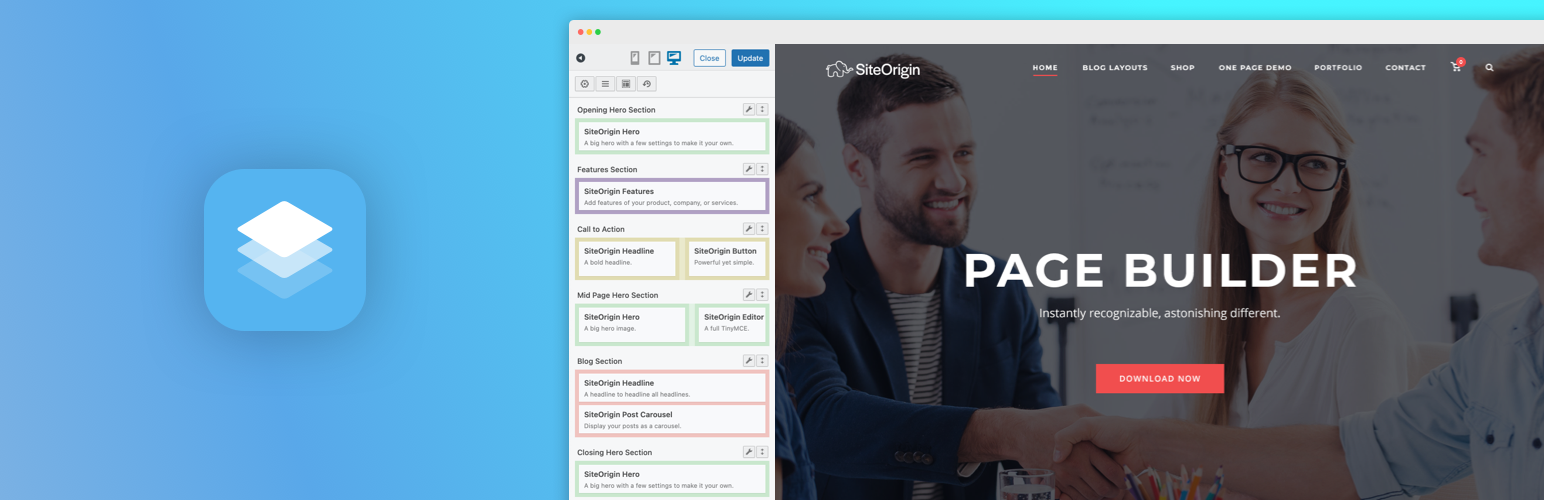
Build responsive page layouts using the widgets you know and love using this simple drag and drop page builder...
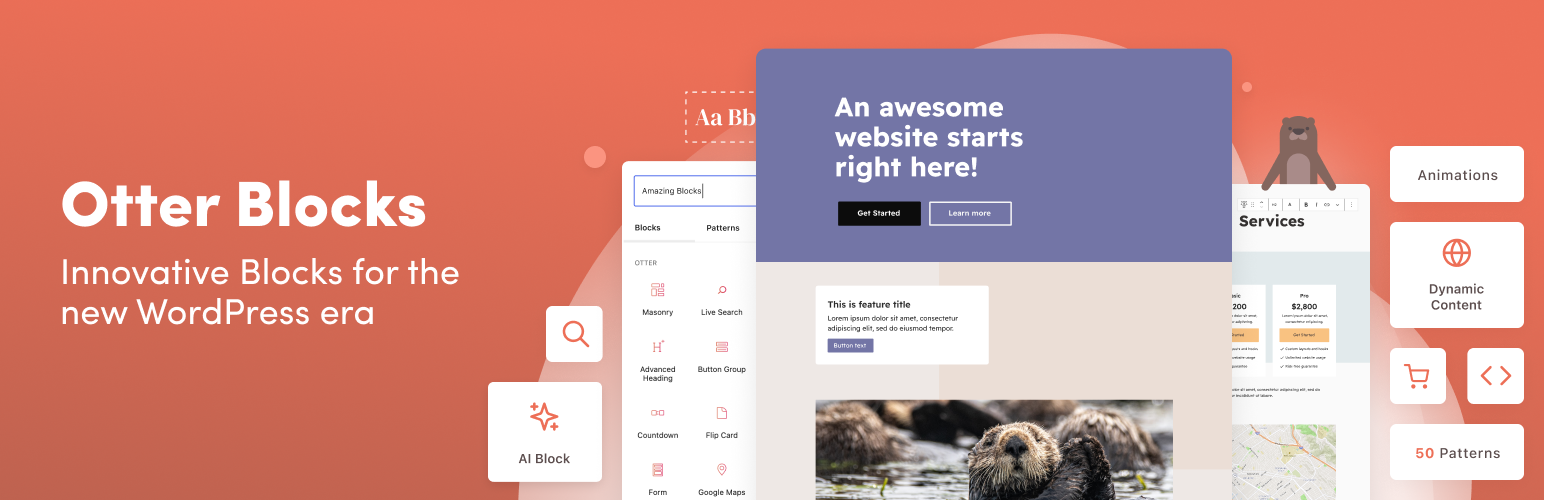
Quickly create WordPress pages with 20+ blocks, 100+ ready-to-import designs, and advanced editor extensions....