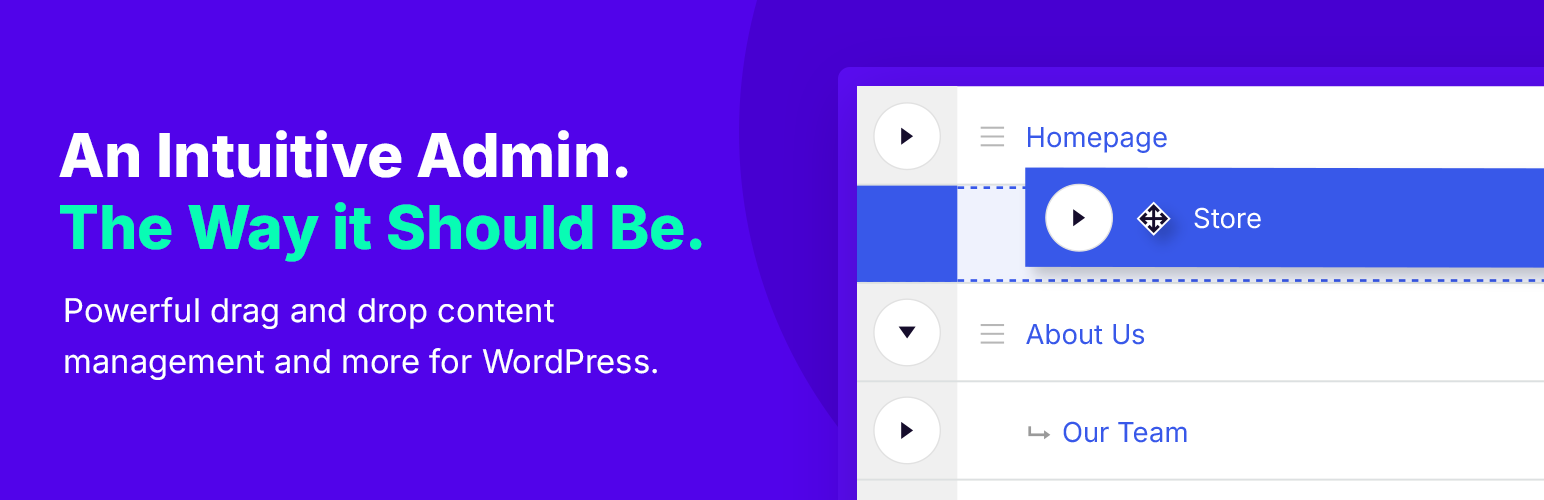
Nested Pages
88Nested Pages provides a drag and drop interface for managing pages & posts in the WordPress admin, while m...
Free
90k+ installs 4.7★ (126)
Editorial Calendar allows you to view all your posts, schedule post, make quick edits, and manage your blog by dragging and dropping posts.
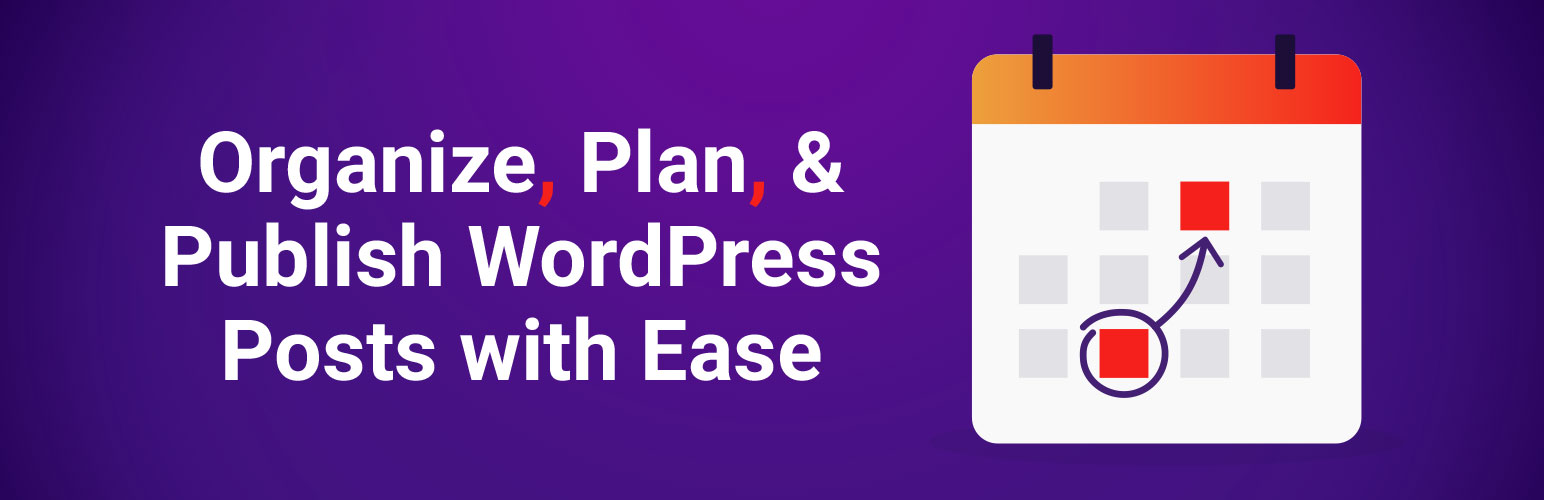
The Editorial Calendar plugin for WordPress provides a visual overview of your scheduled blog posts. It allows you to manage and organise your content strategy through a drag-and-drop interface, making it easier to see when posts are due and to edit them directly within the calendar.
This plugin is suitable for bloggers and content teams who need to keep track of multiple posts and maintain a consistent publishing schedule. It supports collaboration among multiple authors and offers features for managing both drafts and published content.
Best for: This plugin is best for bloggers and content teams looking to streamline their content management process.
What it does well
Where it falls short
Editorial Calendar offers a straightforward solution for managing blog posts visually. It is particularly useful for those who publish regularly and work with multiple contributors.
Marketing Fire's own description of Editorial Calendar, lightly tidied.
Did you remember to write a post for next Tuesday? What about the Tuesday after that? WordPress doesn’t make it easy to see when your posts are scheduled. The editorial calendar gives you an overview of your blog and when each post will be published. You can drag and drop to move posts, edit posts right in the calendar, and manage your entire blog.
Intuitive drag-and-drop calendar interface gives you a bird’s-eye view of your content strategy. Easily manage all your articles, blog posts, and multimedia content in one central place.
Struggling to keep track of your scheduled posts? The Editorial Calendar plugin simplifies content management, allowing you to see, schedule, and manage all posts in one streamlined view. Edit post details directly in the calendar and ensure your content stays on track effortlessly.
Quickly create new posts or edit your current posts’ titles, contents, and publishing times—right from the Editorial Calendar! Your workflow has never been smoother.
👉 At-a-Glance Overview: View all upcoming posts and their scheduled dates in one simple layout.
👉 Drag-and-Drop Scheduling: Easily move posts to new dates with a quick drag and drop.
👉 Drafts Drawer: Keep all your drafts handy, organized, and ready for scheduling.
👉 Quick Edits: Modify titles, content, and post times directly within the calendar.
👉 Manage Drafts & Published Posts: Seamlessly handle both drafts and live posts.
👉 Post Status Visibility: Instantly see the status of each post.
👉 Collaborate with Multiple Authors: Perfect for teams with multiple contributors.
Your feedback drives our improvements! If you have questions, feature requests, or ideas, reach out to us at help@editorialcalendarwp.com.
Thanks to our multilingual contributors! To keep translations up to date or bring the plugin to new languages, please contact us at help@editorialcalendarwp.com.
Other plugins for bulk editing.
Nested Pages provides a drag and drop interface for managing pages & posts in the WordPress admin, while m...

BEAR - WooCommerce Bulk Editor Professional (former WOOBE) is plugin for bulk edit/manage woocommerce products...
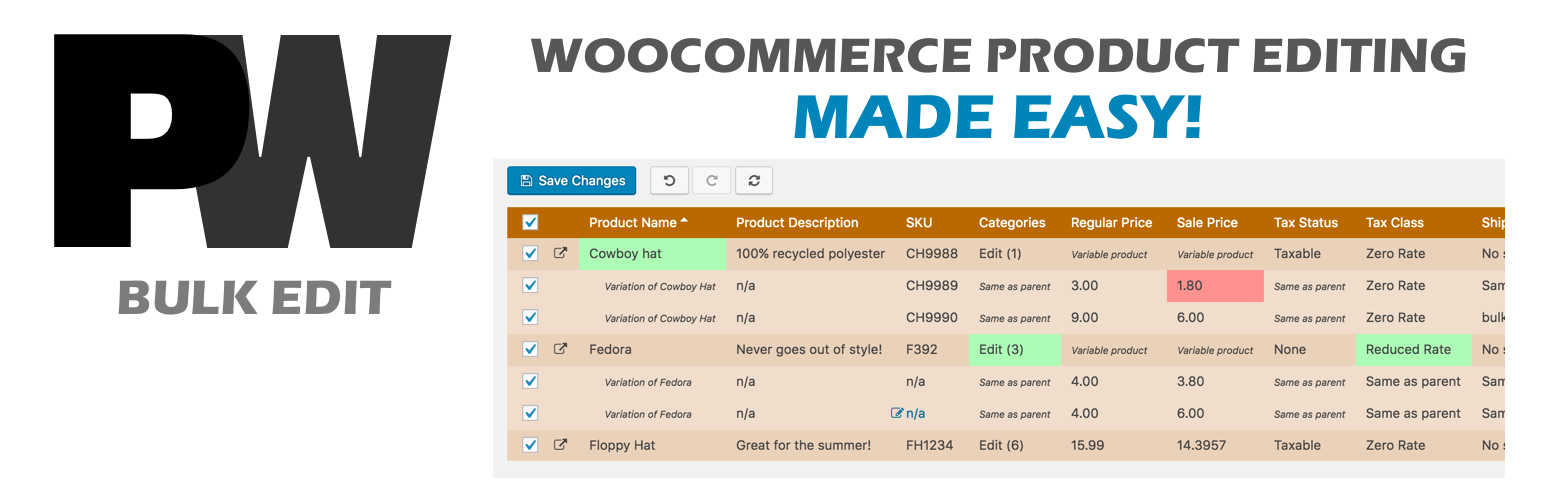
A powerful way to update your WooCommerce product catalog. Finally, no more tedious clicking through countless...
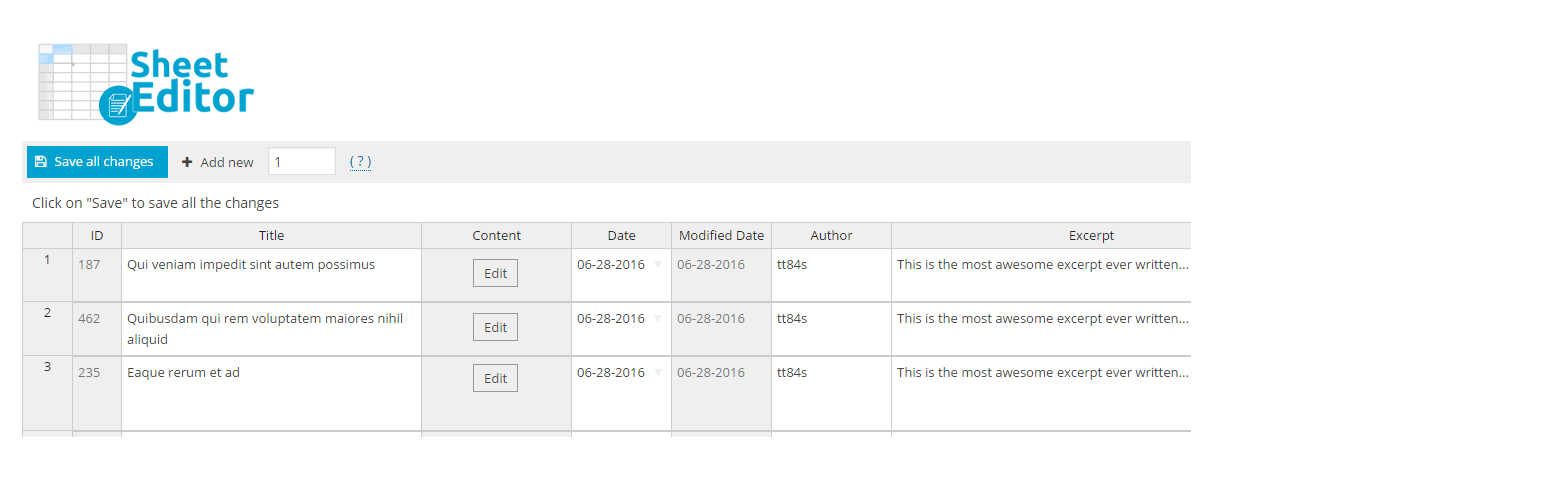
Modern Bulk Editor for WooCommerce products, create and edit hundreds of products in a spreadsheet inside wp-a...

An easy-to-use plugin for the Astra theme that lets you edit Page Meta Settings for multiple pages/posts at on...
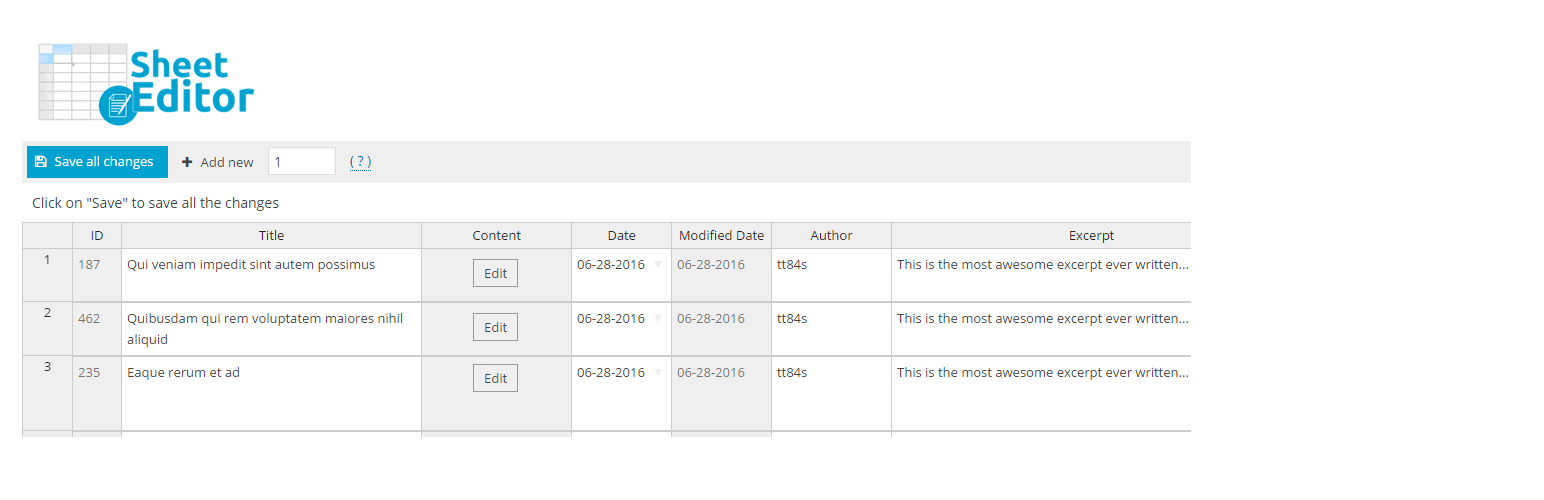
Modern Bulk Editor for Posts and Pages, create and edit hundreds of posts at once in a spreadsheet inside wp-a...