
BEAR
87BEAR - WooCommerce Bulk Editor Professional (former WOOBE) is plugin for bulk edit/manage woocommerce products...
Free
40k+ installs 4.7★ (226)
Nested Pages provides a drag and drop interface for managing pages & posts in the WordPress admin, while maintaining quick edit functionality.
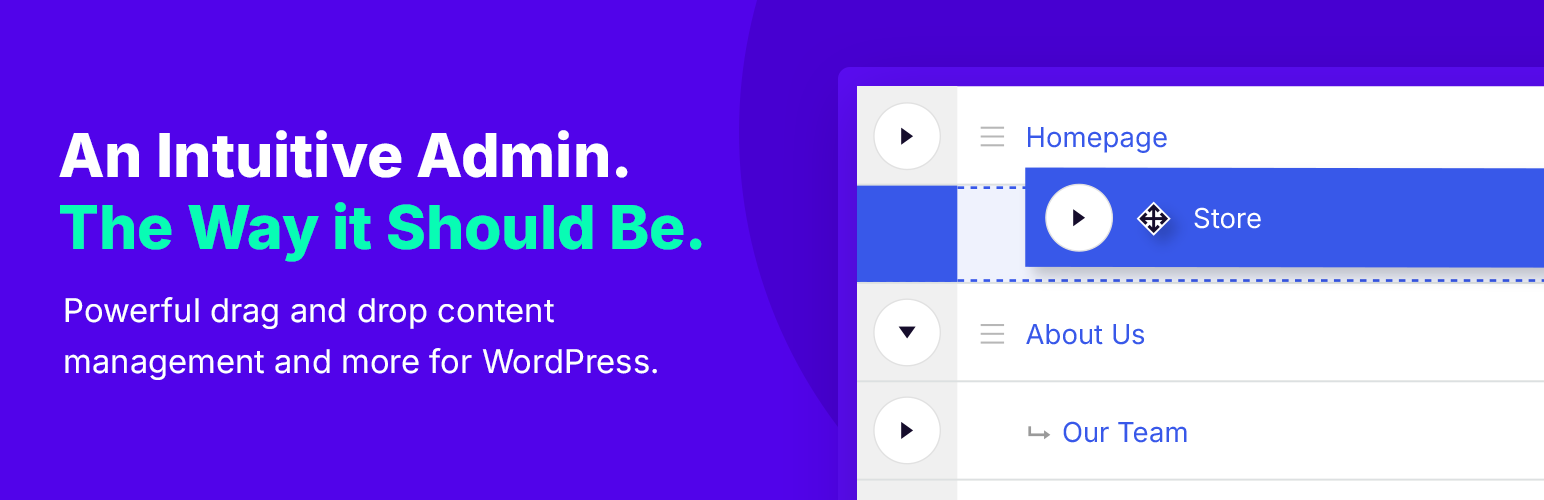
Nested Pages is a WordPress plugin that provides a drag and drop interface for managing your site's page structure and post ordering. It enhances quick edit functionality and offers a sortable tree view of pages, making it easier to organise content. This plugin is suitable for users looking to simplify the management of pages and posts, especially those who need to create multiple entries quickly during development.
The plugin automatically generates a WordPress menu that reflects your page structure and works with any post type. It is compatible with touch-enabled devices, allowing for flexible use across different platforms.
Best for: This plugin suits WordPress users who need an efficient way to manage and organise their page structure.
What it does well
Where it falls short
Nested Pages offers a straightforward solution for organising content in WordPress, making it a useful tool for site administrators.
Hook & Filter's own description of Nested Pages, lightly tidied.
Why use Nested Pages?
For more information visit hookandfilter.com.
Important: Nested Pages requires WordPress version 3.8 or higher, and PHP version 5.4 or higher.
Languages:
The default menu generated automatically is named “Nested Pages”. You may rename the menu under Appearance > Menus, or under the Nested Pages settings.
To toggle the child pages in and out of view, click the arrow to the left of a parent page. To quickly expand and collapse all pages, click the button in the upper right corner of the Nested Pages Screen.
To order by nested pages ordering in your theme, use the menu_order order option in your queries.
To hide a page from the tree view, open the quick edit form, select the option to “Hide in Nested Pages” and click Update to save the change.
To toggle the page back into view, click the “Show Hidden Pages” link at the top of the screen. The hidden pages are now visible, and can be re-edited to be shown.
Other plugins for bulk editing.
BEAR - WooCommerce Bulk Editor Professional (former WOOBE) is plugin for bulk edit/manage woocommerce products...
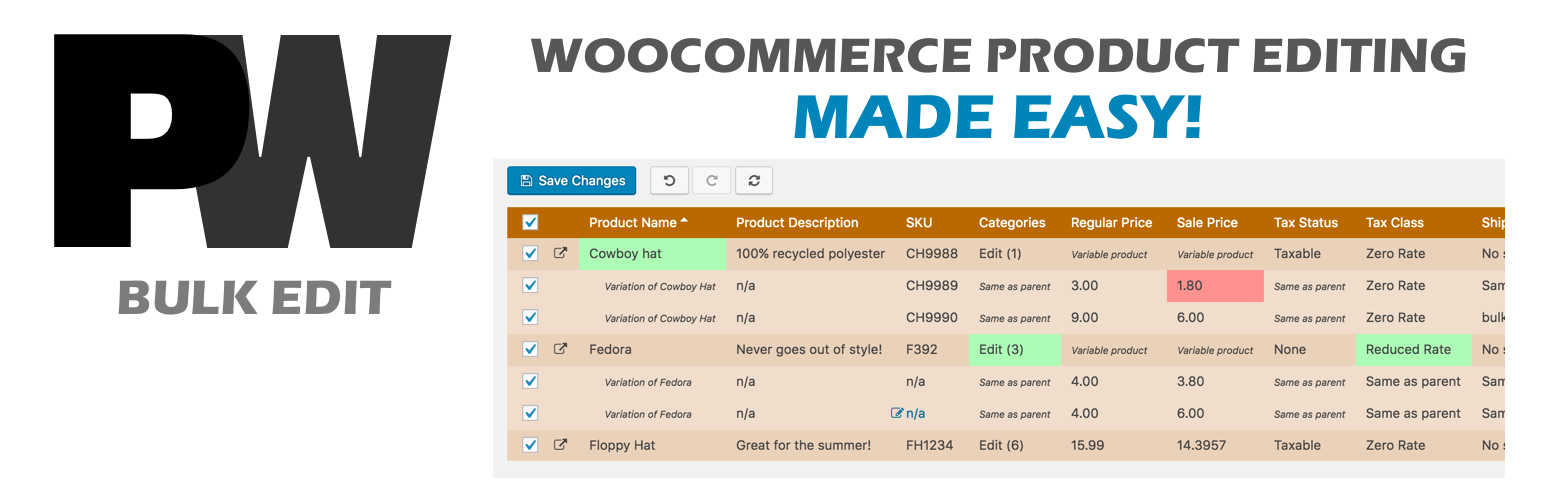
A powerful way to update your WooCommerce product catalog. Finally, no more tedious clicking through countless...
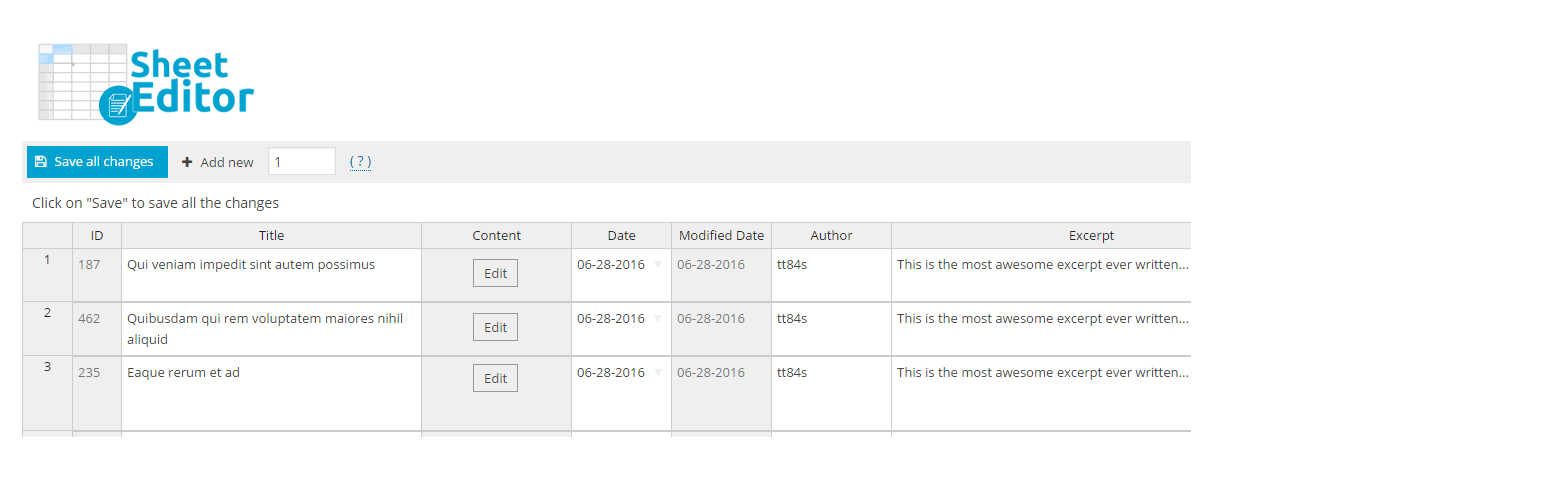
Modern Bulk Editor for WooCommerce products, create and edit hundreds of products in a spreadsheet inside wp-a...

An easy-to-use plugin for the Astra theme that lets you edit Page Meta Settings for multiple pages/posts at on...
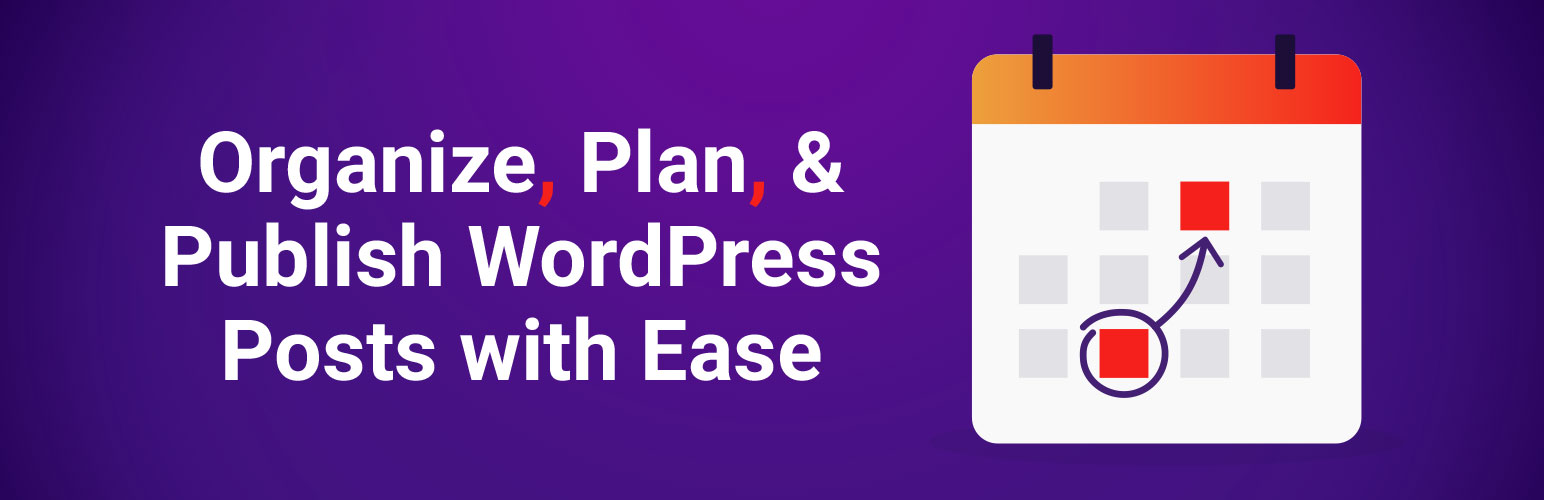
Editorial Calendar allows you to view all your posts, schedule post, make quick edits, and manage your blog by...
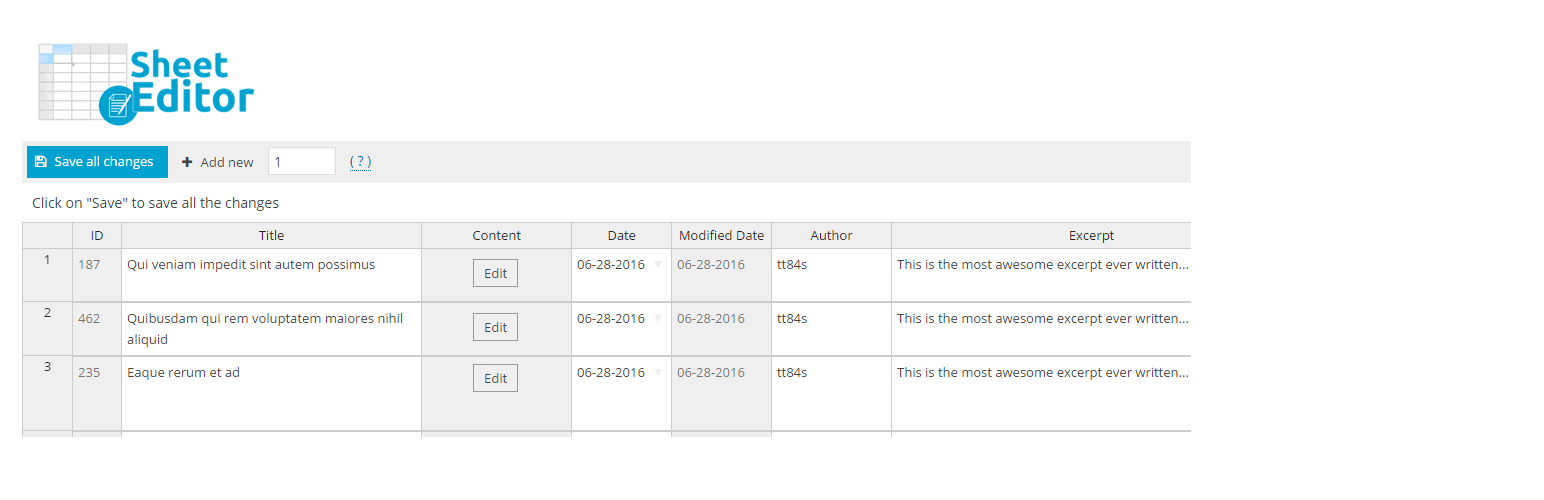
Modern Bulk Editor for Posts and Pages, create and edit hundreds of posts at once in a spreadsheet inside wp-a...