
Autoptimize
92Autoptimize speeds up your website by optimizing JS, CSS, images (incl. lazy-load), HTML and Google Fonts, asy...
Free
800k+ installs 4.7★ (1,428)
A simple solution for self-hosted custom fonts.

Elegant Custom Fonts is a WordPress plugin that allows you to add custom fonts to your website. You can specify font details such as the .woff URL, weight, style, and font family name through the plugin's settings. The plugin generates the necessary @font-face rules and saves them to a CSS file for use in your site's styling.
This plugin is suitable for developers and site owners who want to incorporate custom fonts without the need for API keys or additional font conversion processes. It offers a straightforward approach to managing fonts on WordPress sites.
Best for: This plugin suits WordPress developers and site owners looking to implement custom typography.
What it does well
Where it falls short
Elegant Custom Fonts provides a simple solution for adding custom fonts to WordPress sites, though it may lack some user-friendly features for non-developers.
louisreingold's own description of Elegant Custom Fonts, lightly tidied.
This plugin appears at Settings -> Fonts.
For each @font-face, specify .woff URL, weight, style, and a font family name.
Appropriate @font-face rules will be saved to a CSS file and enqueued with wp_enqueue_stylesheet, so that you can use the font with the font-family CSS property.
No nonsense. No API keys. No font conversion. No bloat.
Use ECF_Plugin::get_font_families() to get a list of font families added with Elegant Custom Fonts. Then add these to any “Font” dropdowns in your plugin or theme.
Example:
if (class_exists(‘ECF_Plugin’)) {
$font_family_list = ECF_Plugin::get_font_families();
} else {
$font_family_list = null;
}
/* loop through the $font_family_list array and add each family to your ‘Font’ dropdowns */
Other plugins for typography control.
Autoptimize speeds up your website by optimizing JS, CSS, images (incl. lazy-load), HTML and Google Fonts, asy...
The #1 fonts plugin for WordPress. 1,400+ Google Fonts, Adobe Fonts and your own font files. Live preview, no...

Redux is a simple, truly extensible, and fully responsive options framework for WordPress themes and plugins....

The original Google Fonts self-hosting plugin. Automagically caches your fonts locally — no configuration (or...

SpeedyCache is a WordPress cache plugin that helps you improve performance of your WordPress site by caching,...
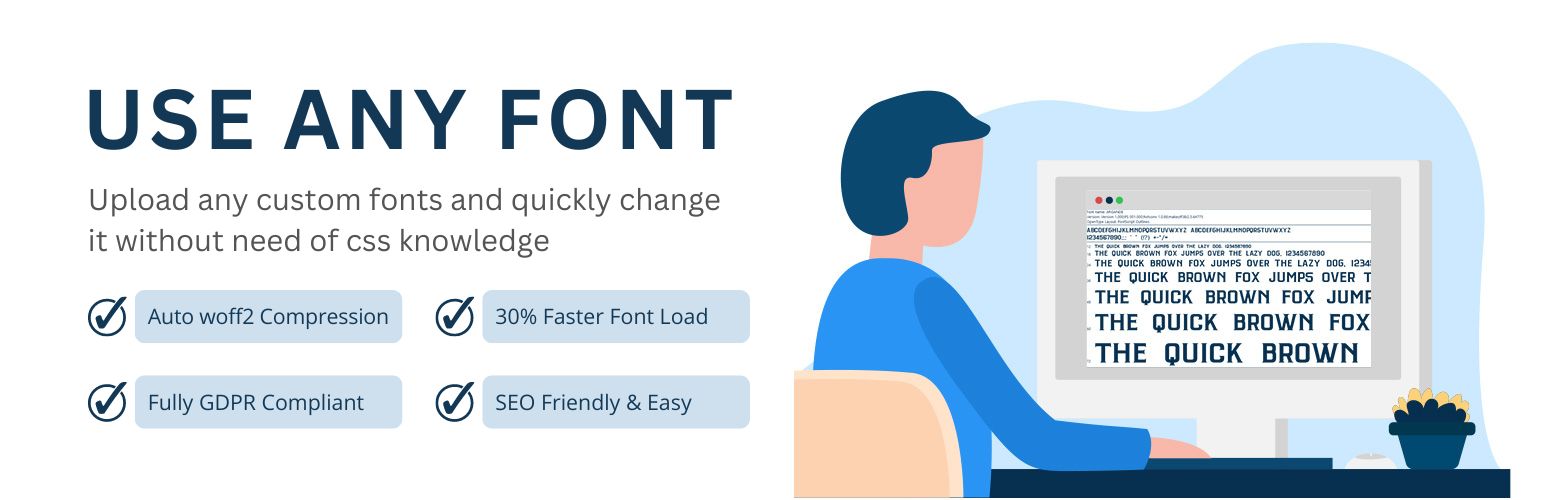
Upload custom fonts with custom font uploader. Auto converts to woff2 for better performance. Self-hosted, GDP...