
Members
94The best WordPress membership and user role editor plugin. User Roles & Capabilities editor helps you rest...
Free
300k+ installs 4.9★ (1,274)
Make your WooCommerce emails become professional.
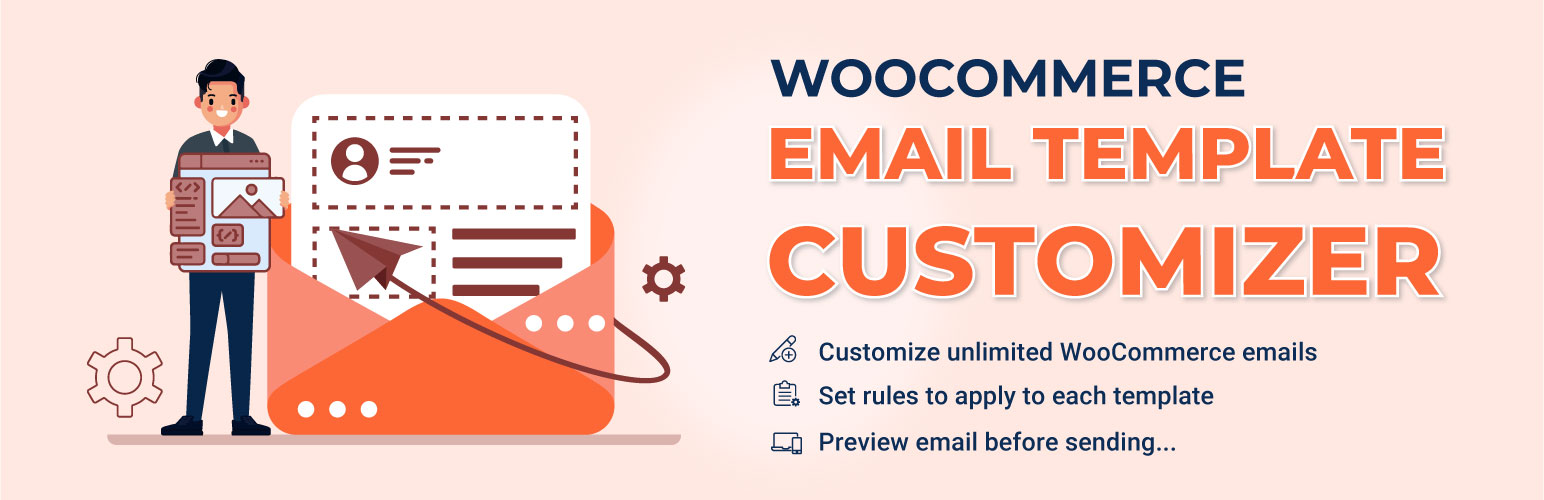
Mailonix is a WordPress plugin designed to help you customize WooCommerce email templates. It allows you to create and modify emails using a drag-and-drop interface, making it accessible for users without coding knowledge. The plugin provides various basic and WooCommerce-specific elements to enhance the appearance and functionality of your email communications.
With Mailonix, you can easily adjust layouts, add images, buttons, and social icons, and preview your emails before sending them. It also supports importing and exporting templates between sites, which can be useful for developers or store owners managing multiple WooCommerce installations.
Best for: This plugin is suitable for WooCommerce store owners looking to enhance their email communications.
What it does well
Where it falls short
Mailonix offers a straightforward solution for customizing WooCommerce emails, making it a practical choice for users wanting to improve their email design without technical skills.
VillaTheme's own description of Mailonix, lightly tidied.
If the default email template of WooCommerce looks plain to you, and you are looking for a way to customize WooCommerce emails, here is what you need. Email Template Customizer for WooCommerce is a helpful tool that helps you build and
customize WooCommerce emails. The plugin provides sufficient basic elements and WooCommerce elements as well as developmental tools for users to build a complete email. You can easily drag and drop, edit, and customize the layouts/contents inside the email templates with no coding knowledge required. Try our plugin to make the template look friendly and match your store design, customize WooCommerce emails sending to customers all you want, effortlessly.
► Plugin works based on WooCommerce plugin.
► The plugin is released on WordPress.org and you can use plugin as free to build themes for sale.
Create and customize WooCommerce emails as many as you want, with several provided elements.
Drag and drop to change the position of elements on the template
Send a test email before the real sending.
Preview email before sending with Desktop and Mobile version
Choose direction. This feature is helpful when you switch between languages with directions from LTR or RTL
Import and export template to another site in which the plugin is also installed and activated.
► Customize WooCommerce emails with Basic elements
The plugin provides Basic elements that you can use to customize WooCommerce emails with:
Text: Add content with text element to the template and customize the element with: the text color, font size, alignment, border width, insert/edit link, insert/edit image, shortcode, info icon, social icon, border style, border color, background color, text padding, and text margin.
Divider: Add a single line divider to the template and choose a style for the divider. Similar to text, the admin can customize the style, width, height, color, alignment, margin, and padding of the divider.
Socials: Add social icons to customize WooCommerce emails, enter your URL links in the placeholder.
Image: Add an image to the email template and adjust its size and alignment, border style, border color, background color, text padding, and text margin.
Button: Add and customize the button: Name, the link of a button, style the border, alignment, background, and padding.
Menu bar: Add and customize the menu bar or name the navigation bar that includes links to the most important sections of the site for instance Home, Shop, Contact…
Contact: Display contact information with icons in the email template.
Spacer: Add a space between elements and customize its height, borders with style and color, and the background color.
► Customize WooCommerce emails with WooCommerce elements
Order detail: This element displays the full details of orders with customization of the color, size, and alignment of the heading and details separately. Also, customize the borders, background color, padding, margin.
Order total: This element displays the total amount of orders. The admin can customize the color, size, and alignment of the heading and details separately as well as the borders, background color, padding, margin.
Order subtotal: This element helps you display specific components of orders: including Subtotal, discount, shipping, payment method, order fully refunded, …then, you can customize the color, size, and alignment of the heading and details separately. Also, customize the borders, background color, padding, margin.
Shipping method: This element helps you display the shipping method, you can customize the borders, background color, padding, margin.
Payment method: This element helps you display the payment method of the order, you can customize the borders, background color, padding, margin.
Billing address: Displays the billing details in the email with customization of the color, size, and alignment of the heading and details separately. Moreover, customize the borders, background color, padding, margin.
Shipping address: Displays the shipping details in the email and customizes the color, size, and alignment of the heading and details separately as well as the borders, background color, padding, margin.
With Advanced options, the admin can not only set the rules, but also can select the email type, change direction (this option is helpful when you use the RTL languages), preview on different devices, and send a test email, as well as add a note for the template.
All free version features
Create customizable blocks and add them to any template
Show report of how many times customers click and order the suggested products
The responsive point helps to display the template as designed on any device
Send emails with files attached
Set rules to apply to each template. You can create multiple email templates for orders based on different conditions, such as payment methods, billing countries, minimum/maximum order price, order item products, or the order language if you use WPML, Polylang, or TranslatePress.
Other plugins for moving data.
The best WordPress membership and user role editor plugin. User Roles & Capabilities editor helps you rest...

Manage all your WordPress updates, including individual updates, automatic updates, logs, and loads more. This...

Redux is a simple, truly extensible, and fully responsive options framework for WordPress themes and plugins....

🌠 Shorten, brand, and track any URL on your own domain. Keep your links — and your data — where they belong....

Export WooCommerce orders to Excel, CSV, XML, JSON, PDF and HTML. Best free order export plugin for WooCommerc...

Easily export or import your WordPress customizer settings!