
Build photo galleries, image galleries, and portfolio grids with gallery blocks. Masonry, lightbox, sliders, a...
Free
60k+ installs 4.8★ (336)
Embed GitHub repositories in WordPress posts and pages with a Gutenberg block – customizable layouts, masonry grid, and pagination.

Embed Repo for GitHub is a WordPress plugin that allows you to showcase your GitHub repositories directly on your site using a Gutenberg block. It enables you to display your open source projects in customizable, responsive layouts, making it easier for visitors to browse your work without leaving your site.
The plugin offers various customization options, including control over the number of repositories displayed per page, pagination settings, and visual adjustments for layout, colours, and typography. It is suitable for developers, agencies, and freelancers looking to present their projects in a professional manner.
Best for: This plugin is best for developers and agencies wanting to showcase their GitHub projects on their WordPress sites.
What it does well
Where it falls short
Embed Repo for GitHub provides a straightforward solution for displaying open source projects. Its customisation options make it a flexible choice for those looking to enhance their portfolios.
bPlugins's own description of Embed Repo for GitHub, lightly tidied.
Show off your GitHub repositories anywhere on your WordPress site – in customizable, responsive layouts – with a simple Gutenberg block.
Linking out to GitHub sends visitors away from your site. Embed Repo for GitHub lets you display your repositories right inside your posts and pages, so developers, clients, and collaborators can browse your open source work without leaving WordPress.
Show all your repositories, control how many appear per page, and fine-tune every visual detail – columns, gaps, colors, and typography – directly from the block editor sidebar.
Want to create a GitHub portfolio in WordPress?
Embed Repo for GitHub lets you present your open source work in a professional layout directly on your website.
You can use it to showcase:
This makes it easier for website visitors to discover your projects without leaving your WordPress website.
For installation help, see the Installation tab.
Other plugins for showcasing work.
Build photo galleries, image galleries, and portfolio grids with gallery blocks. Masonry, lightbox, sliders, a...

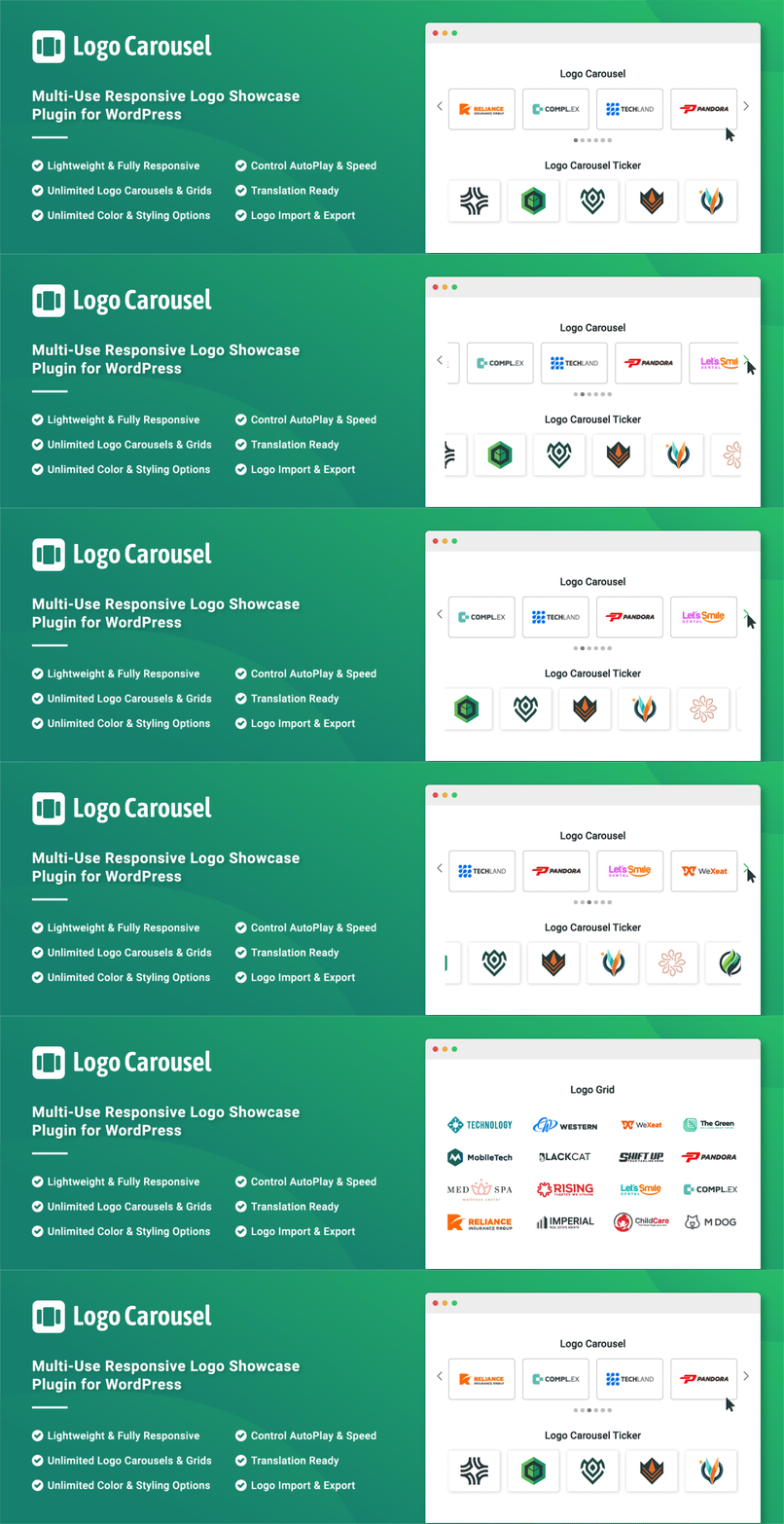
Logo Slider: The best responsive plugin for Logo Showcase, Logo Carousel, and displaying clients' logos....

Supercharge the WordPress block editor with enhanced core blocks, hundreds of block patterns, professional sta...

Showcase your story or company history, events, and roadmap in an interactive timeline using the powerful Cool...

Create filterable portfolio galleries with photos, videos, category filters in masonry layouts. Supports Guten...
Add, display, and manage clients, partners, sponsors, and brand logos with multiple slideshows on your site. C...