
MetForm
93Elementor forms builder to create WordPress forms like contact form, booking form, feedback form, survey form,...
Free
600k+ installs 4.7★ (504)
Allow your customers to book your service like appointment, event, reservation, etc. Manage your bookings through wp admin dashboard.

The Doctor Appointment Booking Plugin allows you to manage bookings for services offered by your clinic or practice. You can create multiple services, set specific time slots for bookings, and send notifications for confirmations or cancellations. The plugin is designed to streamline the appointment process for both customers and administrators.
This plugin is suitable for medical practices, clinics, or any service-based business that requires appointment scheduling. It provides a responsive booking form and a user-friendly admin dashboard for managing bookings efficiently.
Best for: This plugin is best for clinics and medical practices that need to manage patient appointments.
What it does well
Where it falls short
The Doctor Appointment Booking Plugin offers essential features for managing appointments but may have limitations due to its last update. It is a straightforward option for those in the healthcare sector looking for a free booking solution.
Booking Plugin's own description of Doctor Appointment Booking Plugin, lightly tidied.
Doctor Appointment Booking Plugin is a dynamic plugin that allows you to accept bookings from customers and then accept or cancel the booking orders. Date booking and Slot booking is available and even you can make slots for your expected minutes. Booking pending Notification to customers and also to the controller admin. Booking confirmation email Notification or cancellation Notification to the customers. Weekly off days are will not be available for booking.
Key Features of Appointment Booking
HOW TO USE Doctor Appointment Booking Plugin :
Settings of Doctor Appointment Booking Plugin
1. Go to the settings tab to set notification information.
1. User cookie: Set the duration of visitors browser cookie. When the visitors will re-fill the form within the duration, they will get the form filled with the values they entered before. This will make a good experience of your customers.
Service Unavailable?
1. When your service availability will be ended, it will be disappeared from the front-end. And on your dashboard from the “All Services” tab, you will be able to see the Unavailable services.
1. Edit the service to make it available again. Just change the service Unavailability date on the calendar. And then the service will be available again.
Other plugins for taking bookings.
Elementor forms builder to create WordPress forms like contact form, booking form, feedback form, survey form,...

Calculated Fields Form: complete WordPress form builder for contact,booking,quote,payment forms & more,wit...

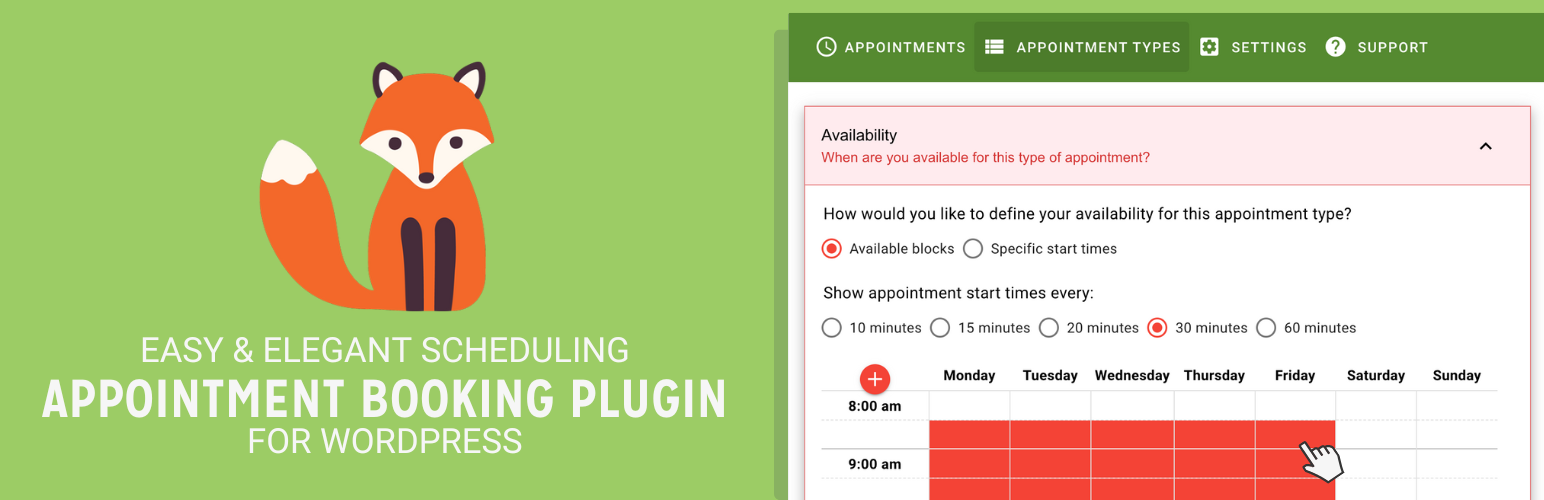
Appointment booking plugin for WordPress. Let clients self-schedule 24/7, accept payments at booking, and redu...
Unlimited appointments, booking calendars, and notifications. Powerful appointment booking plugin and booking...
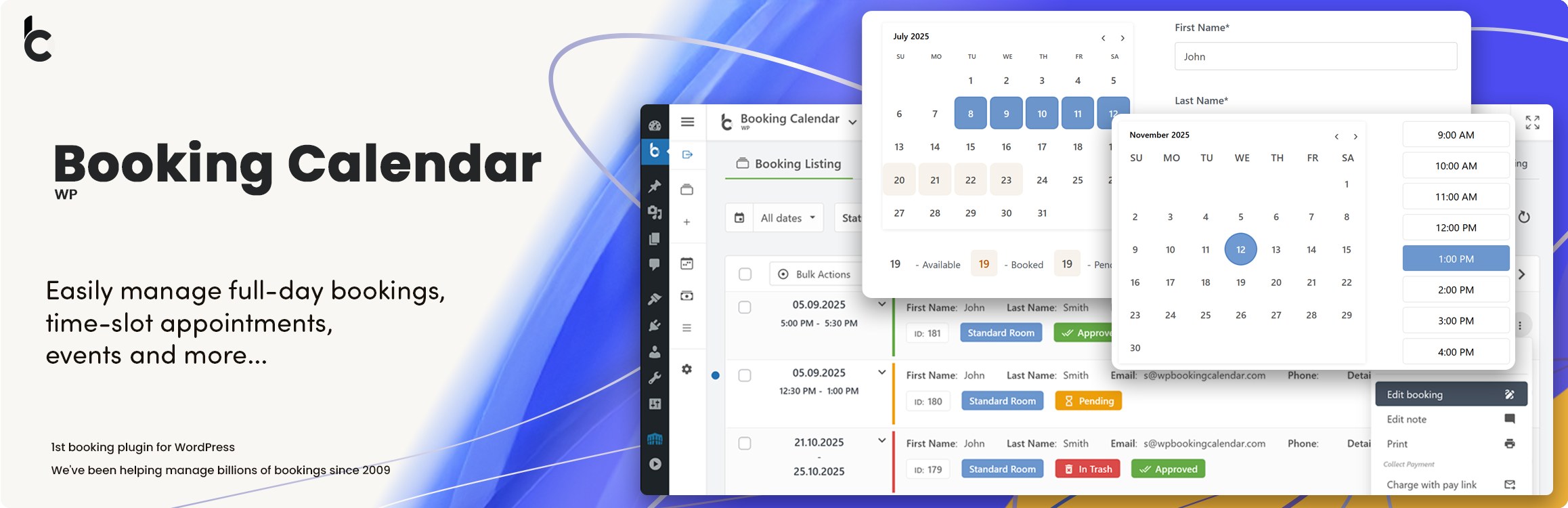
WP Booking Calendar plugin for full-day bookings, time-slot appointments, rentals & events. Accept booking...

Amelia is a powerful booking plugin for appointments and events. Manage scheduling, calendars, and availabilit...