
SEOPress
93WordPress SEO plugin with AI SEO metadata, schema, XML sitemap, redirections & Search Console. Privacy-fir...
Free
300k+ installs 4.8★ (1,246)
Fully customize the WordPress Login Screen.
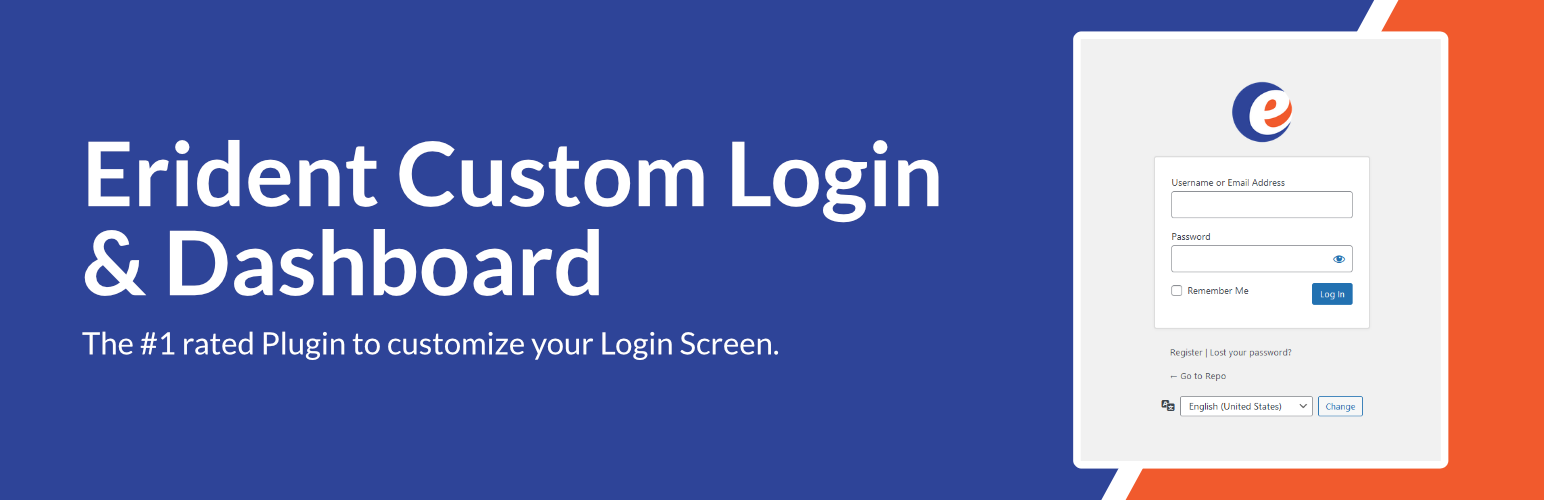
Erident Custom Login and Dashboard is a WordPress plugin designed to customise the WordPress login screen. It allows you to modify various elements such as the logo, background colour, and footer text with a few clicks. The plugin also includes an import/export feature for settings.
However, users are advised that Erident Custom Login and Dashboard has transitioned to Ultimate Dashboard, and existing users can migrate to the new plugin through a 1-click process. This plugin is suitable for those looking to personalise their WordPress login experience.
Best for: This plugin suits WordPress users wanting to personalise their login page.
What it does well
Where it falls short
Erident Custom Login and Dashboard offers useful customisation options, but users should be aware of its transition to Ultimate Dashboard for ongoing support and features.
David Vongries's own description of Erident Custom Login and Dashboard, lightly tidied.
Caution: Erident Custom Login and Dashboard is now Ultimate Dashboard. Please install Ultimate Dashboard instead.
If you are an existing user of the Erident plugin you will be greeted with a 1-click migration to safely migrate from Erident to Ultimate Dashboard from your WordPress admin dashboard.
IMPORTANT! Please make sure you have the latest version of the Erident plugin (4.2 or above) installed before running the 1-click migration. The latest version fixes an earlier issue where non-admins were able to trigger the migration process which failed to install Ultimate Dashboard. If that’s been the case for you, please install Ultimate Dashboard manually. Your data was already migrated successfully.
Erident Custom Login and Dashboard is the #1 rated Plugin to customize the WordPress Login Screen. It’s a clean & minimalist way for you to fully customize almost all aspects of the WordPress Login Page.
Create a custom WordPress login page with just a few clicks! All the settings to customize the WordPress login are located under Settings > Custom Login & Dashboard.
Here is a list of some of the features available in Erident Custom Login & Dashboard:
If you like Erident Custom Login and Dashboard, make sure to check out our other products:
Other plugins for customising wp-admin.
WordPress SEO plugin with AI SEO metadata, schema, XML sitemap, redirections & Search Console. Privacy-fir...

Duplicate post, post order, image resize, email via SMTP, admin menu editor, custom css / code, disable gutenb...

Admin UI for creating custom content types like post types and taxonomies

LoginPress is a Custom Login Page Customizer plugin allows you to easily customize the layout of login, admin...

Lets you edit the WordPress admin menu. You can re-order, hide or rename menus, add custom menus and more.

Customise dashboard panels and branding, hide menus plus lots more.