
Build photo galleries, image galleries, and portfolio grids with gallery blocks. Masonry, lightbox, sliders, a...
Free
60k+ installs 4.8★ (336)
Essential Content Types allows you to feature the impressive content through different content/post types on your website just the way you want it.

Essential Content Types is a WordPress plugin that allows you to create and manage custom content types such as portfolios, testimonials, featured content, and services. It provides a lightweight solution for users who want to enhance their website's content presentation without changing themes or adding unnecessary features.
The plugin supports shortcodes for embedding portfolio projects on posts and pages, allowing for customisation of layout and display options. It is suitable for users looking to showcase specific content types effectively on their WordPress sites.
Best for: This plugin is best for users wanting to showcase specific content types on their WordPress site without theme changes.
What it does well
Where it falls short
Essential Content Types offers a straightforward solution for managing custom content on WordPress. It is particularly useful for those who need to highlight specific information without the complexity of larger plugins.
Catch Themes's own description of Essential Content Types, lightly tidied.
Essential Content Types allows you to feature the impressive content through different content/post types on your website just the way you want it. These content/post types are missed by the themes in WordPress Theme Directory as the feature falls more towards the plugins’ territory.
Content is at the forefront of any website. Changing the layout of your important content changes the way your website looks, which may not be a plus point if your current website layout is loved by your users.
Additionally, switching themes changes your website layout completely. Therefore, to keep things looking spic-and- span in your website, we bring you Essential Content.
Essential Content allows you to add up to three content/post types:
* Portfolio – Create and display your portfolio on your website
* Testimonials – Add customer testimonials to your website
* Featured Content – Display the content you want as featured content on your website to attract visitors’ attention
* Services – Add your services on your website
Features of Essential Content:
* Enable/Disable any content/post type as needed
* Light-weight
* Supports all themes on WordPress
Essential Content is inspired by Jetpack’s Custom Content Types feature.
However, not everyone wants to have a plugin that “does-it- all”. Some may want plugins to be niche focused and concentrate on smaller areas.
That is precisely what we have done with Essential Content. Essential content, true to its name, has only the essential elements. We have added the features that WordPressers use most. We have ruled out all other elements to make it non-bloated and clean. It takes up lesser space and does the job well.
If you think we have missed any essential content/post types, please let us know. We’ll review the frequency of usage and add your suggestions.
Portfolio Shortcode
You can use shortcodes to embed portfolio projects on posts and pages.
Embedding Portfolio Projects
To embed portfolio projects on posts and pages, first activate the Portfolio custom content type on your site and add some projects to your portfolio.
Next, add the [portfolio] shortcode to a post or page. The shortcode will display projects in different ways, depending on how you use the optional attributes to customize the portfolio layout.
Attributes
* display_types: display Project Types. (true/false)
* display_tags: display Project Tags. (true/false)
* display_content: display project content. (true/false)
* include_type: display specific Project Types. Defaults to all. (comma-separated list of Project Type slugs)
* include_tag: display specific Project Tags. Defaults to all. (comma-separated list of Project Tag slugs)
* columns: number of columns in shortcode. Defaults to 2. (number, 1-6)
* showposts: number of projects to display. Defaults to all. (number)
* order: display projects in ascending or descending order. Defaults to ASC for sorting in ascending order, but you can reverse the order by using DESC to display projects in descending order instead. (ASC/DESC)
* orderby: sort projects by different criteria, including author name, project title, and even rand to display in a random order. Defaults to sorting by date. (author, date, title, rand)
Example
Other plugins for showcasing work.
Build photo galleries, image galleries, and portfolio grids with gallery blocks. Masonry, lightbox, sliders, a...
Logo Slider: The best responsive plugin for Logo Showcase, Logo Carousel, and displaying clients' logos....
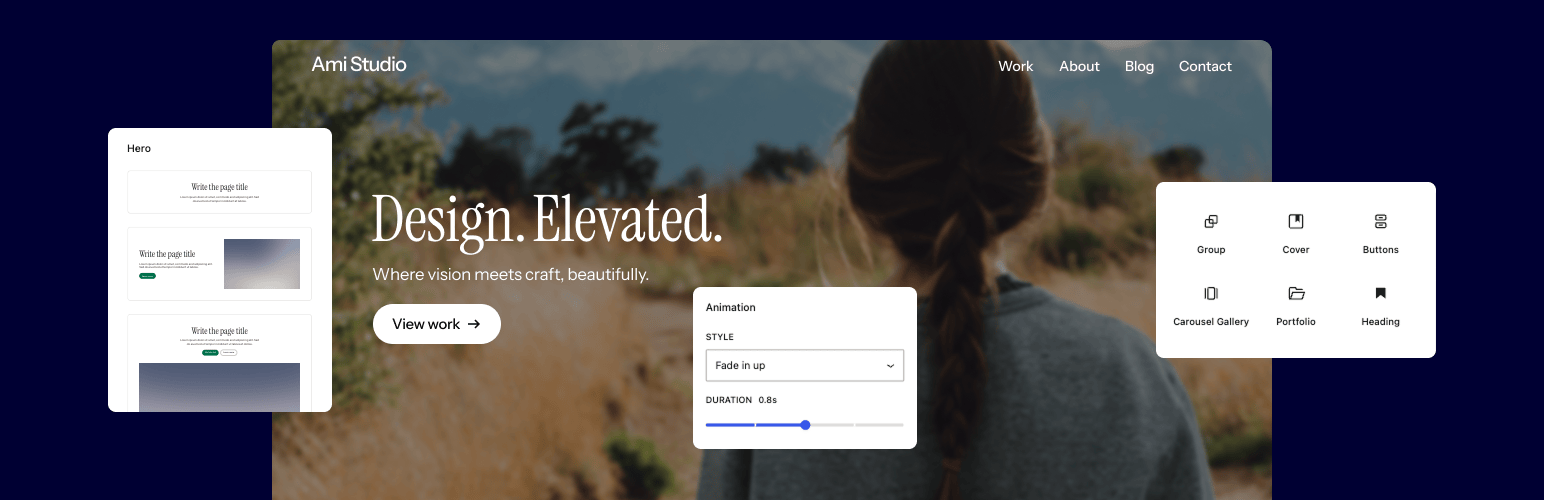
Supercharge the WordPress block editor with enhanced core blocks, hundreds of block patterns, professional sta...
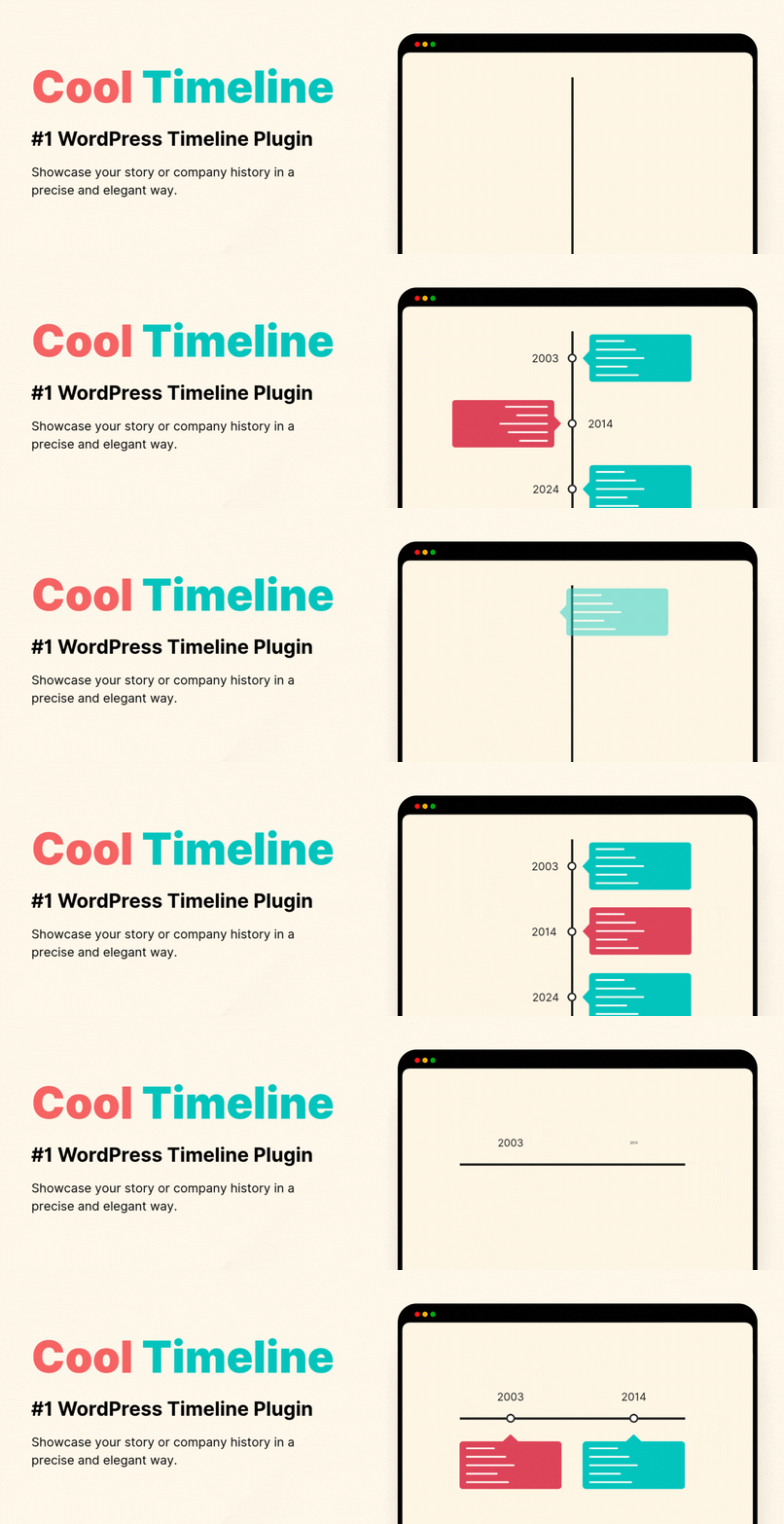
Showcase your story or company history, events, and roadmap in an interactive timeline using the powerful Cool...

Create filterable portfolio galleries with photos, videos, category filters in masonry layouts. Supports Guten...
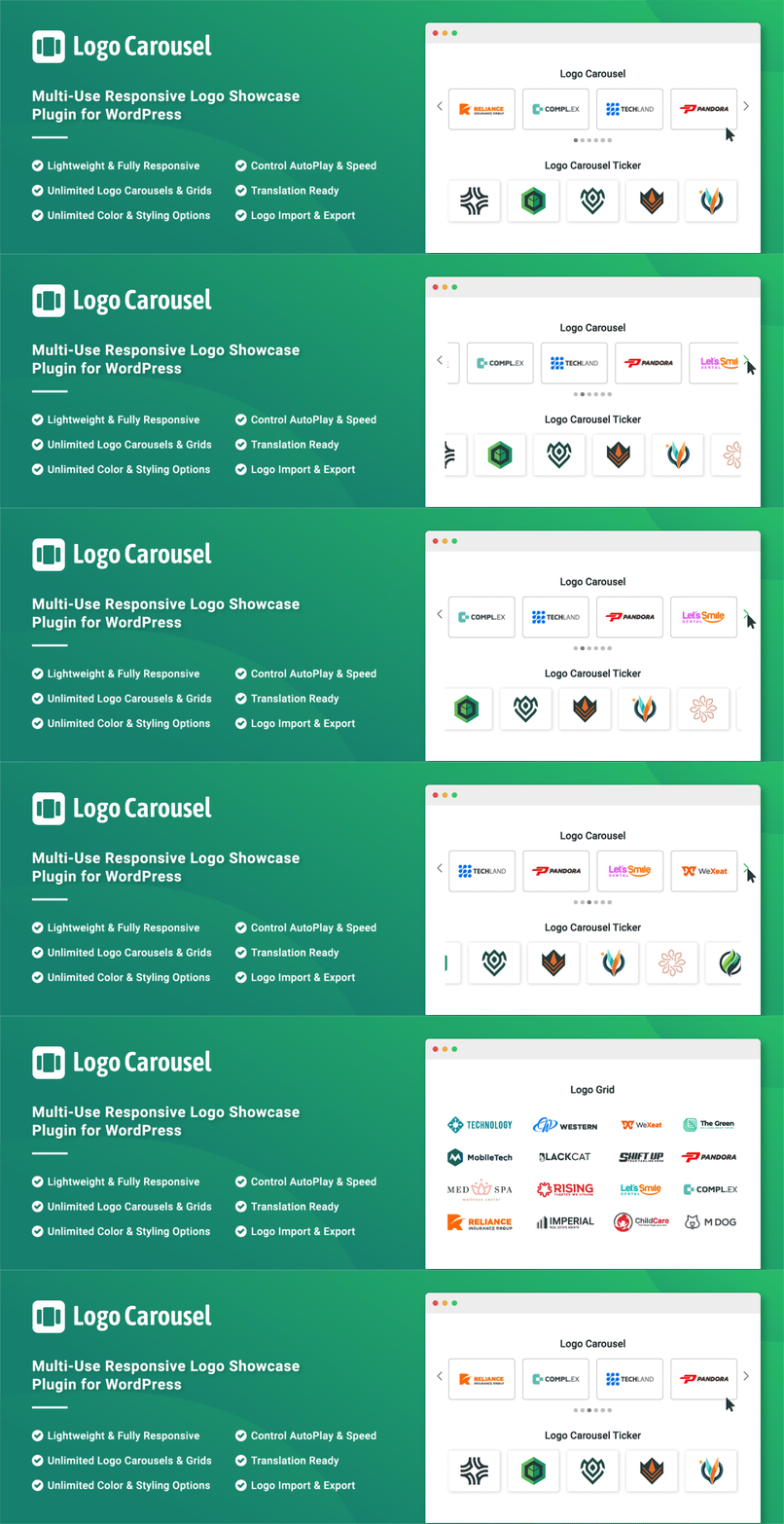
Add, display, and manage clients, partners, sponsors, and brand logos with multiple slideshows on your site. C...