
Join millions who empower their websites with ElementsKit Elementor Addons. Get templates, & 100+ widgets...
Free
1M+ installs 4.9★ (2,036)
Essential Widgets is a WordPress plugin for widgets that allows you to create and add amazing widgets with high customization option
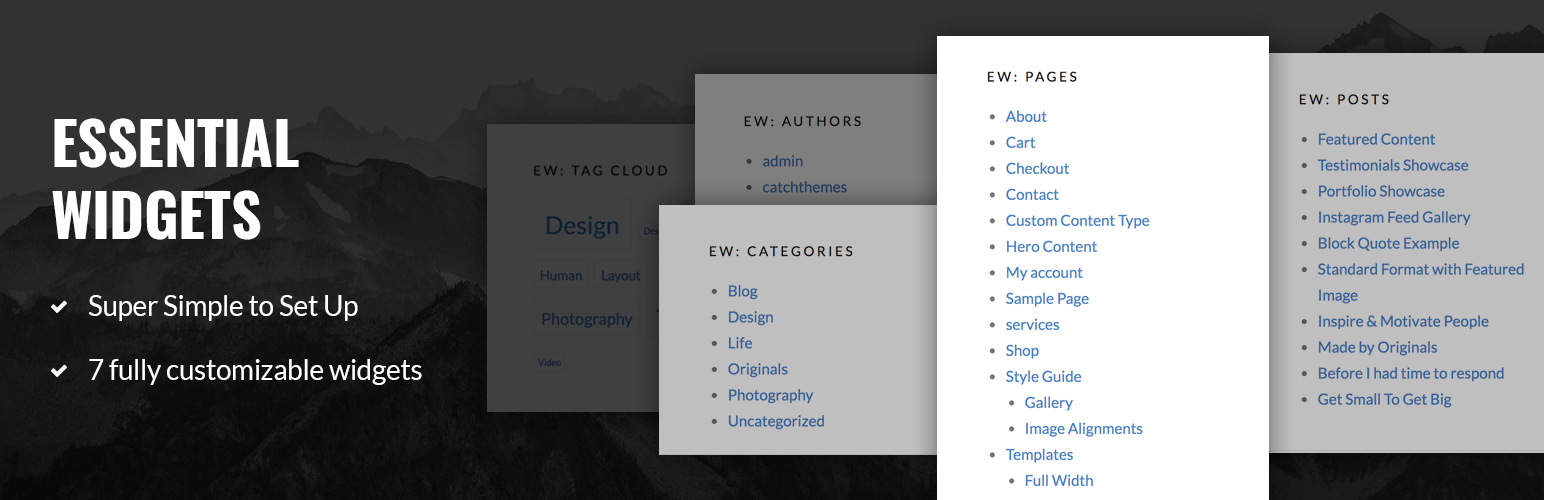
Essential Widgets is a free WordPress plugin designed to enhance your website with various customizable widgets. It allows you to create and add seven different types of widgets, including Archives, Authors, Categories, Menus, Pages, Posts, and Tags, each with multiple customization options to suit your needs.
The plugin is suitable for users looking to improve their site's functionality and appearance by displaying important information dynamically. It offers an easy-to-use interface for managing widgets, making it accessible for both beginners and experienced users.
Best for: This plugin suits WordPress users looking to add essential widgets to their site for improved functionality.
What it does well
Where it falls short
Essential Widgets provides a straightforward solution for adding customizable widgets to your WordPress site. It is a practical choice for users wanting to enhance their website's interactivity.
Catch Themes's own description of Essential Widgets, lightly tidied.
Essential Widgets – a free WordPress plugin for widgets allows you to create and add interesting widgets on your website to make it more attractive and welcoming. Essential Widgets stays true to the essence of its name and offers exactly what you expect from a widgets plugin—all the “essential” widgets for your website. The plugin has been crafted beautifully to draw the extra attention to the important parts of your website. Essential Widgets provides you with the ability to have more control over the widgets with the various customization options. This free WordPress plugin for widgets allows you to create 7 different interesting widgets on your website. All the 7 widgets provided to you comes with so many customization options and are very easy to use. So, with Essential Widgets plugin, customize the interesting widgets your way and display them anywhere you want on your website to make it more dynamic.
EW: Archives
The Archives widget comes with various customization options. Choose a title, limit the number of posts, select the archive type, post type, order and more with the Archives widget.
EW: Authors
Displaying the author’s information is kind of a must-have feature if your website has multiple authors. Our new WordPress widgets plugin allows you to add Authors widget. With this widget, you can show the list of the authors on your website, the number of posts, select feed type, and more.
EW: Categories
Essential Widgets Pro supports Categories widget. The widget provides you with various customizable options such as the title of the widget, taxonomy option, order option, number of categories to show, display as a list or none, number of posts to display, sort by option, select feed type ton display and display as text or image.
EW: Menus
Bored with the same default menu? Our new WordPress plugin for widgets, Essential Widgets Pro supports Menus widget. With the Menus widget filled with various customization options, you can display your menus elegantly anywhere you want on your website.
EW: Pages
Display a list of pages with the Pages widget. With various customization options being provided to you, you can showcase the pages that are more important on your website wherever you want with Essential Widgets Pro.
EW: Posts
Essential Widgets Pro supports Posts widget. With the widget and its customizable options, you can easily display a list of posts on your website. You can add a title, select the post type, number of items to display, order, sort by, and more.
EW: Tags
And last, but definitely not the least, the Tags widget. You can display a list of tags as cloud or list, select the order of the tags, sort by option and the number of items to be displayed. The widget also provides you with more customization options including the unit, separator, search, text type, and more.
To translate the plugin, use translate.wordpress.org (GlotPress). You only need your WordPress.org account to join the collaborative translation project.
You can translate Essential Widgets on translate.wordpress.org.
Other plugins for widgets and sidebars.
Join millions who empower their websites with ElementsKit Elementor Addons. Get templates, & 100+ widgets...

Elementor templates, Header footer builder, Elementor Post Grid, Woocommerce Grid builder, Slider, Forms, Gall...

Flexible sidebars for custom classic widget configurations on any page or post. Create custom sidebars with ea...
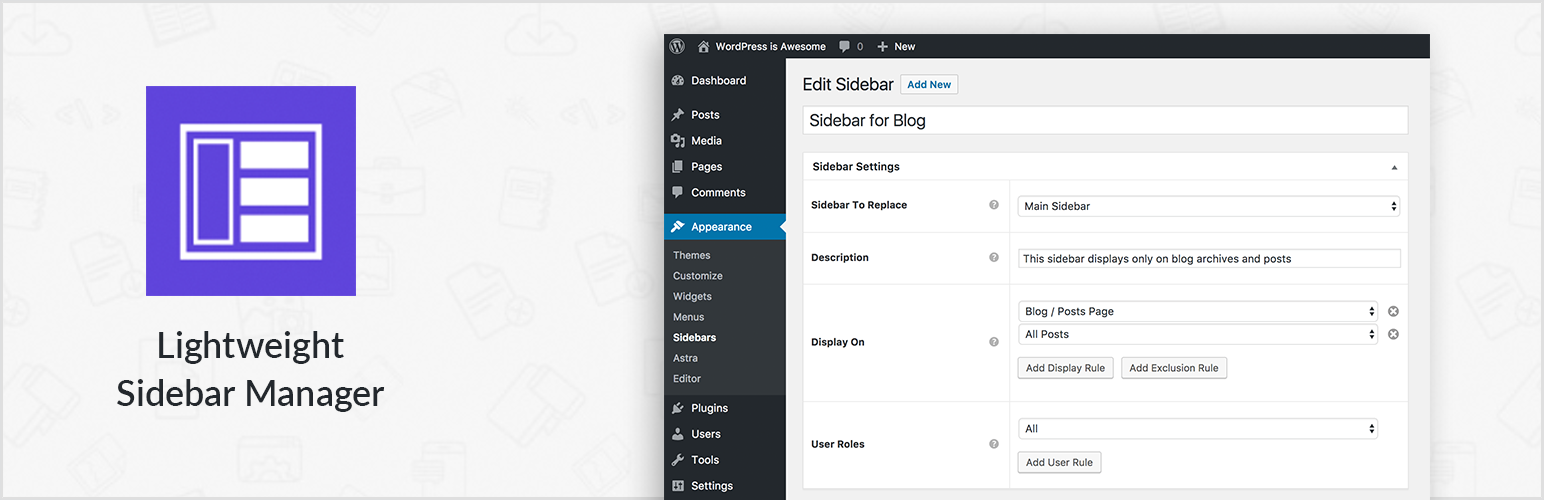
Create new sidebar areas and display them conditionally on certain pages. Works with all themes.
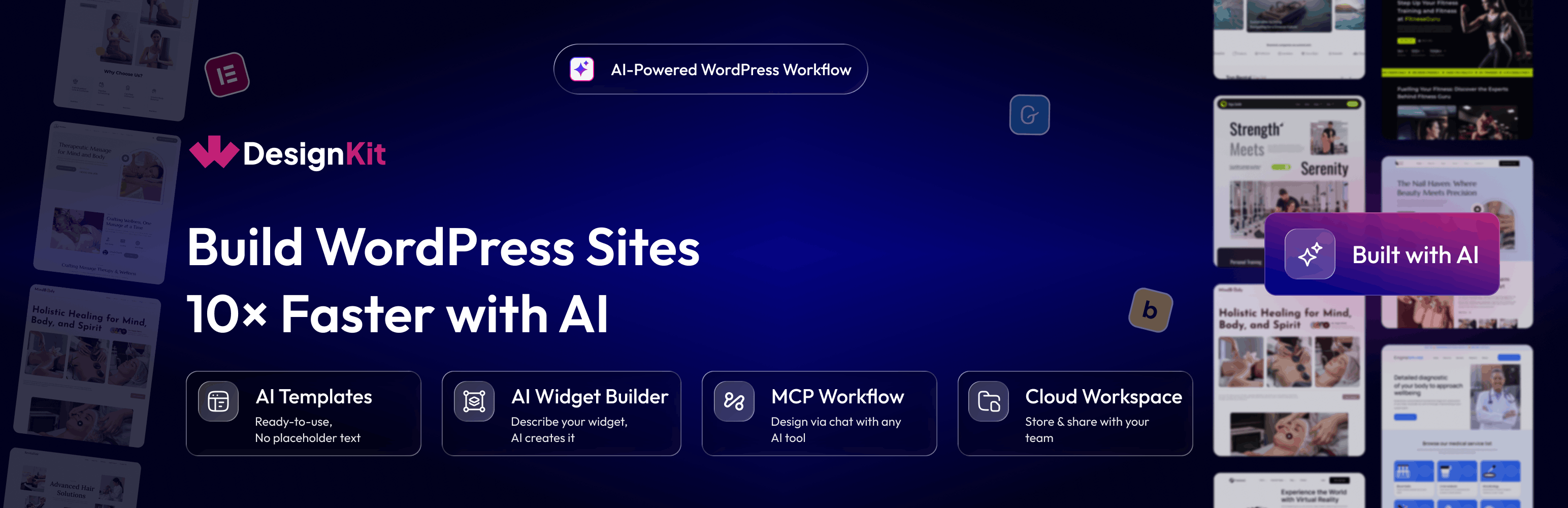
3000+ Elementor & Gutenberg Templates, AI Widget Builder, AI Code Snippets, MCP Workflow, Cloud Workspace...
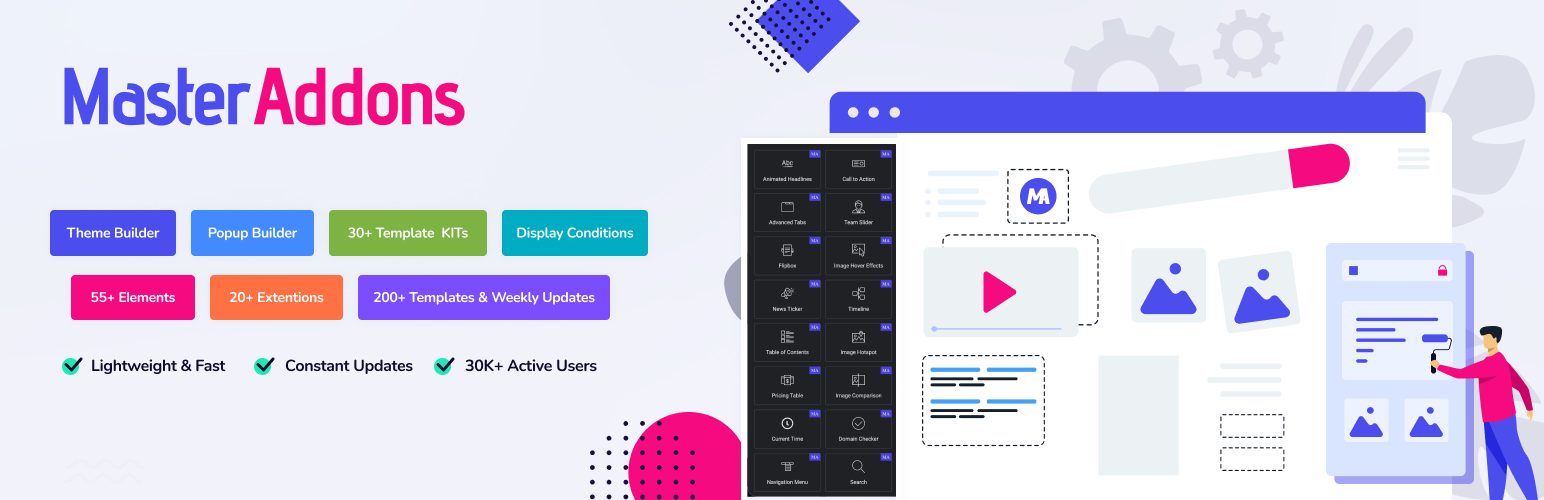
The complete Elementor addons plugin: 55+ widgets for Elementor, Mega Menu Builder, Popup Builder, Widget Buil...