
WPThumbs
Themes Plugins By purpose By industry Best-of lists Fix it guides
Free Plugin by Metagauss v4.3.4.7

EventPrime

Modern Events Calendar plugin ❤️ for creating free or paid events. Supports Event Types, Bookings, Tickets, Venues, Performers, and a lot more.

EventPrime

The facts

Rating
4.5★ from 84
Active installs
7k+
Price
Free
Last updated
26 Aug 2026
Added
Feb 2019
Requires WP
4.8
Tested up to
WP 7.0.4
Requires PHP
7.2
Downloads
617,091

Our analysis

AI-assisted

EventPrime is a WordPress plugin designed for managing events, including creating and publishing events easily through a calendar interface in the WordPress Dashboard. You can set up both free and paid events, manage bookings, and offer multiple ticket types. The plugin supports various views of the events calendar, such as month, week, and day, and includes features for virtual events as well.

This plugin is suitable for users who need a straightforward way to manage events on their WordPress site, whether for personal use or for businesses looking to host events. It offers a range of tools for event organisation, ticket sales, and user management.

Best for: This plugin suits individuals or businesses looking to manage events and bookings on their WordPress sites.

What it does well

  • Supports multi-day and recurring events
  • Offers multiple views for the events calendar
  • Allows payment processing via PayPal and Stripe
  • Includes a bookings manager for dashboard management
  • Provides customizable email templates

Where it falls short

  • No specific information on premium features or extensions
  • Limited details on user support options

Verdict

EventPrime provides a comprehensive solution for event management on WordPress, but users may need to explore its extensions for more advanced features.

From the developer

Metagauss's own description of EventPrime, lightly tidied.

EventPrime is an easy-to-use, modern WordPress Events Calendar plugin. With the EventPrime events plugin, you can publish new events on your website in a few simple clicks. Just pick a date on the Events Calendar in the WordPress Dashboard area, and start creating your event! Publish free, as well as paid events by enabling Bookings from EventPrime’s event settings.

Some of the top EventPrime features include:

  • Supports multi-day and recurring events.
  • Event Calendar features month, week, agenda and day views.
  • Accept payments for bookings via PayPal and Stripe.
  • Option to create multiple ticket types and categories for your events with in-built tickets creation module.
  • Add entrance or cover charges along with per-ticket fees.
  • Build offers based on different conditions.
  • You can also create informative events without bookings.
  • Events directories and listings with modern search tools for your visitors.
  • Multi-user role-based or anonymous frontend event submissions.
  • Event Types or Event Categories with attributes.
  • Custom Presenters or Performers with photos and attributes.
  • Bookings manager to manage bookings from dashboard.
  • Custom user checkout fields.
  • Multiple event views to fit your WordPress theme.
  • Support for virtual and online events.
  • Large number of fully customizable email templates.
  • A variety of widgets suitable for all themes.
  • Dedicated frontend user area for bookings management, wish-listing and downloading/ printing tickets.
  • And much much more!

EventPrime also offers a wide selection of free and premium extensions for all your requirements.

For any issues, bugs, feature requests and general help, contact our awesome support!

Cheers, EventPrime Team

With our WordPress events plugin, you now have an advanced event management system to create and manage an event list the way you always wanted! No more difference between the dashboard WordPress event calendar and the calendar that is visible to your visitors on the front-end. The Event Calendar on the front-end will appear exactly the way you configure it from the dashboard area. Finally, a WordPress Events Calendar plugin which works effortlessly! Event management in WordPress was never this easy, thanks to the EventPrime events plugin.

EventPrime is a WordPress Events Calendar plugin that supports free event bookings, paid event bookings, single day events, multi-day events, event performers, event venues and locations, event gallery, event registration, event calendar widget and a lot more. Check out our Starter Guide to get up and running with this awesome event manager tool.

If you want more out of our new WordPress events plugin, do check out its Extensions. We have added Live Seating, Event Sponsors, Stripe Payments, Offline Payments, Event Coupon Codes, Invoices and a lot more planned for the future!

EventPrime Backend

Events Calendar View

  • Fully editable modern events calendar view.
  • Create or Edit Events directly from the Events Calendar plugin.
  • Click on a date on the dashboard WordPress event calendar to open the Add Event popup form.
  • Set Event Start and End Dates, All Day Event, Bookings Status, Booking Price, Event Type, Event Site, and Performer(s) from the Add Event Popup.
  • View events on the WordPress calendar as colored bars spanning from the start date to the end date of the event.
  • The color of the event is inherited from Event Type color, making it easy to quickly identify events of different types on your main calendar and WordPress calendar widget.
  • Hover cursor above an existing event on the WordPress calendar to view its details in a quick popover.
  • Drag and drop events from one date block to another in the WordPress event calendar to quickly change event dates.
  • Click on an exiting event in the calendar to open the Edit Event popup, allowing you to edit event details on the fly.
  • Click on the Dashboard link from the Event Details Pop-up to access Event Dashboard for complete event management toolkit. You’ll find all options associated with an event in the Event Dashboard for detailed event configuration.
  • Change view of the Events Calendar to Month, Week, Day and Agenda.
  • Additional events views include – Square Grid, Staggered Grid (Masonry), Stacked Rows and Event Sliders.

Event Settings

  • From event settings, you can fine tune your event properties.
  • Set event type for event categorization.
  • Add a description to let your attendees know in detail what the event is about.
  • Upload featured image for the event.
  • Upload multiple images for the event gallery.
  • Choose between option to host bookings on your own website or redirecting to an external bookings website or completely turning the bookings off.
  • If bookings are enabled, you can set specific booking start and end dates with times.
  • Enable or disable displaying the event booking status on the frontend.
  • Allow or disallow booking cancellations.
  • Hide or show the event on the event calendar widget.
  • Hide or show the event on the frontend event calendar.
  • Write a custom note on the event page to display to the event page visitors and attendees.

Advanced Events Settings

Apart from regular event settings, there are multiple advanced settings to make any type of event you can imagine! These include:

  • Add additional event dates apart from start and end dates.
  • Create ticket categories with each category capable of including multiple ticket types.
  • Set capacity or inventory for your tickets.
  • Create offers for each ticket type with pre-set conditions. Incentivize your sales with automated early-bird and last minute offers among other combinations.
  • Set visibility of event tickets based on different conditions.
  • Choose from a list of venues and locations for your event.
  • Choose from a list of performers or key persons for your event like host, speakers etc.
  • Choose from a list of organizers for your event.
  • Set recurrence pattern for your event from the Repeat tab. Events can be repeated based on day, week, month, year or a custom pattern.
  • Email – Setup booking confirmation email content and layout.
  • Event Sponsors – Settings for adding event sponsorship. (Extension)
  • Ticket Manager – Create custom tickets for your event. (Extension)
  • Live Seating – Create seating plans for your event and charge for tickets based on seat location. (Extension)
  • MailPoet – Settings to configure MailPoet newsletters with your event. (Extension)

Read the full description on the official page →

Tagged as

Alternatives

Other plugins for taking bookings.

MetForm

MetForm

93

Elementor forms builder to create WordPress forms like contact form, booking form, feedback form, survey form,...

Free 600k+ installs 4.7★ (504)
Calculated Fields Form

Calculated Fields Form: complete WordPress form builder for contact,booking,quote,payment forms & more,wit...

Free 40k+ installs 4.9★ (970)
Appointment Booking Plugin

Appointment booking plugin for WordPress. Let clients self-schedule 24/7, accept payments at booking, and redu...
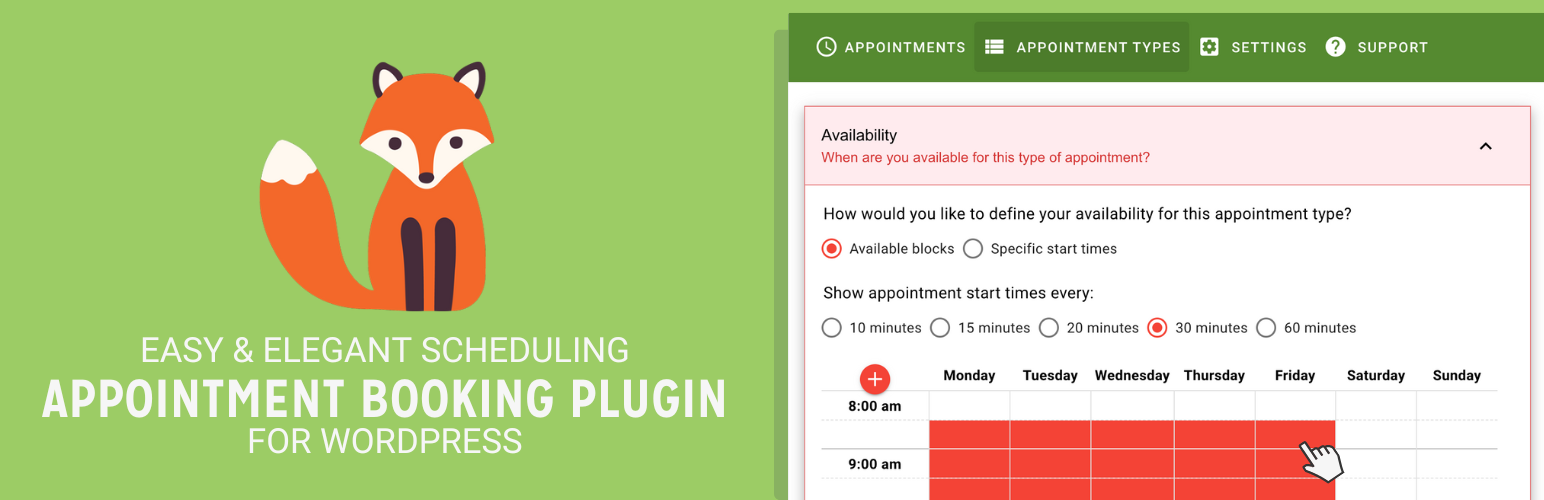
Free 100k+ installs 4.9★ (99)
Simply Schedule Appointments

Unlimited appointments, booking calendars, and notifications. Powerful appointment booking plugin and booking...
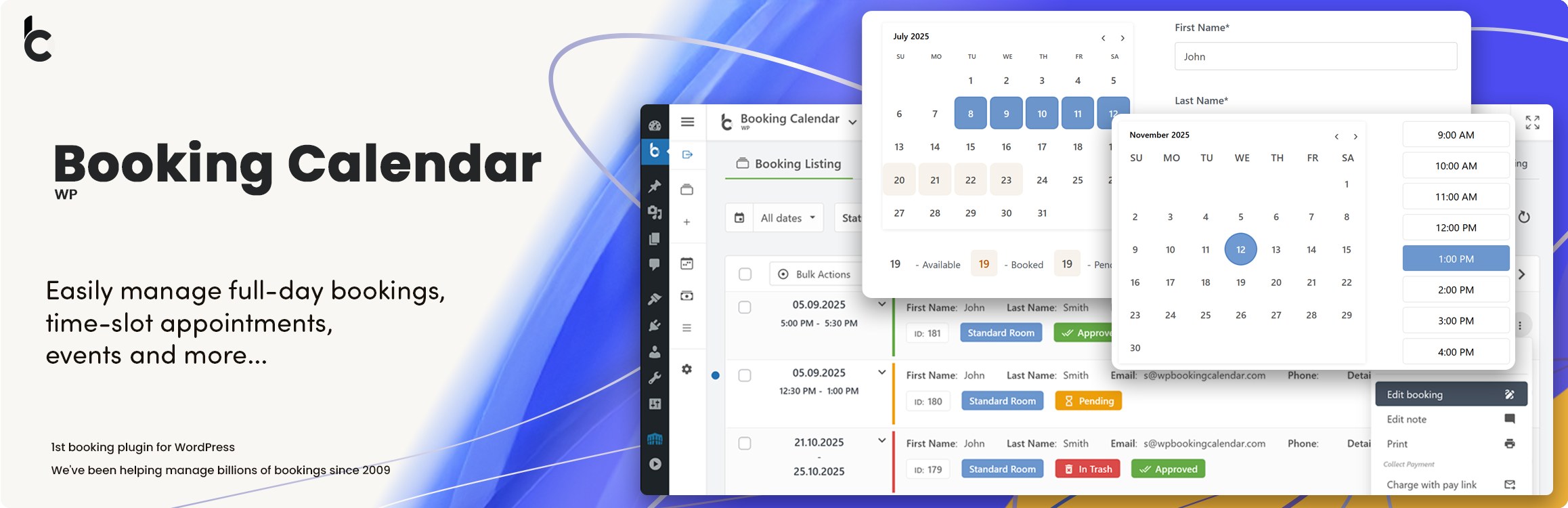
Free 50k+ installs 5★ (155)
Booking Calendar

WP Booking Calendar plugin for full-day bookings, time-slot appointments, rentals & events. Accept booking...

Free 40k+ installs 4.7★ (653)