
Autoptimize
92Autoptimize speeds up your website by optimizing JS, CSS, images (incl. lazy-load), HTML and Google Fonts, asy...
Free
800k+ installs 4.7★ (1,428)
Google font for your website without coding, you can change font for any element you want.

Google Font is a WordPress plugin that allows you to add custom Google fonts to your site without any coding. You can change the font family and colours for various HTML elements, including headings, paragraphs, and links. The plugin is compatible with any WordPress theme and provides a settings page for customisation.
This plugin is aimed at users who want to enhance their site's typography easily. It offers a straightforward way to improve the visual appeal of your content through font selection and colour adjustments.
Best for: This plugin suits WordPress users looking to customise fonts without coding knowledge.
What it does well
Where it falls short
Google Font offers basic font customisation features for WordPress users, but its low rating and outdated status may raise concerns about reliability and support.
PluginOps's own description of Google Font, lightly tidied.
A simple and easy way to add custom Google fonts and change their colors in any WordPress theme without coding. It is compatible with any theme.
Add Google fonts on your WordPress site without coding. You can also change the colors if you want. You can add Google fonts for specific elements like Headings (H1, H2…H6), Paragraphs (p) links (a), span etc on your WordPress site.
Google font plugin also allows you to create custom theme specific font controls in the plugin settings page to control particular CSS selectors like link, heading tags, span tag; special tags like block-quotes, address, time, abbreviation, caption, figure.
Fonts play a very important role it make your content look good and engaging it depends on your typeface/font how a visitor will interact with your writing. Google font plugin helps you make better choice in font selection and contains the collection of highly effective google fonts.
Fonts play a very important role it make your content look good and engaging it depends on your typeface/font how a visitor will interact with your writing. Google font plugin helps you make better choice in font selection and contains the collection of highly effective google fonts.
Not so easy way :
Other plugins for typography control.
Autoptimize speeds up your website by optimizing JS, CSS, images (incl. lazy-load), HTML and Google Fonts, asy...
The #1 fonts plugin for WordPress. 1,400+ Google Fonts, Adobe Fonts and your own font files. Live preview, no...

Redux is a simple, truly extensible, and fully responsive options framework for WordPress themes and plugins....

The original Google Fonts self-hosting plugin. Automagically caches your fonts locally — no configuration (or...

SpeedyCache is a WordPress cache plugin that helps you improve performance of your WordPress site by caching,...
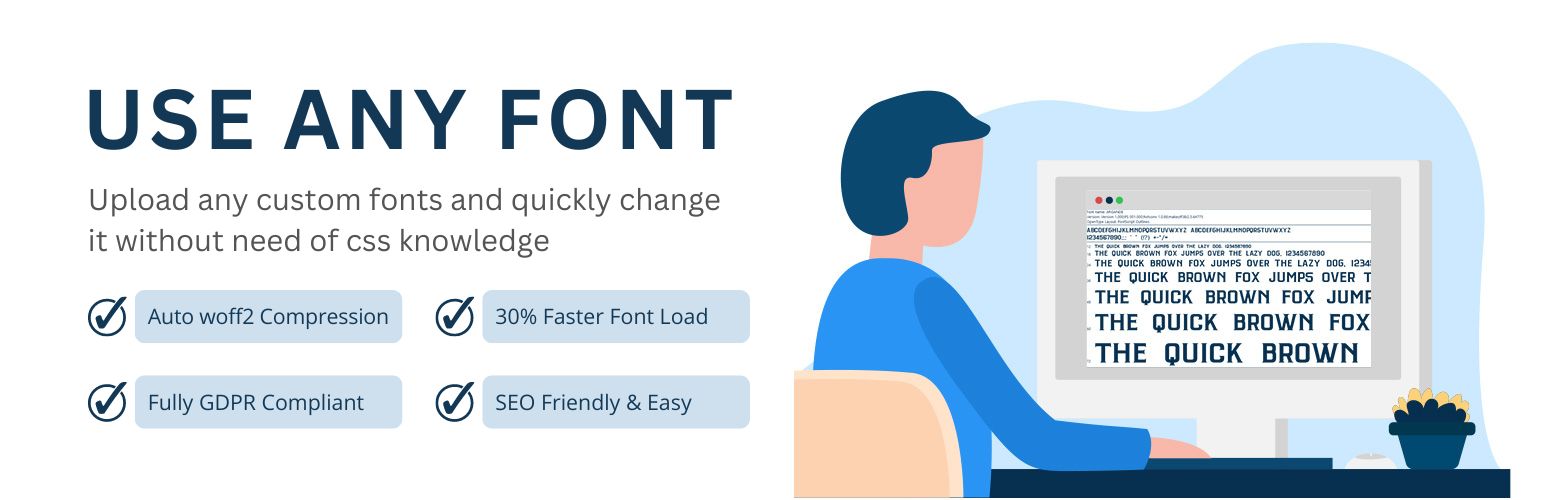
Upload custom fonts with custom font uploader. Auto converts to woff2 for better performance. Self-hosted, GDP...