
Autoptimize
92Autoptimize speeds up your website by optimizing JS, CSS, images (incl. lazy-load), HTML and Google Fonts, asy...
Free
800k+ installs 4.7★ (1,428)
Load the Dashicons icon font on the front-end of your site.

Frontend Dashicons is a WordPress plugin that allows you to load the Dashicons icon font on the front-end of your website. This is useful if your active theme does not support Dashicons by default. You can implement the icons using HTML and CSS, following the official Dashicons documentation.
This plugin is suitable for users who want to enhance their site's design with Dashicons but need a solution to load the icon font manually. It is particularly beneficial for those who are comfortable using HTML and CSS to display icons.
Best for: This plugin suits WordPress users looking to integrate Dashicons into their site's front-end.
What it does well
Where it falls short
Frontend Dashicons is a straightforward solution for loading Dashicons on your site. It is ideal for those who are familiar with HTML and CSS.
Erica Franz's own description of Frontend Dashicons, lightly tidied.
Easily load the Dashicons icon font on the front-end of your site. If you’ve ever wanted to use this snazzy little icon font but your active theme doesn’t load it on the front-end of your site for you, this plugin is here to save the day!
Activate and you’re ready to start using Dashicons on the front-end of your site via HTML and CSS.
IMPORTANT: This plugin does not make any shortcodes available to implement Dashicons icons. You can easily use the HTML and CSS options to display icons following the official Dashicons documentation at https://developer.wordpress.org/resource/dashicons/.
Other plugins for typography control.
Autoptimize speeds up your website by optimizing JS, CSS, images (incl. lazy-load), HTML and Google Fonts, asy...

The #1 fonts plugin for WordPress. 1,400+ Google Fonts, Adobe Fonts and your own font files. Live preview, no...

Redux is a simple, truly extensible, and fully responsive options framework for WordPress themes and plugins....

The original Google Fonts self-hosting plugin. Automagically caches your fonts locally — no configuration (or...

SpeedyCache is a WordPress cache plugin that helps you improve performance of your WordPress site by caching,...
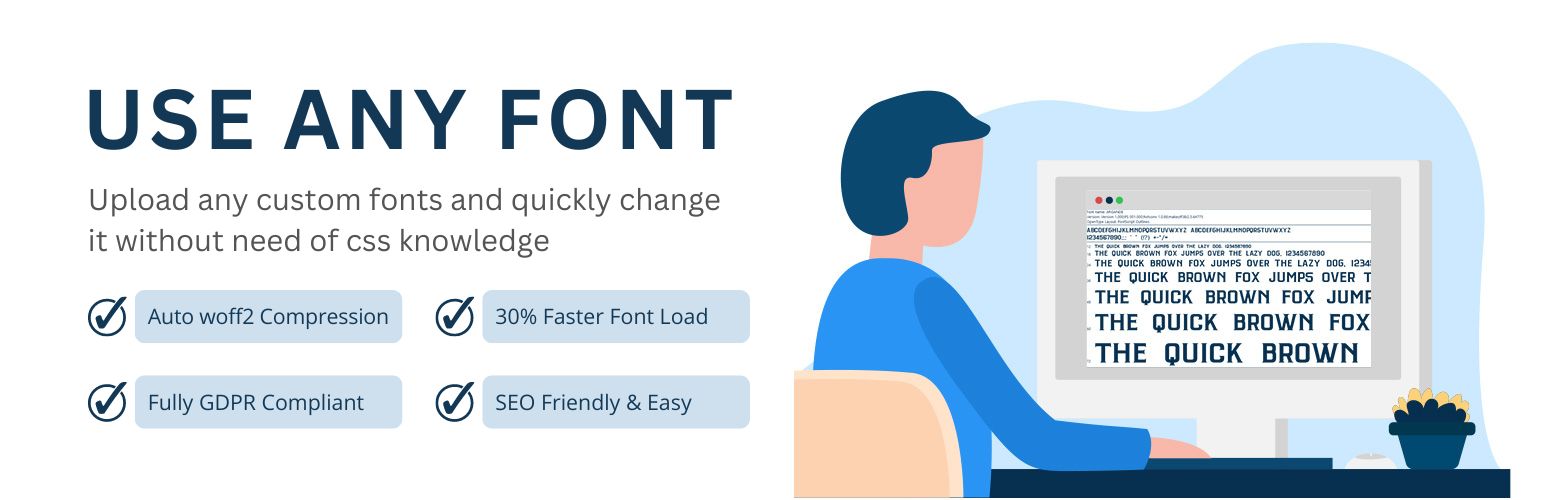
Upload custom fonts with custom font uploader. Auto converts to woff2 for better performance. Self-hosted, GDP...