
MetForm
93Elementor forms builder to create WordPress forms like contact form, booking form, feedback form, survey form,...
Free
600k+ installs 4.7★ (504)
This plugin is used to send additional information about the customer when WooCommerce Bookings creates an event in Google Calendar.

Calendar Event Add-on WooCommerce Bookings is a WordPress plugin that enhances WooCommerce Bookings by sending additional customer information to Google Calendar when an event is created. It requires WooCommerce Bookings to function, as it acts as an add-on to that plugin.
You can configure the plugin through the WordPress Administrative area, where you can add text and use placeholders for customer details such as name, email, and phone number. This allows for a more informative event description in Google Calendar.
Best for: This plugin is suitable for users of WooCommerce Bookings who want to enhance their event details in Google Calendar.
What it does well
Where it falls short
The plugin offers a straightforward way to include customer information in Google Calendar events but has specific version requirements for WooCommerce Bookings.
Rajesh Kaswala's own description of Calendar Event Add-on WooCommerce Bookings, lightly tidied.
⚠⚠IMPORTANT NOTICE⚠⚠
If you use any version of Woocommerce Bookings between 1.12.2 to 1.13.3 then unfortunately, the plugin has no support of “woocommerce_bookings_gcalendar_sync” filter which is used by our plugin, so our plugin won’t work for those versions. Since Woocommerce Bookings version 1.14.0 the filter was restored, so you can use any Woocommerce Bookings version from 1.14.0 to continue use of our plugin.
Calendar Event Add-on WooCommerce Bookings is used to send additional information about the customer when WooCommerce Bookings creates an event in Google Calendar.
Please note that this plugin is Add-on for WooCommerce Bookings, so it doesn’t do any thing without prior installation of WooCommerce Bookings.
Go to WordPress Administrative area >> Settings >> Click on “Calendar Addon for WC Booking”. Here, you will see “Additional Event Description”. In this text area, you’re free to use these placeholders: CUSTOMER_NAME, CUSTOMER_BILLING_EMAIL, CUSTOMER_BILLING_PHONE. You can use normal text there as well. What ever information you write in the text area is sent as additional event description when WooCommerce Bookings creates an event in Google Calender. At this time, each of the placeholders mentioned in the text area, has been replaced by its real value.
Other plugins for taking bookings.
Elementor forms builder to create WordPress forms like contact form, booking form, feedback form, survey form,...

Calculated Fields Form: complete WordPress form builder for contact,booking,quote,payment forms & more,wit...

Appointment booking plugin for WordPress. Let clients self-schedule 24/7, accept payments at booking, and redu...
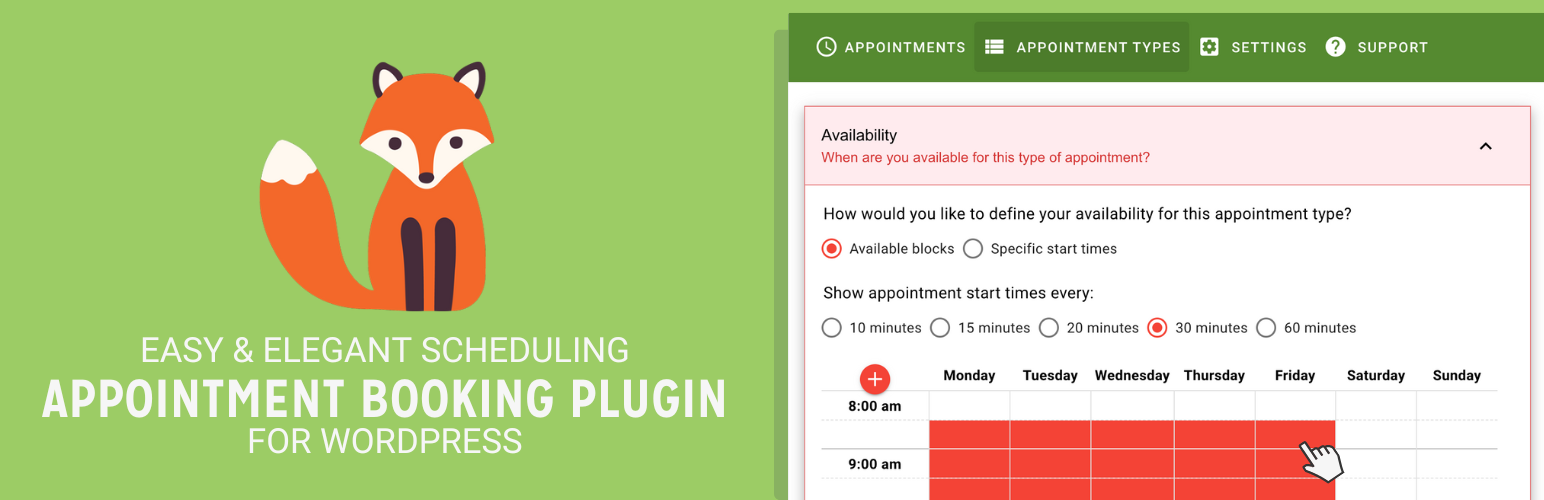
Unlimited appointments, booking calendars, and notifications. Powerful appointment booking plugin and booking...
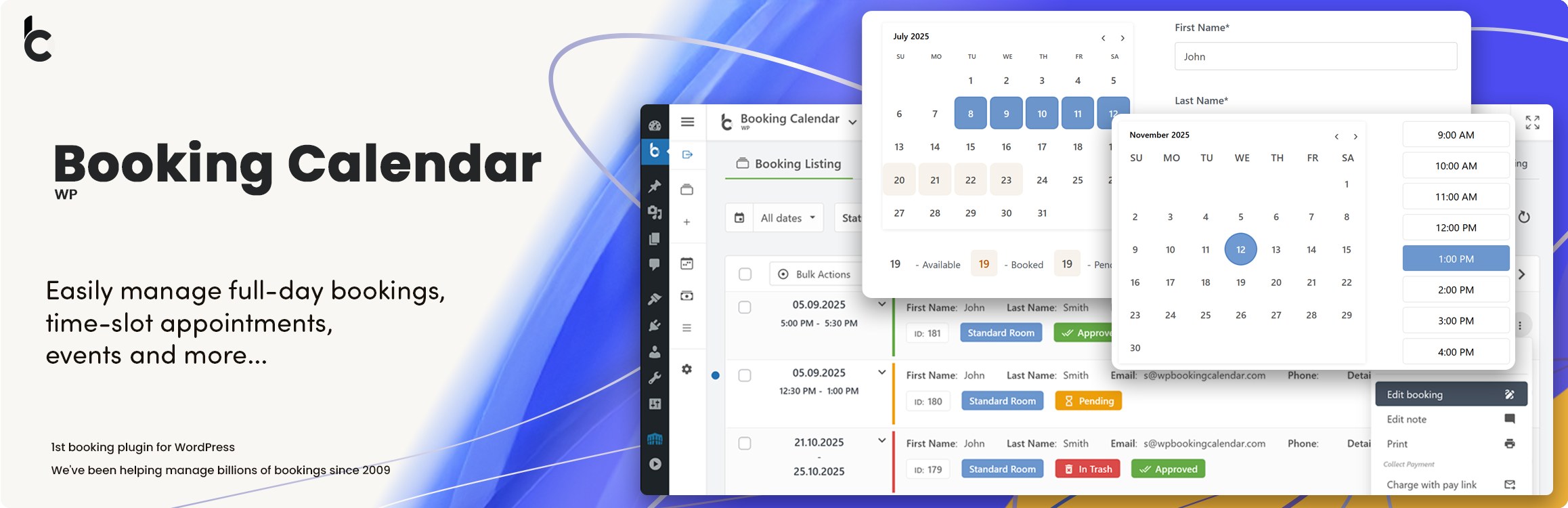
WP Booking Calendar plugin for full-day bookings, time-slot appointments, rentals & events. Accept booking...

Amelia is a powerful booking plugin for appointments and events. Manage scheduling, calendars, and availabilit...