
Ad Inserter
94Manage Google AdSense ads, banners, ad rotation, sticky widgets, AMP ads, ads.txt, tracking, header and footer...
Free
300k+ installs 4.9★ (2,428)
A collection of content blocks, sections, & full-page layouts for the block editor.
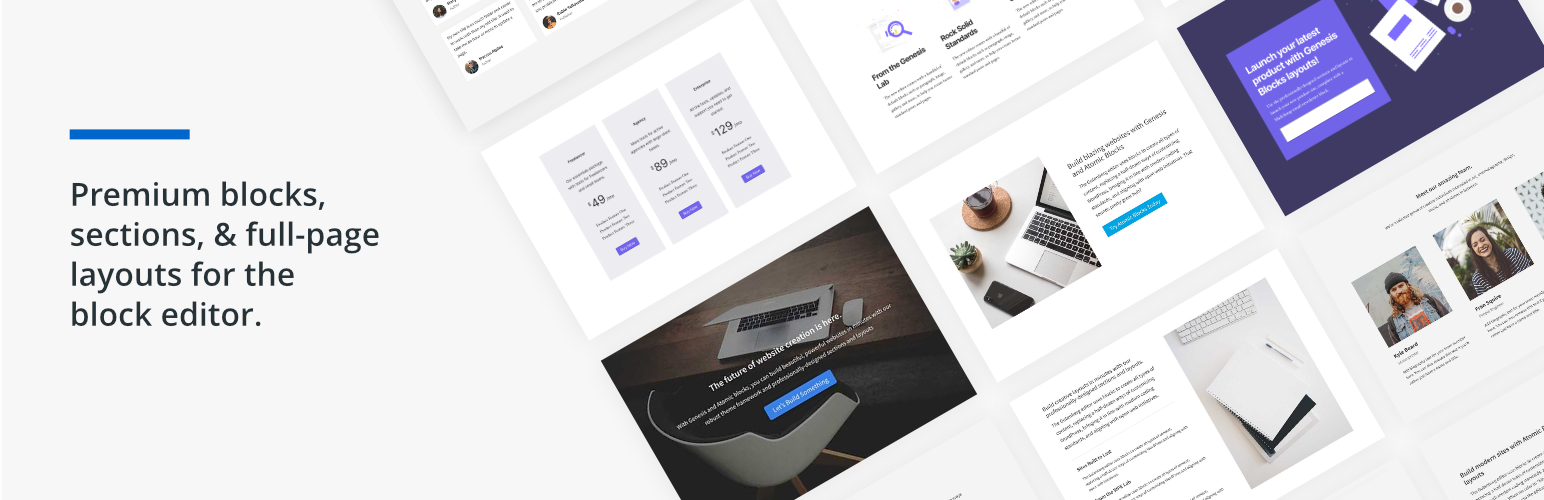
Genesis Blocks is a WordPress plugin designed for the Gutenberg block editor, providing a collection of customizable page-building blocks. It allows you to create and manage page layouts, enhance content creation, and improve user engagement with various prebuilt sections and layouts.
This plugin is suitable for users looking to streamline their website building process, offering blocks for buttons, testimonials, pricing, and more. It caters to those who want to leverage the Gutenberg editor to create visually appealing and functional websites.
Best for: This plugin suits WordPress users who want to enhance their site-building capabilities with the Gutenberg editor.
What it does well
Where it falls short
Genesis Blocks provides useful tools for creating and managing content within the Gutenberg editor. It is a solid choice for those looking to improve their page layouts and engagement without any cost.
StudioPress's own description of Genesis Blocks, lightly tidied.
Genesis Blocks is a collection of page building blocks for the Gutenberg block editor. Building pages with the block editor and Genesis Blocks gives you more control to quickly create and launch any kind of site you want!
Installing the customizable Genesis Blocks plugin adds a collection of beautiful, site-building blocks to help you customize page layouts, increase engagement, and get results for your business. Genesis Blocks provides everything from customizable buttons, to beautifully-designed page sections and full-page layout designs via the Section & Layout block.
Along with the blocks themselves, Genesis Blocks extends the content creation experience by providing a library of page sections and full-page layouts, all available from within the block editor.
Create and use content quickly with prebuilt and custom content sections and full-page layouts.
Additional content blocks and the layout selector make it easy to get the most value out of the block-based editor.
Breaking change: The Genesis Blocks Button block is deprecated in favor of the Core Buttons block.
When you open the block editor, this will automatically convert your Genesis Blocks Button blocks to the Core Buttons block.
This will not convert Button blocks if you don’t open the block editor.
You might see some styling changes, especially if you have custom styling for classes other than ‘gb-block-button’.
For those wanting to level-up with Genesis Blocks, a Genesis Pro subscription brings even richer tooling and a bigger library of sections and layouts.
Other plugins for mobile experience.
Manage Google AdSense ads, banners, ad rotation, sticky widgets, AMP ads, ads.txt, tracking, header and footer...
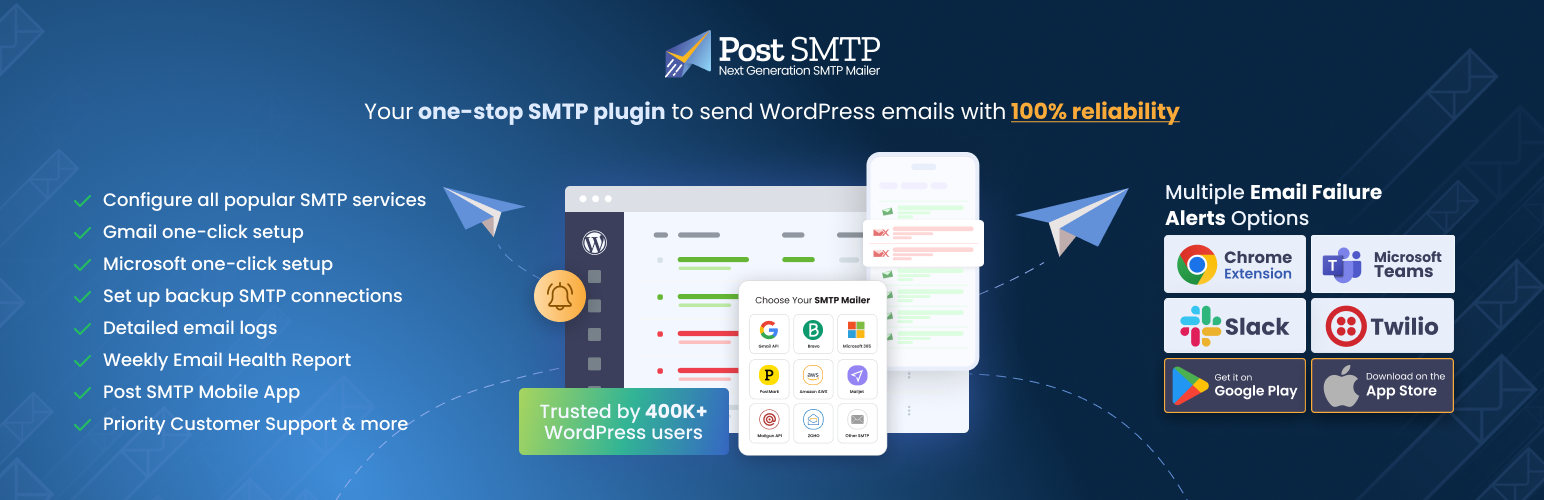
Improve WordPress email deliverability. Connect Gmail SMTP, Microsoft 365, Brevo, SendGrid, Mailgun, Zoho, Ama...

Seven free modules for Elementor: dark mode, container layouts, mobile menu, editorial text, style presets, JS...
AMP for WP is the most recommended AMP plugin by the community. Automatically add Accelerated Mobile Pages (Go...

Mobile menu & hamburger menu builder for WordPress. Create a responsive, customisable menu with 150+ optio...

SuperPWA helps you convert your WordPress website into a Progressive Web App instantly.