
Members
94The best WordPress membership and user role editor plugin. User Roles & Capabilities editor helps you rest...
Free
300k+ installs 4.9★ (1,274)
Export all Gravity Forms entries to Excel (.xlsx) or CSV via a download button or a secret shareable URL.
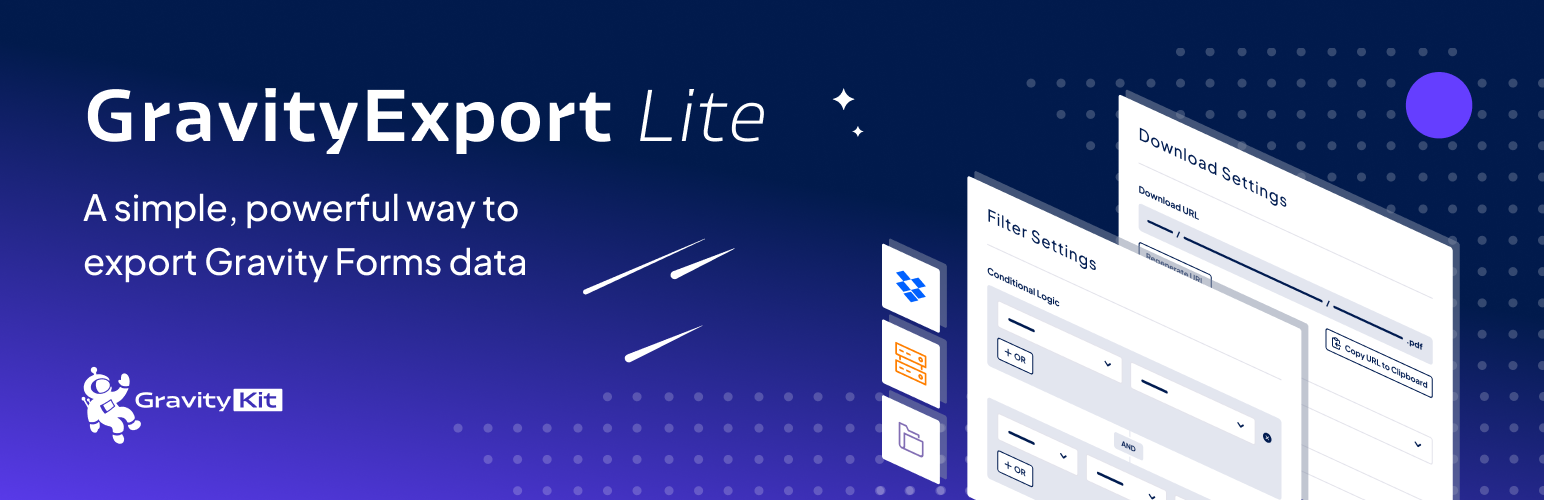
GravityExport Lite for Gravity Forms is a WordPress plugin designed for exporting data from Gravity Forms into Excel and CSV formats. It allows you to generate secure download URLs for your exports, which can be shared without requiring users to log in. The plugin also supports features like limiting access to downloads, exporting entry notes, and configuring export fields for efficiency.
This plugin is suitable for users who need to manage form data effectively, especially those who work with multiple forms and require data in a structured format for analysis or reporting. It is particularly useful for site owners who want to streamline their data export processes without complex configurations.
Best for: This plugin suits WordPress users who need to export data from Gravity Forms efficiently.
What it does well
Where it falls short
GravityExport Lite offers a straightforward solution for exporting Gravity Forms data, making it a practical choice for users looking to simplify their data management tasks.
GravityKit's own description of GravityExport Lite for Gravity Forms, lightly tidied.
GravityExport (Gravity Form Entries in Excel) is the ultimate no-hassle solution for exporting data from Gravity Forms.
Powerful new functionality is available with GravityExport! Save exports to FTP & Dropbox, export as PDF, and format exports for data analysis.
When you configure a new export, the plugin will generate a secure download URL that you can share with anyone who needs the data (No need to log in!). Reports will automatically update as new entries are added.
Export your entries directly to .xlsx format. No more wasting time importing your CSV files into Excel and re-configuring columns.
If you’d prefer to have your reports generated as CSV, GravityExport Lite makes it easy.
Once you have your download URL, you can easily filter by date range and field value.
Save time generating exports in Gravity Forms: Configure the fields that are included in your CSV or Excel export. No need to set up every time!
If you have any questions regarding GravityExport Lite, check out our documentation.
If you need further assistance, read this first and our support team will gladly give you a helping hand!
Other plugins for moving data.
The best WordPress membership and user role editor plugin. User Roles & Capabilities editor helps you rest...

Manage all your WordPress updates, including individual updates, automatic updates, logs, and loads more. This...

Redux is a simple, truly extensible, and fully responsive options framework for WordPress themes and plugins....

🌠 Shorten, brand, and track any URL on your own domain. Keep your links — and your data — where they belong....

Export WooCommerce orders to Excel, CSV, XML, JSON, PDF and HTML. Best free order export plugin for WooCommerc...

Easily export or import your WordPress customizer settings!