
Join millions who empower their websites with ElementsKit Elementor Addons. Get templates, & 100+ widgets...
Free
1M+ installs 4.9★ (2,036)
The most advanced page and layout builder for Gutenberg and the new Block Editor, with columns, rows and responsive controls.

Grids is a layout builder plugin for WordPress that allows you to create visual structures for your pages using the block editor. It enables the creation of sections and areas, which can be arranged into various grid compositions to enhance the layout of your content.
This plugin is suitable for users looking to organise their content visually, making it easier to create distinct sections and complex layouts without needing extensive coding knowledge. It leverages the flexibility of the WordPress block editor, allowing for integration with a wide range of content blocks.
Best for: This plugin suits users who want to create visually structured pages on their WordPress site.
What it does well
Where it falls short
Grids offers a straightforward way to enhance page layouts using the block editor, making it a practical choice for users focused on visual content organisation.
Evolve's own description of Grids: Layout builder for WordPress, lightly tidied.
A layout builder is a tool that helps you creating visual structures in your page, from a simple layout made by adjacent columns, to more complex compositions. Grids is entirely based on the WordPress block editor, which means that you’ll be able to use it together with the myriad of content blocks that developers and designers from all around the World are creating.
With Grids, we’re bringing a visual structure to the content written with the WordPress Block Editor.
A Section is a portion of the page that aims at being visually distinct from the rest of the content. Sections are usually top-level blocks that you add one after the other; the sequence of sections is what makes your page layout.
Each Section that you create is composed by several different Areas. In their most basic form, you can think of Areas as columns, which are nothing else than containers for content blocks.
For more elaborated compositions, the Grid Designer allows you to create exactly the grid structure you want within the boundaries of a Section, by using CSS Grid.
Other plugins for building pages visually.
Join millions who empower their websites with ElementsKit Elementor Addons. Get templates, & 100+ widgets...
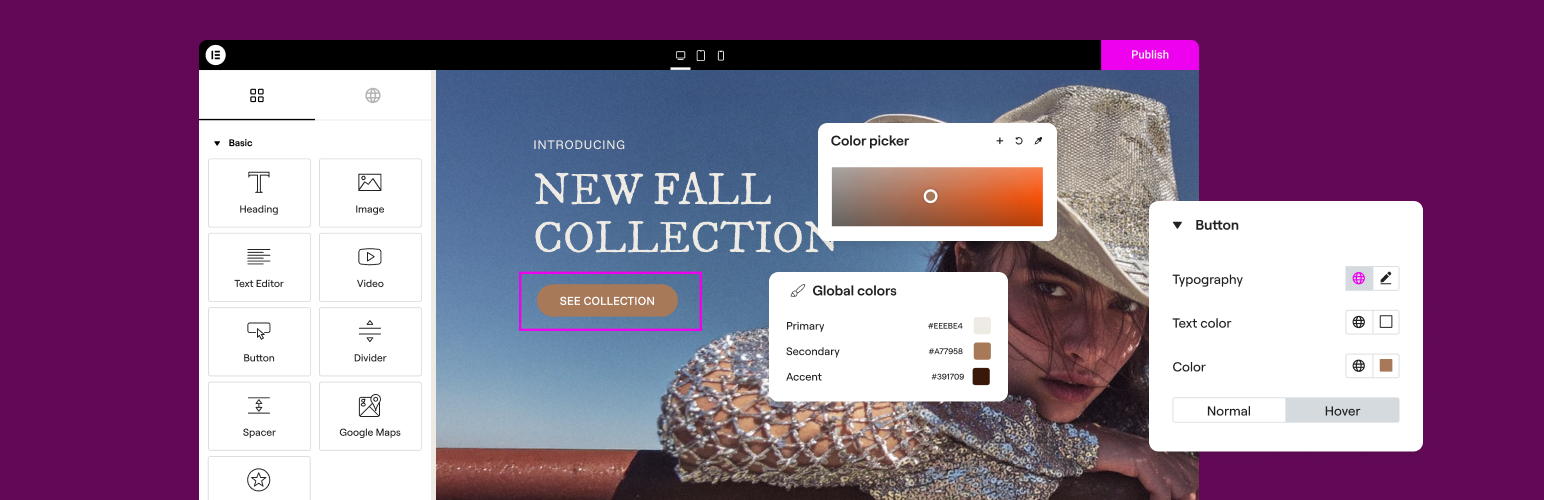
The Elementor Website Builder has it all: drag and drop page builder, Atomic Editor, pixel perfect design, glo...

The growing library of 300+ ready-to-use templates that work with all WordPress themes including Astra, Hello,...

Easy Drag & Drop Page Builder. A complete solution to create a WordPress Website, Custom Themes, Landing P...

Build responsive page layouts using the widgets you know and love using this simple drag and drop page builder...
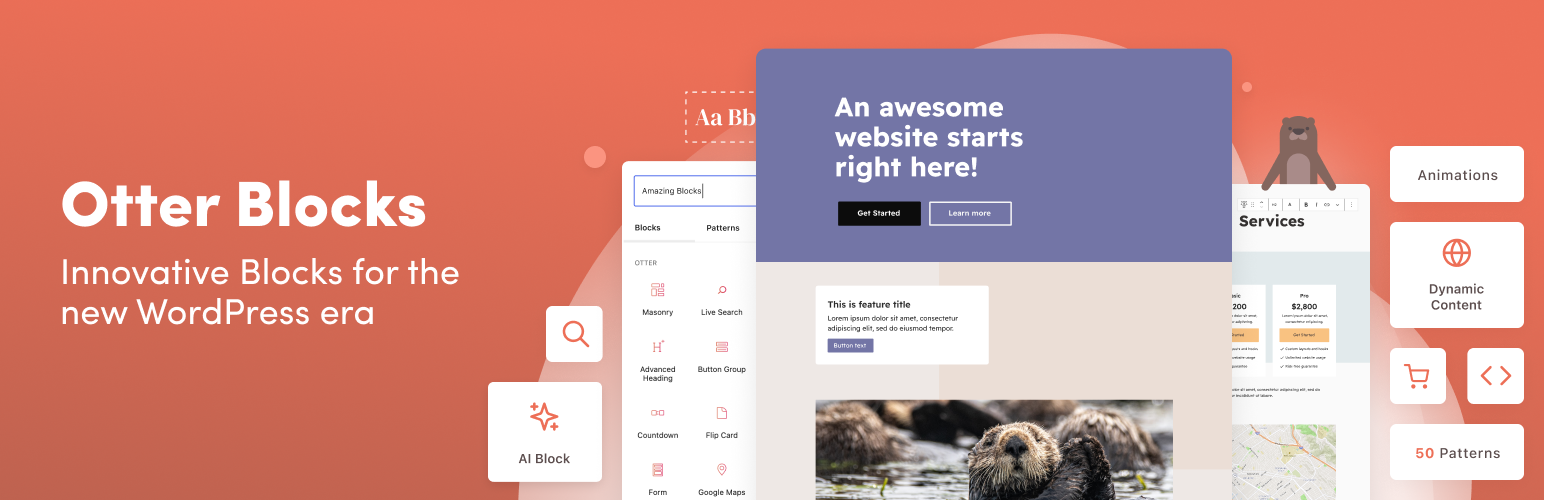
Quickly create WordPress pages with 20+ blocks, 100+ ready-to-import designs, and advanced editor extensions....