
Members
94The best WordPress membership and user role editor plugin. User Roles & Capabilities editor helps you rest...
Free
300k+ installs 4.9★ (1,274)
Turn your site into a powerful membership solution. Manage members, teams and access to content easily.

The Groups plugin for WordPress helps you organise users into different groups, allowing for tailored access to content and actions on your site. It is particularly useful for managing exclusive areas and permissions, making it easier to control who can see or do what. The plugin integrates with WooCommerce, enabling you to restrict product availability based on group membership.
Designed for ease of use, Groups operates within the familiar WordPress Dashboard, allowing you to create groups, assign users, and set permissions without needing to learn a new system. This makes it suitable for site owners who require structured user management and content access control.
Best for: This plugin suits WordPress site owners who need to manage user access and permissions effectively.
What it does well
Where it falls short
Groups is a straightforward solution for controlling user access on WordPress sites, particularly beneficial for those using WooCommerce. It offers essential features for managing memberships and content visibility.
itthinx's own description of Groups, lightly tidied.
The Groups plugin for WordPress is an essential tool that helps you organize users on your website. Think of it like sorting people into different clubs or teams, where each club has its own set of rules about who can access and do what.
This plugin is very useful if you want to control who can see certain content or perform specific actions on your website. It helps you to keep some parts of your website exclusive to specific groups or to give special rights to some users.
Groups works great with WooCommerce, so you can make some products only available to members of certain groups.
It allows you to create groups, assign users to these groups, and set permissions for what each group can do or see on your site.
The Groups plugin works within the familiar WordPress Dashboard, so you do not need to learn something completely new. Clean views and clear functions make it quick and easy to work with.
You can make parts of your website visible to members of specific groups only, which is great for managing exclusive areas and products. You can protect whole pages, products and other types of content. You can also protect sections within pages.
Define what actions users in particular groups can perform, based on standard WordPress capabilities and custom capabilities provided by plugins.
The Groups plugin makes managing your WordPress site easier, especially if you need to control who can do what or see what. It is designed to be easy to use, reducing the complexity of user management and content access.
Groups integrates with WooCommerce to protect access to products, so that certain products can be purchased by members only.
Other plugins for membership sites.
The best WordPress membership and user role editor plugin. User Roles & Capabilities editor helps you rest...

Build membership sites with tiered plans, content restriction, drag-&-drop custom registration & login...

Membership & community plugin with user profiles, registration & login, member directories, content re...
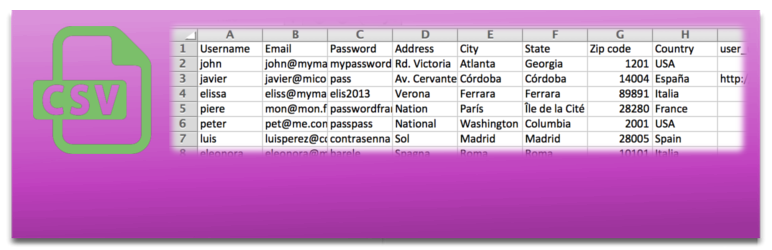
Bulk import and export WordPress users and WooCommerce customers from CSV, including roles, passwords and any...

Simple membership plugin adds membership functionality to your site. Protect members only content using conten...

Number one WordPress forum plugin with AI features. Full-fledged forum solution with modern forum design. Comm...