
WPThumbs
Themes Plugins By purpose By industry Best-of lists Fix it guides
Free Plugin by GS Plugins v1.9.2

GS Pinterest Portfolio

Showcase Pinterest pins in Grid, Masonry, Popup & Gallery layouts with GS Pinterest Portfolio. Responsive, lightweight & easy to use.

GS Pinterest Portfolio

The facts

Rating
4.8★ from 47
Active installs
1k+
Price
Free
Last updated
25 Aug 2026
Added
Sep 2016
Requires WP
4.3
Tested up to
WP 7.1
Requires PHP
5.6
Downloads
134,930

Our analysis

AI-assisted

The GS Pinterest Portfolio is a WordPress plugin that allows you to showcase your Pinterest pins on your website. It is designed to enhance visual content, making it easier for visitors to engage with your work, inspirations, or collections. The plugin features a user-friendly Shortcode generator and a responsive design, ensuring that your portfolio looks good on any device.

This plugin is suitable for individuals or businesses looking to integrate Pinterest into their WordPress sites. It is particularly beneficial for those who want to display visual content effectively and engage their audience through Pinterest.

Best for: This plugin suits individuals or businesses wanting to showcase Pinterest content on their WordPress site.

What it does well

  • User-friendly Shortcode generator for easy embedding
  • Fully responsive design for all devices
  • Supports displaying pins from specific boards
  • Includes multiple widgets for various Pinterest displays
  • Extensive documentation for installation and customization

Where it falls short

  • Limited information on advanced features or customisation options

Verdict

The GS Pinterest Portfolio plugin offers a straightforward way to display Pinterest pins, making it a practical choice for enhancing visual appeal on WordPress sites.

From the developer

GS Plugins's own description of GS Pinterest Portfolio, lightly tidied.

The GS Pinterest Portfolio Plugin is a versatile WordPress plugin designed to showcase your Pinterest pins. Whether you want to display your creative work, inspirations, or favorite collections, this plugin makes it quick and easy. Featuring your Pinterest pins on your website allows visitors to see your visual content and builds a stronger connection with your audience.

The plugin is user-friendly, offering a convenient Shortcode generator for embedding. Its responsive design ensures that your Pinterest portfolio looks great on all devices, while the lightweight build keeps your site running efficiently. Focus on what matters with the GS Pinterest Portfolio Plugin, and improve your website’s visual appeal effortlessly.

🎬 Live Demo ⬆️ Upgrade to PRO 📚 Documentation 🙋‍♂️ Support

Benefits of Using the GS Pinterest Portfolio Plugin

The GS Pinterest Portfolio Plugin helps you easily integrate and display Pinterest pins on your WordPress site, enriching your content with visual elements. It attracts and engages visitors by showcasing your work, interests, or inspirations. User-friendly features, like a Shortcode generator, makes it simple to use, and its responsive design ensures your pins look great on any device.

What Sets GS Pinterest Plugin Apart?

  • Fully Responsive Design: This Pinterest plugin adapts seamlessly to any screen size, ensuring a polished appearance on desktops, tablets, and smartphones. By maintaining visual appeal across all devices, it helps maximize your Pinterest-based marketing reach, ensuring your pins look great no matter how your audience accesses your site.
  • Extensive User Guide: The plugin comes with extensive documentation that guides users through installation, configuration, and advanced customization options. This allows you to quickly set up and tailor your Pinterest displays to align with your marketing goals, even if you have limited technical skills.
  • Frequent Enhancements: GS Pinterest Portfolio Plugin is regularly updated to include the latest features and security enhancements. Frequent updates ensure your Pinterest marketing strategy remains effective and secure, keeping your plugin compatible with the newest WordPress versions and industry trends.
  • Optimized Performance: Built for speed and efficiency, GS Pinterest Portfolio Plugin ensures fast loading times and smooth functionality. Its high performance enhances user experience, keeping visitors engaged with your Pinterest content and reducing bounce rates, which is crucial for successful Pinterest-based marketing.

Plugin’s Key Features

  • Gutenberg Block: Integrate Pinterest pins easily with Gutenberg blocks.
  • Responsive Design: Ensures your Pinterest portfolio looks great on all devices.
  • Latest Pins: Automatically fetch the newest pins from any Pinterest user.
  • Specific Boards: Display pins from specific boards of your choice.
  • Pin Quantity: Choose the number of pins to display.
  • Caption Control: Show or hide pin captions as needed.
  • Column Options: Arrange pins in 3, 4, 5, or 6 columns.
  • Shortcodes & Widgets: Display Pinterest pins anywhere using shortcodes like [gs_pinterest id=1].
  • Multiple Widgets: Includes 4 widgets for profile, boards, single pins, and follow button.
  • Theme Compatibility: Works seamlessly with any standard WordPress theme.
  • Developer-Friendly: Easy to customize and tweak for developers.
  • Browser Support: Compatible with all modern browsers.
  • W3C Valid: Ensures valid, standards-compliant HTML.
  • Easy Setup: Quick and straightforward installation.
  • Five Themes: Enhance your display with 5 different themes:
    • Pins
    • Pin with Links
    • Hover
    • Popup
    • Grayscale
    • User Profile

    General Settings

    Go to GS Pinterest > GS Pinterest. Here, you can either create a new Shortcode or edit the existing ones. Once inside, you’ll see the General Settings tab.

    • Username: Write Pinterest username here.
    • Board Name: Enter Pinterest board name to show pins of a specific board. (optional)
    • Total Pins to Display: set the number of pins to display. You can choose up to 25 pins to show. By default it shows 10 pins.
    • Theme: Select a theme for showing your Pinterest Pins.
    • Pins Link Target: Set the target for links to open in a new tab or in the same window.

    Style Settings

    Go to GS Pinterest > GS Pinterest. Here, you can either create a new Shortcode or edit the existing ones. Once inside, beside the General Settings tab, you’ll see the tab for adjusting Style Settings.

    • Desktop Columns: Set the number of columns to show on desktop screens.
    • Tablet Columns: Configure the number of columns for optimal tablet viewing.
    • Portrait Mobile Columns: Adjust the column count for portrait mobile viewing.
    • Mobile Columns: Tailor the column count to suit mobile screen sizes.
    • Gutter: Adjust the space between pins.

    Preferences

    Read the full description on the official page →

Tagged as

Alternatives

Other plugins for showcasing work.

Gallery by Visual Portfolio

Build photo galleries, image galleries, and portfolio grids with gallery blocks. Masonry, lightbox, sliders, a...

Free 60k+ installs 4.8★ (336)
Logo Slider

Logo Slider: The best responsive plugin for Logo Showcase, Logo Carousel, and displaying clients' logos....
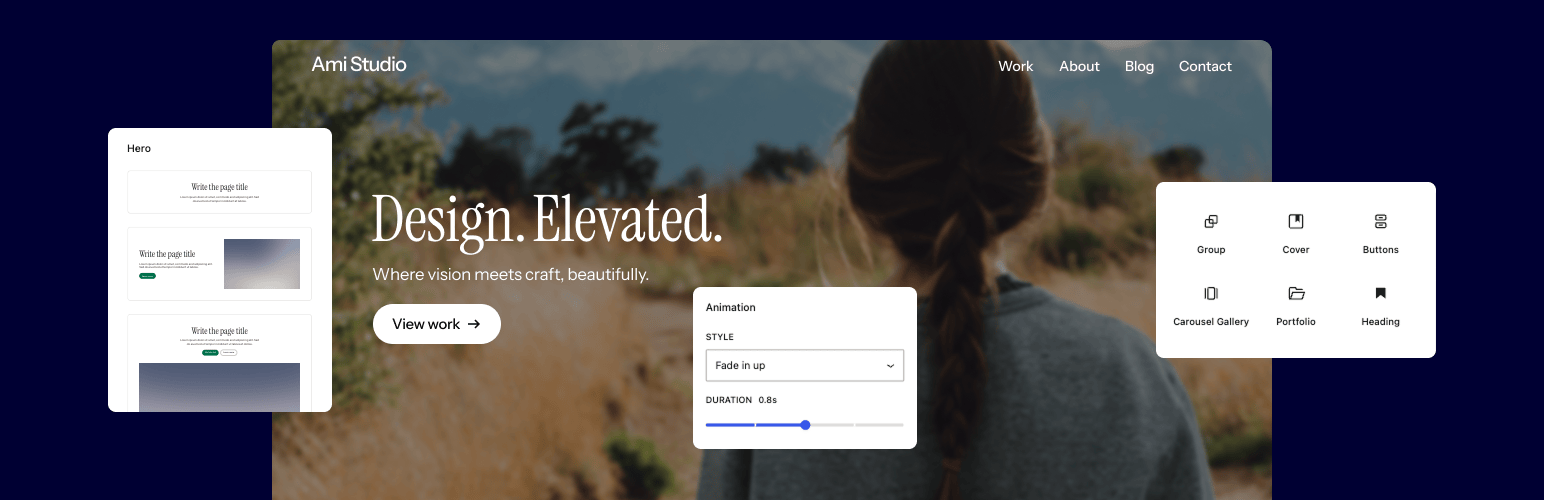
Free 30k+ installs 4.8★ (250)
Twentig Supercharged Block Editor

Supercharge the WordPress block editor with enhanced core blocks, hundreds of block patterns, professional sta...

Free 20k+ installs 4.9★ (170)
Cool Timeline

Showcase your story or company history, events, and roadmap in an interactive timeline using the powerful Cool...

Free 20k+ installs 4.7★ (328)
Portfolio Filter Gallery

Create filterable portfolio galleries with photos, videos, category filters in masonry layouts. Supports Guten...
Free 20k+ installs 4.8★ (348)
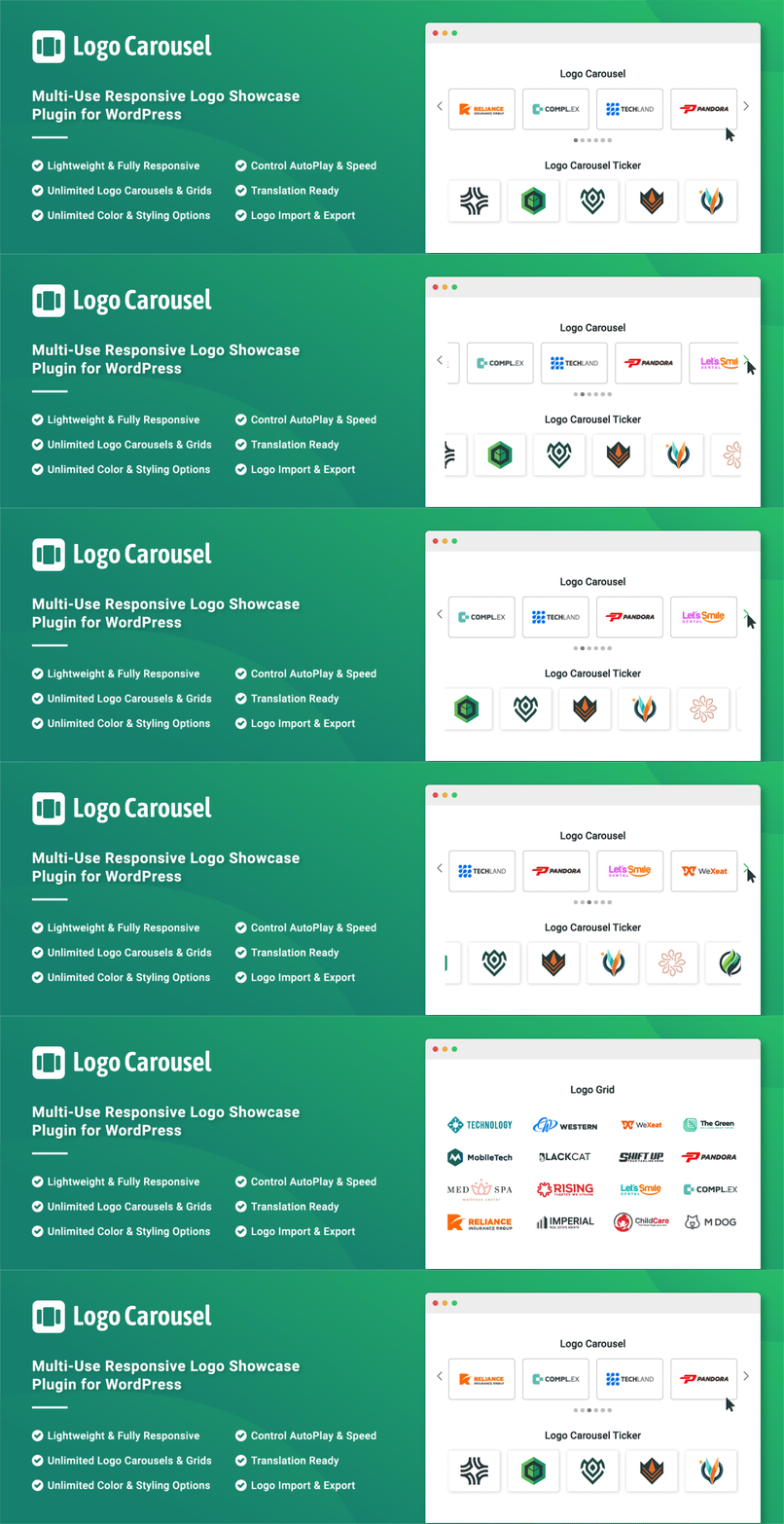
Logo Carousel

Add, display, and manage clients, partners, sponsors, and brand logos with multiple slideshows on your site. C...

Free 20k+ installs 4.7★ (162)