
Members
94The best WordPress membership and user role editor plugin. User Roles & Capabilities editor helps you rest...
Free
300k+ installs 4.9★ (1,274)
Connect WPForms to Google Sheets and automatically send form entries to a google sheet in real-time. No manual exports, no coding required.
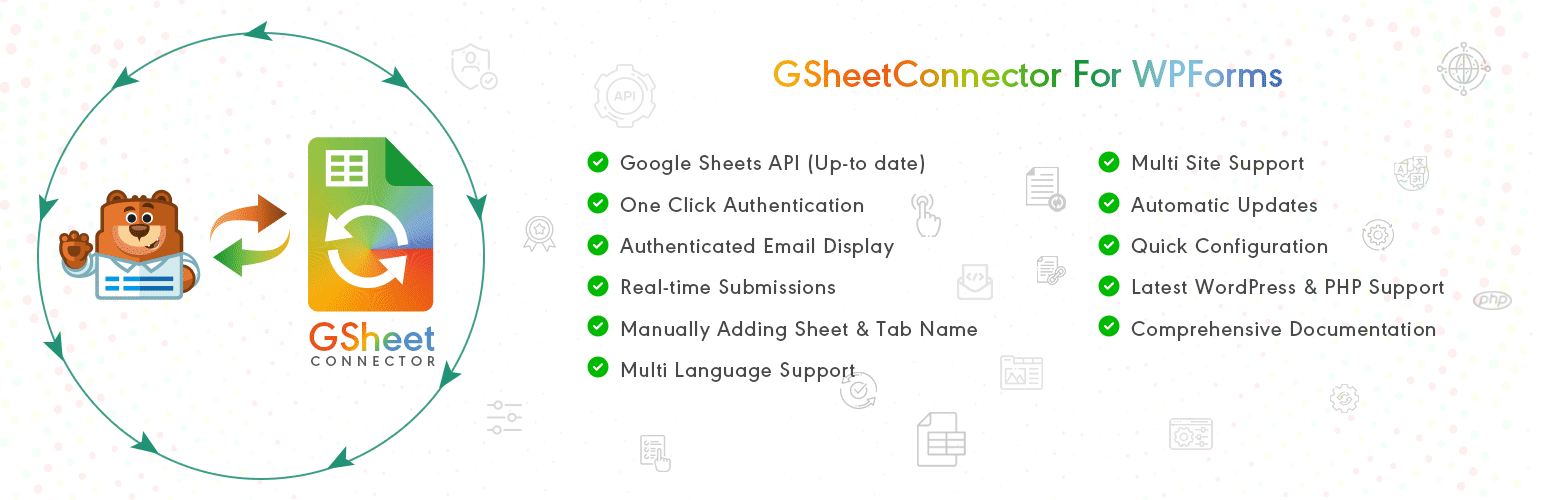
GSheetConnector is a WordPress plugin that connects WPForms with Google Sheets, allowing you to automatically save form submissions to a spreadsheet in real-time. This plugin eliminates the need for manual exports or coding, making it accessible for users without technical skills.
It supports both WPForms Lite and Pro versions, enabling multiple forms and Google Sheets connections. The plugin is designed for users who want to streamline their data management and enhance collaboration through Google Sheets.
Best for: This plugin is suitable for businesses and individuals who use WPForms and want to automate data management with Google Sheets.
What it does well
Where it falls short
GSheetConnector offers a straightforward solution for syncing WPForms entries to Google Sheets, making it a practical choice for those looking to enhance their workflow without technical barriers.
WesternDeal's own description of GSheetConnector, lightly tidied.
Automatically send WPForms entries to Google Sheets in real-time.
GSheetConnector for WPForms is a powerful and user-friendly add-on that connects your WordPress website running WPForms with Google Sheets and automatically saves every form submission into a connected spreadsheet.
When a visitor submits a form on your website, the data is instantly synced to Google Sheets — no manual export, no copy-paste, and no coding required. This makes it easy to manage, share, and analyze WPForms entries directly inside Google Sheets.
This plugin works with both WPForms Lite and WPForms Pro and allows you to build a complete WPForms to Google Sheets automation system without writing any code.
🔄 Real-time sync of WPForms entries to Google Sheets
📄 Works with WPForms Lite and WPForms Pro (tested with the latest versions)
🧩 Feed-based form-to-sheet connections
📊 Supports multiple forms and multiple Google Sheets per form
🔑 Secure Google authentication (one-click OAuth)
🏷 Supports WPForms Smart Tags
📅 Sync submission date and time
🛠 Debug log and system status for troubleshooting
Most businesses waste time exporting WPForms entries, downloading CSV files, and manually copying data into spreadsheets. GSheetConnector eliminates this by creating a real-time connection between WPForms and Google Sheets.
Every form submission is automatically synced, allowing you to:
• Follow up on leads instantly
• Share data with your team
• Build reports and dashboards
• Avoid data loss and human errors
• Manage everything inside Google Sheets
• Enable real-time collaboration
Documentation | Support | Demo | WPForms Google Sheet Connector Pro | Our Plugins
Upgrade to WPForms Google Sheet Connector Pro to unlock full automation and advanced control:
➜ Custom Google API integration (OAuth & Service Account)
➜ Create new Google Sheets directly from WordPress
➜ Field-to-column mapping
➜ Re-order or rename Google Sheet headers
➜ Use any WPForms Smart Tags as column headers
➜ Sync existing WPForms entries to Google Sheets
➜ Freeze header row
➜ Row colors (odd/even + header styling)
➜ Multiple feeds per form
➜ Date-based and filtered syncing
Trusted by 20,000+ active installations across FREE and PRO versions. Try WPForms Google Sheet Connector now and simplify your WPForms to Google Sheets workflow.
Other plugins for moving data.
The best WordPress membership and user role editor plugin. User Roles & Capabilities editor helps you rest...

Manage all your WordPress updates, including individual updates, automatic updates, logs, and loads more. This...

Redux is a simple, truly extensible, and fully responsive options framework for WordPress themes and plugins....

🌠 Shorten, brand, and track any URL on your own domain. Keep your links — and your data — where they belong....

Export WooCommerce orders to Excel, CSV, XML, JSON, PDF and HTML. Best free order export plugin for WooCommerc...

Easily export or import your WordPress customizer settings!