
Join millions who empower their websites with ElementsKit Elementor Addons. Get templates, & 100+ widgets...
Free
1M+ installs 4.9★ (2,036)
Hide/show/restrict elements based on user roles like administrator in WPBakery page builder (formerly Visual Composer).

Hide Content by User Role for WPBakery is a WordPress plugin that allows you to control the visibility of content elements in WPBakery page builder based on user roles. You can hide or show specific elements for different user groups, including logged-out users, making it useful for sites that require content restriction based on user permissions.
The plugin integrates with all WPBakery elements and ensures that hidden content is removed from the HTML code. It is suitable for users who need to manage content visibility effectively without incurring any costs, as it is available for free on the WordPress.org directory.
Best for: This plugin is best for WordPress site owners using WPBakery who need to manage content visibility based on user roles.
What it does well
Where it falls short
Hide Content by User Role for WPBakery offers a straightforward solution for controlling content visibility on your site. It is a practical choice for those using WPBakery who require role-based content management.
wpTerra's own description of Hide Content by User Role for WPBakery, lightly tidied.
This plugin adds settings to all elements in WPBakery page builder to hide/show the content elements on your website based on user roles. This way you can easily restrict content in WPBakery pages and posts.
For example you can hide a specific column element on your page or post for all users but editors or only show it to logged-out users.
By default (with no checkboxes checked) the content will be visible for all users.
The hidden content will also be removed from the HTML.
There are alot of themes that are using modified versions of WPBakery Page Builder. Some may not work together well with this plugin.
The Uncode WPBakery version did not show the tab Visible for roles at all. We fixed this by changing the hook when to add the our tab.
The Salient Theme transforms checkboxes to switches and removes the labels. We fixed that in 1.2.1 and put the labels back there.
Other plugins for building pages visually.
Join millions who empower their websites with ElementsKit Elementor Addons. Get templates, & 100+ widgets...
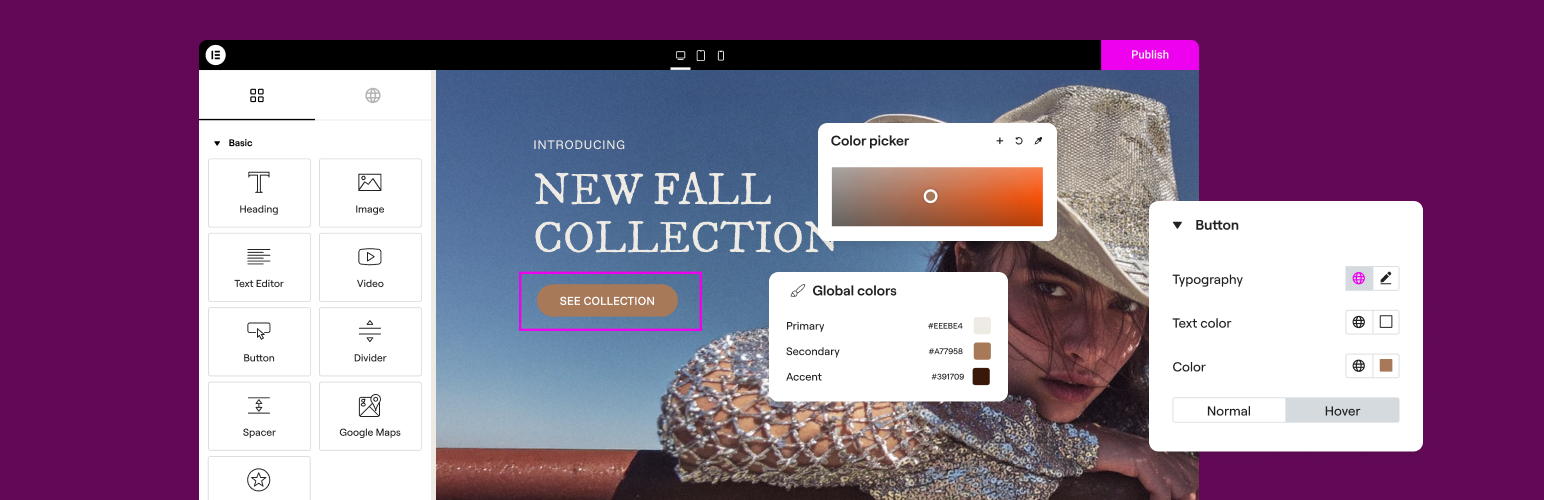
The Elementor Website Builder has it all: drag and drop page builder, Atomic Editor, pixel perfect design, glo...

The growing library of 300+ ready-to-use templates that work with all WordPress themes including Astra, Hello,...

Easy Drag & Drop Page Builder. A complete solution to create a WordPress Website, Custom Themes, Landing P...

Build responsive page layouts using the widgets you know and love using this simple drag and drop page builder...
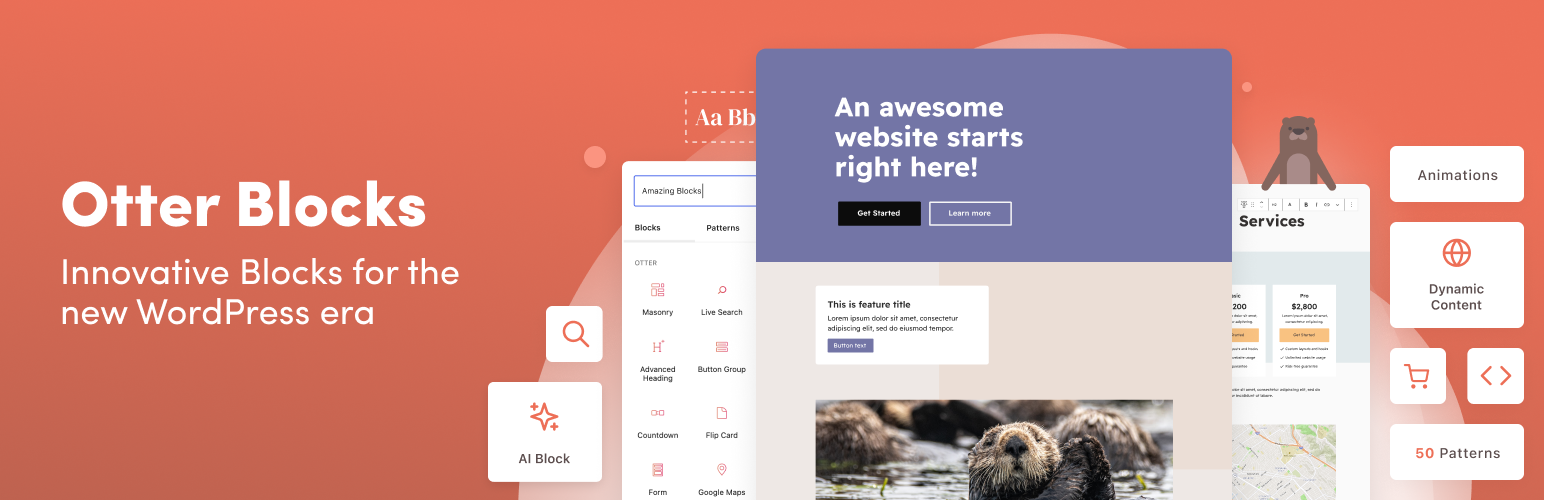
Quickly create WordPress pages with 20+ blocks, 100+ ready-to-import designs, and advanced editor extensions....