
Members
94The best WordPress membership and user role editor plugin. User Roles & Capabilities editor helps you rest...
Free
300k+ installs 4.9★ (1,274)
Display tailored menu items to each visitor with visibility rules

If Menu – Visibility control for Menus is a WordPress plugin that allows you to control the visibility of menu items based on specific rules. You can set conditions such as user login status, device type, user roles, and more to determine which menu items are displayed to visitors.
This plugin is suitable for website owners who want to tailor their navigation menus to different users, enhancing the user experience by showing relevant options based on various criteria like location, language, or membership status.
Best for: This plugin is best for WordPress site owners who want to customize menu visibility for different user groups.
What it does well
Where it falls short
If Menu provides a straightforward solution for managing menu visibility based on user conditions, making it a practical choice for tailored navigation.
Andrei's own description of If Menu, lightly tidied.
Control what menu items your site’s visitors see, with visibility rules. Here are a few examples:
User is logged inDevice is mobileAdmins and EditorsLogged in UsersUsers from US or UKCustomers with active membershipLanguage English or SpanishAfter the plugin is enabled, each menu item will have a new option “Change menu item visibility” which will enable the selection of visibility rules.
Check the examples in screenshots or try it here → demos.layered.store
User is logged inAdmin Editor Author etcFront page Single page Single postIs MobileUser is logged in AND Device is mobileUser is Admin AND Is front pageOther plugins for membership sites.
The best WordPress membership and user role editor plugin. User Roles & Capabilities editor helps you rest...

Build membership sites with tiered plans, content restriction, drag-&-drop custom registration & login...

Membership & community plugin with user profiles, registration & login, member directories, content re...
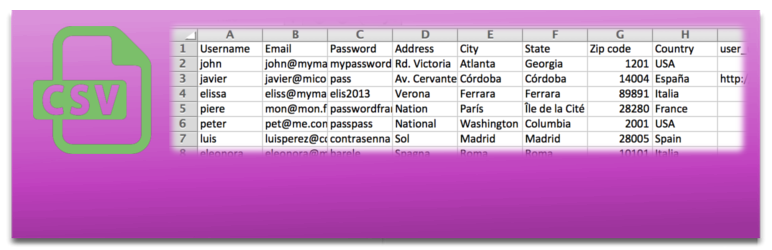
Bulk import and export WordPress users and WooCommerce customers from CSV, including roles, passwords and any...

Simple membership plugin adds membership functionality to your site. Protect members only content using conten...

Number one WordPress forum plugin with AI features. Full-fledged forum solution with modern forum design. Comm...