
A modern video and audio player for courses, landing pages, marketing, and testimonials — with captions, brand...
Free
100k+ installs 4.8★ (339)
Create beautiful information cards in the Gutenberg editor. Responsive card layouts with images, text, links, templates, and full styling control .

Info Cards is a WordPress plugin that allows you to create visually appealing card layouts for your content without any coding. It integrates with the Gutenberg block editor, enabling you to transform plain text into informative cards that combine images, text, and links. You can choose from built-in templates or create custom layouts to suit your branding.
This plugin is suitable for users looking to enhance their website's content presentation, making it easier for visitors to scan and understand information. It is particularly useful for creating product highlights, team profiles, service sections, or summarising informational content in a clean and engaging manner.
Best for: This plugin suits website owners who want to improve content presentation without technical expertise.
What it does well
Where it falls short
Info Cards offers a straightforward way to enhance content layout on WordPress sites. It is a practical choice for those looking to make their information more engaging.
bPlugins's own description of Info Cards, lightly tidied.
Turn plain text into eye-catching info cards that make your content easier to scan, understand, and remember – no code required.
Info Cards | Demos | Pricing
Walls of text lose readers. Info Cards is a Gutenberg block that lets you present content as beautifully designed, informative cards – combining images, text, and links in layouts your audience can consume at a glance.
Choose from built-in templates or create your own custom layout to fit your branding. Set columns, gaps, colors, and typography from the block sidebar – no code or additional software needed, even if you have limited technical knowledge.
Every card layout is fully responsive, so your content looks great and functions perfectly across all devices and screen sizes. Whether you’re creating product cards, team member profiles, or informational sections, Info Cards helps your content stand out.
Info Cards Pro unlocks more designs and deeper styling control:
Other plugins for audio and podcasts.
A modern video and audio player for courses, landing pages, marketing, and testimonials — with captions, brand...
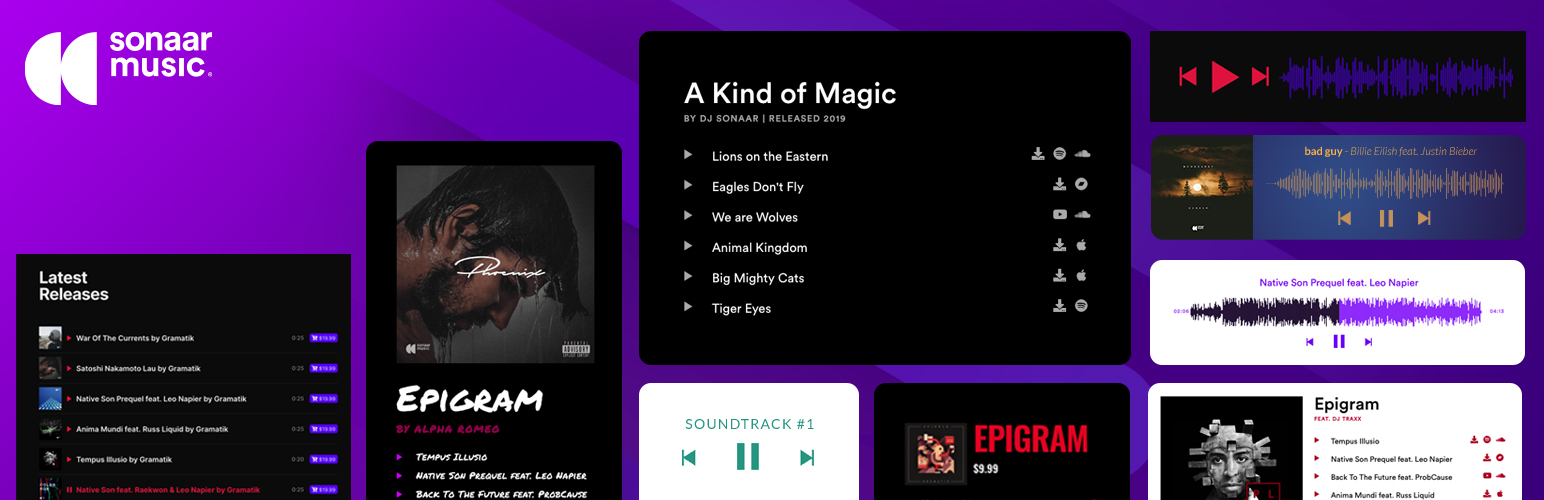
The most advanced Audio Player for Music & Podcast. For Elementor, Gutenberg, WooCommerce and more. Add un...
No. 1 Podcasting plugin for WordPress.

Audio Player for Elementor – the go-to plugin for adding MP3s, podcasts & playlists. Fully customizable, W...
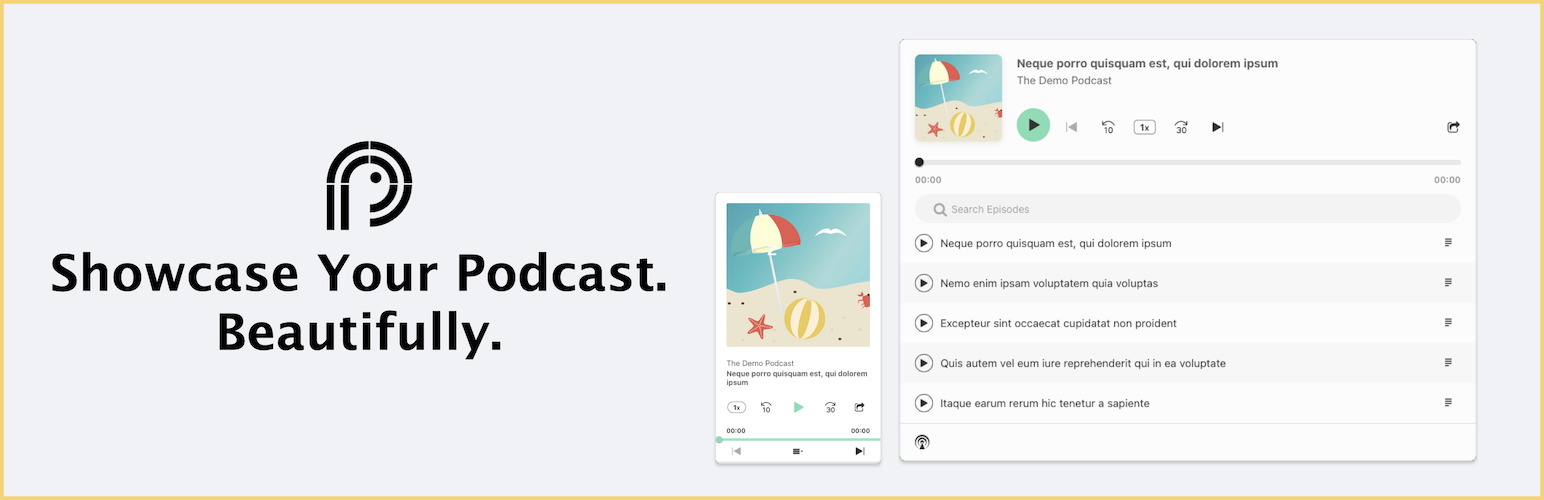
Showcase your podcast only using podcasting feed url. Use widget, shortcode or editor block to display podcast...

Maximize your WordPress site's potential with our versatile HTML5 Audio Player plugin. Seamlessly play .m...