
Autoptimize
92Autoptimize speeds up your website by optimizing JS, CSS, images (incl. lazy-load), HTML and Google Fonts, asy...
Free
800k+ installs 4.7★ (1,428)
Adds justify text alignment option to paragraph blocks in the Block Editor with per-block typographic enhancements.
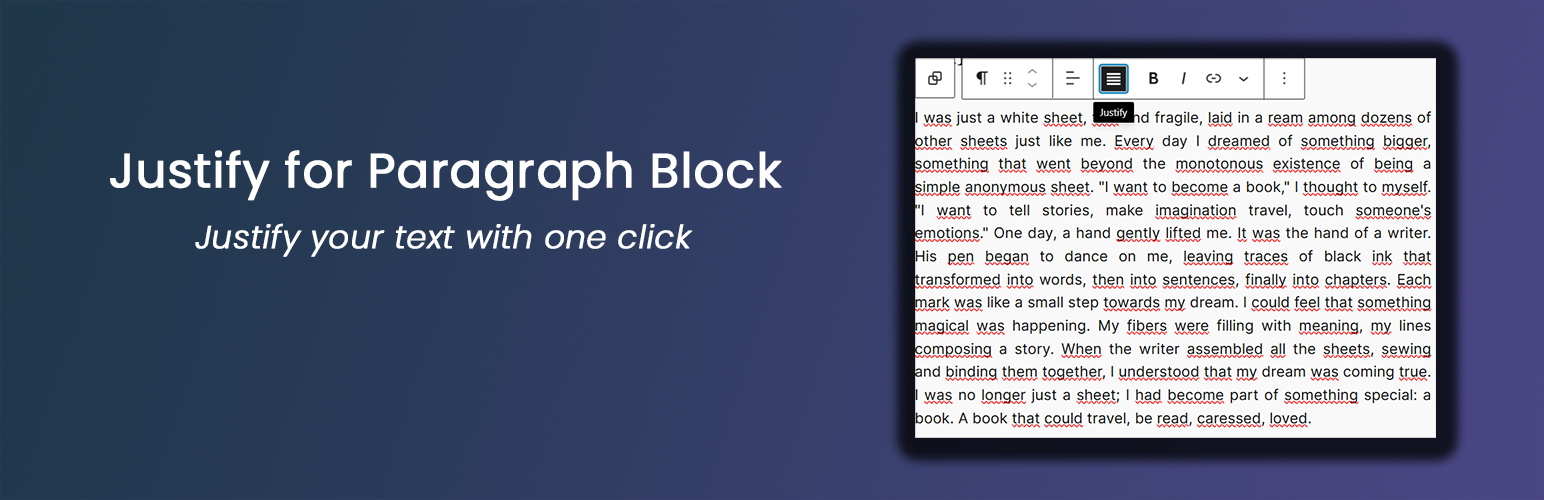
Justify for Paragraph Block is a WordPress plugin that adds a text justification option to the Block Editor's paragraph blocks. It allows users to align text in a justified manner with various typographic enhancements available for each block. This plugin is suitable for those looking to improve the presentation of text-heavy content, such as news articles or magazines.
The plugin provides a simple one-click option for justification and includes features like automatic hyphenation, word spacing adjustments, first-line indents, and drop caps. Users can also set global typography defaults, ensuring consistency across multiple paragraphs while retaining the ability to customise individual blocks.
Best for: This plugin is best for content creators focused on enhancing the typographic presentation of articles and magazines.
What it does well
Where it falls short
Justify for Paragraph Block is a straightforward tool for users needing text justification in WordPress. It offers useful typographic options but may lack advanced features for more complex layout needs.
NickDigitalProjects's own description of Justify for Paragraph Block, lightly tidied.
This lightweight plugin enhances the WordPress Block Editor by adding a justify text alignment option to paragraph blocks. Key features include:
Note: for line height control, use the native WordPress Paragraph block setting under Typography → Line height.
* Optional global typography settings as defaults (Settings → Justify Paragraph)
* Lightweight and performance-friendly
From version 1.2.0, when a paragraph block is justified, a “Justify Options” panel appears in the block sidebar (InspectorControls) with the following per-block settings:
For line height, use the native WordPress Paragraph block setting (Typography → Line height).
These options are applied per-block, so each justified paragraph can have different typographic settings.
The plugin also includes optional global typography settings that act as defaults for all justified paragraphs. These settings are available under:
Settings → Justify Paragraph → Typography Settings
Available options include:
text-align: justify)em, px, rem) for fine-grained controlPer-block settings override the global defaults when set.
Other plugins for typography control.
Autoptimize speeds up your website by optimizing JS, CSS, images (incl. lazy-load), HTML and Google Fonts, asy...
The #1 fonts plugin for WordPress. 1,400+ Google Fonts, Adobe Fonts and your own font files. Live preview, no...

Redux is a simple, truly extensible, and fully responsive options framework for WordPress themes and plugins....

The original Google Fonts self-hosting plugin. Automagically caches your fonts locally — no configuration (or...

SpeedyCache is a WordPress cache plugin that helps you improve performance of your WordPress site by caching,...
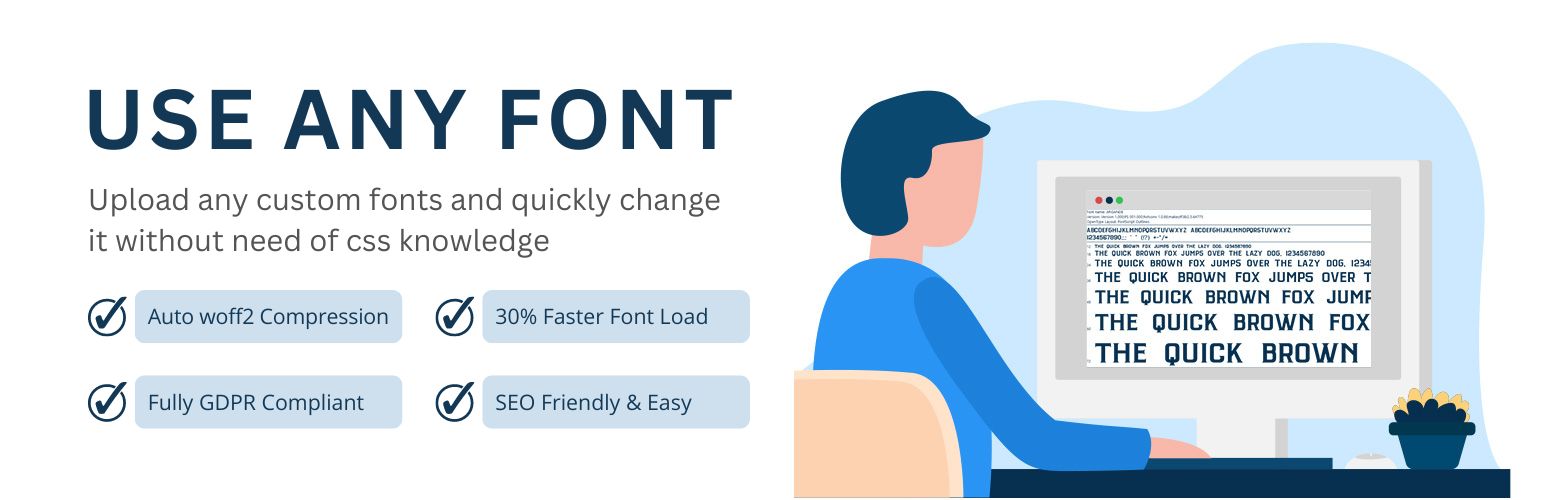
Upload custom fonts with custom font uploader. Auto converts to woff2 for better performance. Self-hosted, GDP...