
Join millions who empower their websites with ElementsKit Elementor Addons. Get templates, & 100+ widgets...
Free
1M+ installs 4.9★ (2,036)
An advanced plugin for displaying Kartra Page Builder pages in WordPress

KCSG Kartra Pages is a WordPress plugin designed specifically for embedding Kartra Page Builder pages into WordPress sites. It addresses issues with the generic Blank Slate plugin, which may cause Kartra pages to fail on certain devices, particularly iPhones and iPads. KKP enhances SEO and OpenGraph support, reduces network requests, and allows for easy downloading of Kartra pages to be stored in the WordPress database.
To use KKP, you create or edit a page in WordPress, select the KCSG Kartra Page template, and choose a mode for displaying your Kartra content. The plugin supports various modes, including options for live display and downloading content directly to WordPress, making it a suitable choice for users who rely heavily on Kartra for their page building needs.
Best for: This plugin is suitable for WordPress users who use Kartra for page building.
What it does well
Where it falls short
KCSG Kartra Pages offers a tailored solution for embedding Kartra content in WordPress, addressing specific issues found with other plugins. It is a practical choice for those who need to integrate Kartra more effectively into their WordPress sites.
Brian Katzung's own description of KCSG Kartra Pages, lightly tidied.
KCSG Kartra Pages (KKP) is a Kartra-specific alternative to Kartra’s original recommendation of using the generic Blank Slate plugin for embedding Kartra Page Builder pages within your WordPress website.
Here is why you should use KKP instead of Blank Slate for embedding Kartra pages in WordPress:
For the latest news and information, please join the KCSG Tools For Kartra Facebook group.
In WordPress mode (the default), KKP just displays the native WordPress content on a minimal page. This mode is equivalent to the Blank Slate plugin by Aaron Reimann et al.
This mode is only intended to be a “reasonable fallback” when the template has insufficient information to deliver anything else.
While not recommended, it is possible to display a Kartra page in this mode by copying-and-pasting Kartra’s “Embed code” into a WordPress custom HTML block.
Once set up, a WordPress visitor’s browser would display the Kartra page by following this four-step process:
Kartra Live mode produces a “live Kartra page in an iframe” result similar
to WordPress mode, but with a couple of differences:
Once set up, A WordPress visitor’s browser will display a Kartra page in Kartra Live mode by following this three-step process:
Other plugins for building pages visually.
Join millions who empower their websites with ElementsKit Elementor Addons. Get templates, & 100+ widgets...
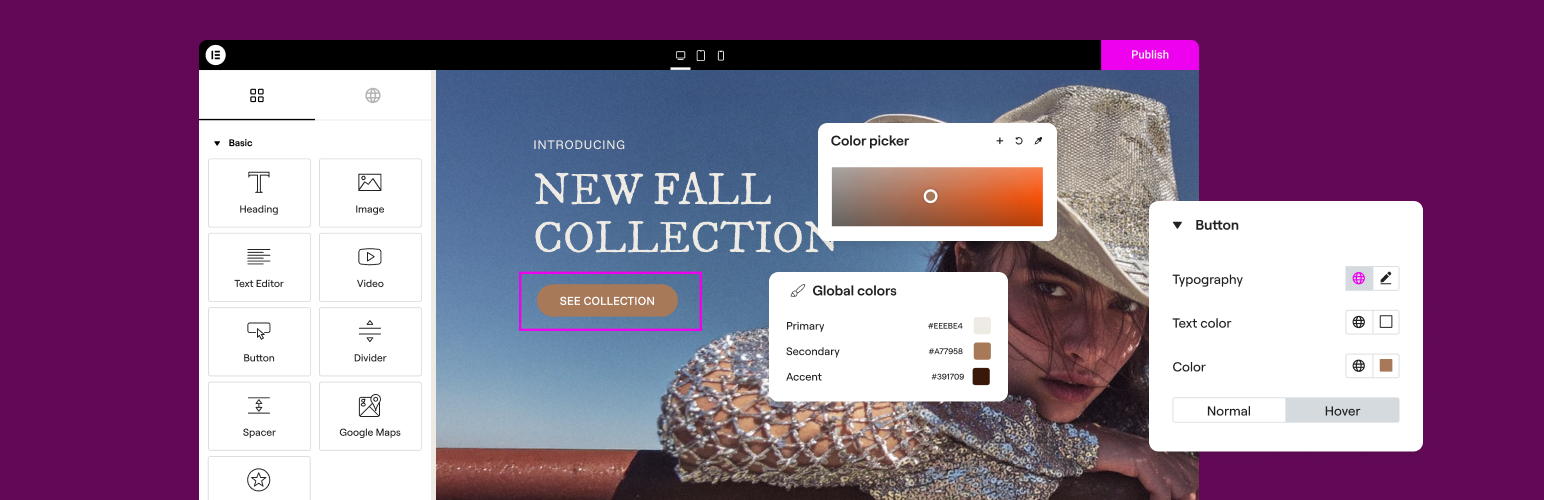
The Elementor Website Builder has it all: drag and drop page builder, Atomic Editor, pixel perfect design, glo...

The growing library of 300+ ready-to-use templates that work with all WordPress themes including Astra, Hello,...

Easy Drag & Drop Page Builder. A complete solution to create a WordPress Website, Custom Themes, Landing P...

Build responsive page layouts using the widgets you know and love using this simple drag and drop page builder...

Quickly create WordPress pages with 20+ blocks, 100+ ready-to-import designs, and advanced editor extensions....