
WPThumbs
Themes Plugins By purpose By industry Best-of lists Fix it guides
Free Plugin by Extend Themes v2.9.0

Kubio AI Page Builder

Using the power of AI, Kubio gives you a head start by generating a first draft of your website, which you can further customize to your liking.
Kubio AI Page Builder

The facts

Rating
4.4★ from 77
Active installs
80k+
Price
Free
Last updated
18 Aug 2026
Added
Dec 2021
Requires WP
5.8
Tested up to
WP 7.1
Requires PHP
7.4
Downloads
2,086,817

Our analysis

AI-assisted

Kubio AI Page Builder is a WordPress plugin designed to help you create websites quickly using AI technology. It generates initial drafts of web pages based on prompts, which you can then customize using a variety of blocks and styling options. The plugin aims to simplify the web design process, making it accessible to users without coding skills.

The block-based builder includes a range of basic and advanced blocks, such as images, videos, buttons, and contact forms, allowing for extensive customization. Kubio is suitable for users looking to build visually appealing websites with ease, whether starting from scratch or using pre-designed sections.

Best for: This plugin suits individuals or small businesses looking to create websites without technical expertise.

What it does well

  • Generates website drafts using AI
  • Includes a variety of customizable blocks
  • No coding skills required for use
  • Mobile responsive designs
  • User-friendly interface

Where it falls short

  • Limited information on specific features and performance

Verdict

Kubio AI Page Builder offers a straightforward solution for website creation, particularly for those who prefer a guided approach with AI assistance. It may be beneficial for users seeking to streamline their design process.

From the developer

Extend Themes's own description of Kubio AI Page Builder, lightly tidied.

Using the power of AI, Kubio gives you a head start by generating a first draft of your website, which you can further customize to your liking.

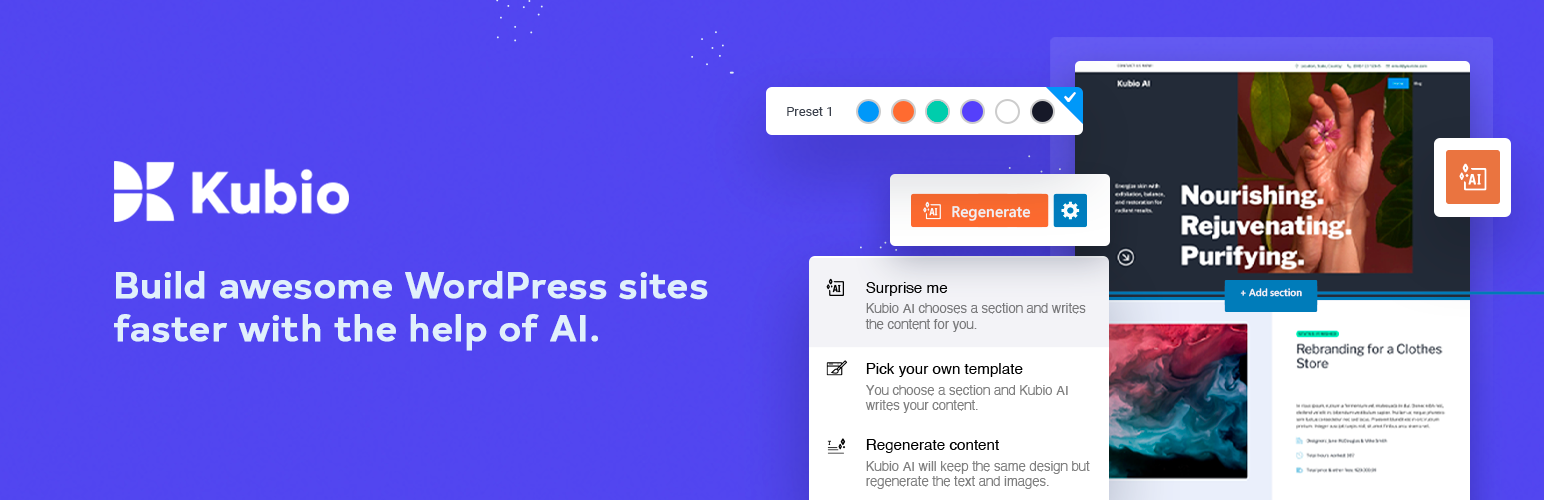
Build awesome WordPress sites faster with the help of AI

Experience the potential of Kubio AI, where your creative visions are seamlessly translated into captivating web pages.
With its intelligent block-based builder, cutting-edge AI technology empowers you to effortlessly shape layouts, customize styles, and infuse life into every pixel.

  • Generate entire pages based on short prompts
  • Generate images and text
  • Re-generate any section in your style

Create rich websites with the Kubio blocks

Kubio is an innovative block-based WordPress website builder that enriches the block editor with new blocks and gives its users endless styling options. With the help of advanced editing capabilities, Kubio users can build websites fast, with ease, and no code.

Each block was designed with regard to ease of use, simplicity, and UX-friendliness. Web design with Kubio is intuitive so that Kubio users can experience a hassle-free experience.

The winning Kubio formula allows you to create the website you envision by adding blocks and pre-designed sections to ready-made starter sites or a blank canvas. Blocks and sections are fully customizable and mobile responsive.

The Kubio blocks are structured as seen below:

Basic blocks

  • Image – Add images that you can customize any way you see fit to your web pages. Beautify your images using frames, borders, and shadows.
  • Link Group – Add multiple stylish links to your content. Adjust them while in a normal or hovered state.
  • Paragraph – Add text that can be stylized your way: from font family, font weight, and size, to color, borders, and shadows.
  • Video – Add self-hosted, Youtube, or Vimeo videos. Adjust their background, spacing, aspect ratios, and shadows.
  • Spacer – You can use the spacer block instead of margins and paddings when you want to add space between various content sections.
  • Columns – Add columns to the website canvas, then add blocks to them. Make adjustments to each column’s spacing, typography, background, and more.
  • Buttons – Create enticing calls to action. Fine-tune them until you get the right typography, colors, and spacing.
  • Heading – Create headings that stand out using highlighted words. Customize their typography, color, shadow, borders, and background.
  • Icon – Make use of icons to better reinforce your website messaging. 100+ free icons are available from the most popular libraries out there.
  • Divider – Use dividers to separate website sections in a creative way. Customize their color, line thickness, and more.

Advanced blocks

  • Image Gallery – Create appealing image galleries and customize their number of columns, image size, click behavior, and more.
  • Shortcode – Use shortcodes to insert various forms, galleries, tables, and more, depending on the plugins you use.
  • Posts List – Add your most recent or popular blog posts to any web page.
  • Social Icons – Make your social media profiles stand out across your website. From Instagram to Snapchat and Youtube, you can add any icon you need and style it to match your brand.
  • Contact form – Add a contact form to any page and customize its header, fields, and call to action with ease.
  • Icon list – Create stylish lists of items and their icons. Customize their spacing, borders, shadows, color, and typography.
  • Dropdown Menu – Add your main web pages and products to a stylish dropdown menu with this Gutenberg block.
  • Accordion Menu – Add your main web pages to a stylish accordion menu that will help your visitors find the content they need.

Site-related blocks

  • Copyright – Add a stylish copyright notice to your website whenever it becomes available to the public.
  • Search – Make it easy for your website visitors to find content on your site and navigate seamlessly.
  • Logo – Make sure your visual identity is clear to your website visitors by adding your logo in a visible place.
  • Page title – The site title block allows you to name your site. You can use your brand, business name, or your own name.
  • Home Button – Improve your website navigation by making it easy for your users to go back to your homepage. Place the home button on all of your pages.

Blog blocks

Read the full description on the official page →

Tagged as

Alternatives

Other plugins for AI features.

Yoast SEO

Real-time SEO guidance, schema, and AI built in. Help search engines and AI systems understand your content. A...

Free 10M+ installs 4.8★ (27,819)
WPForms

WPForms

98

The best WordPress contact form plugin. Drag & Drop form builder to create beautiful contact forms, paymen...

Free 5M+ installs 4.8★ (14,369)
Rank Math SEO

Grow your organic traffic and AI visibility with powerful SEO tools, XML sitemaps, Schema automation, and buil...

Free 4M+ installs 4.8★ (7,496)
Translate WordPress with GTranslate

Translate WordPress with Google Translate multilanguage plugin using AI translation. Complete multilingual SEO...

Free 900k+ installs 4.9★ (4,950)
All in One SEO

AIOSEO is the WordPress SEO plugin. Boost SEO rankings with AI SEO tools, schema, meta descriptions, XML sitem...

Free 2M+ installs 4.7★ (5,201)
Premium Addons for Elementor

Elementor Carousel, Mega Menu, Posts List/Slider, WooCommerce Widgets, Display Conditions, AI Abilities, Prema...

Free 600k+ installs 4.9★ (1,677)