
A modern video and audio player for courses, landing pages, marketing, and testimonials — with captions, brand...
Free
100k+ installs 4.8★ (339)
List MixCloud to show last or all podcast from MixCloud.

List MixCloud is a WordPress plugin that allows you to add a MixCloud player to your site. It enables you to display podcasts, DJ mixes, and radio shows from MixCloud without requiring a login or API key, simply by using the username of the account you wish to showcase.
The plugin provides a shortcode for customisation, allowing you to adjust various settings such as widget type, autoplay options, and display styles. It is suitable for users who want to integrate MixCloud content into their WordPress sites easily.
Best for: This plugin is best for WordPress users who want to display MixCloud audio content on their sites.
What it does well
Where it falls short
List MixCloud offers a straightforward way to integrate MixCloud audio content into WordPress. It is a suitable option for those looking to enhance their site with music and podcasts.
Rodolphe MOULIN's own description of List MixCloud, lightly tidied.
This plugin allowed to add MixCloud player.
MixCloud is a online music streaming service that allows for the listening and distribution of radio shows, DJ mixes and podcasts, which are crowdsourced by its registered users.
If you want to view podcasts from your user account or another, this plugin is for you.
This plugin needs no data except the name of the user for whom you want to view the podcasts : https://www.mixcloud.com/useraccount/
No need for login, password or API code
If you want show your account, you must create an account on https://www.mixcloud.com, that’s free.
[listmixcloud channel='EgliseEvangéliqueDeTOURS' widget='mini' playlist='1' mode='1' autoplay='1' style='Light' width='100%' hide_artwork='0'][/listmixcloud]
None of attributes are required.
Modify height of “mini” & “classic” is not implemented in this plugin, but if you have need that, ask me.
In your Widget Tab, add List Mixcloud Widget and modify and save form under this widget.
That’s not official MixCloud plugin
Since 1.5, API responses are cached for 1 hour using WordPress transients (no external dependency).
You can change the duration with the list_mixcloud_cache_ttl filter:
add_filter( 'list_mixcloud_cache_ttl', function() { return 1800; } ); // 30 minutes
Other plugins for audio and podcasts.
A modern video and audio player for courses, landing pages, marketing, and testimonials — with captions, brand...
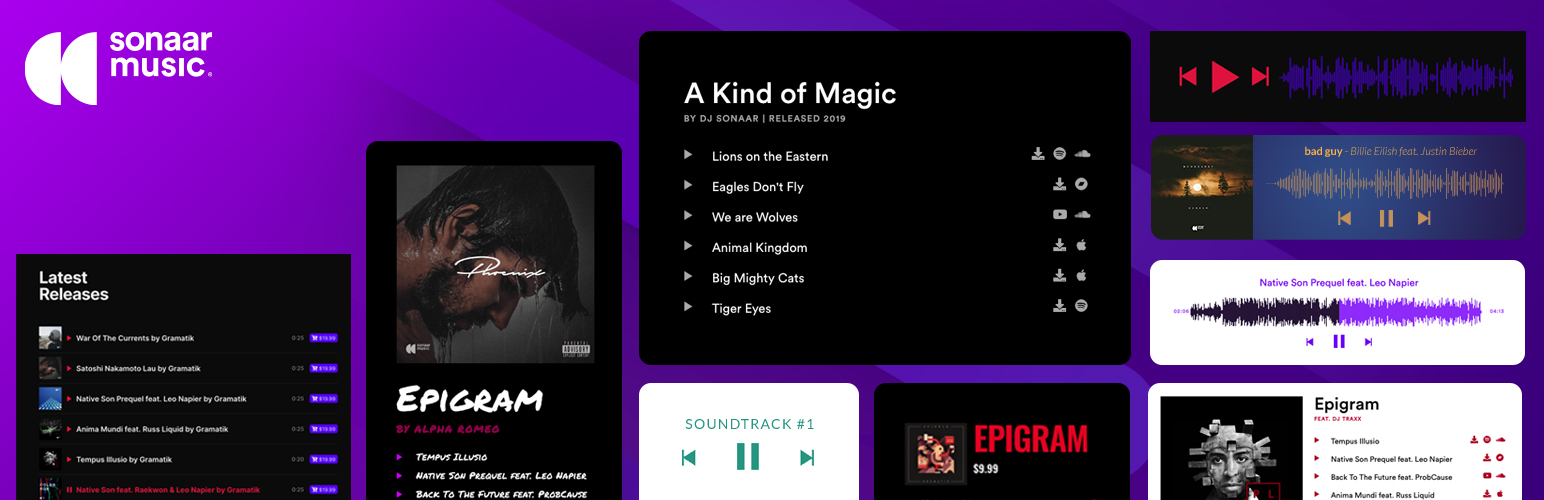
The most advanced Audio Player for Music & Podcast. For Elementor, Gutenberg, WooCommerce and more. Add un...

No. 1 Podcasting plugin for WordPress.

Audio Player for Elementor – the go-to plugin for adding MP3s, podcasts & playlists. Fully customizable, W...
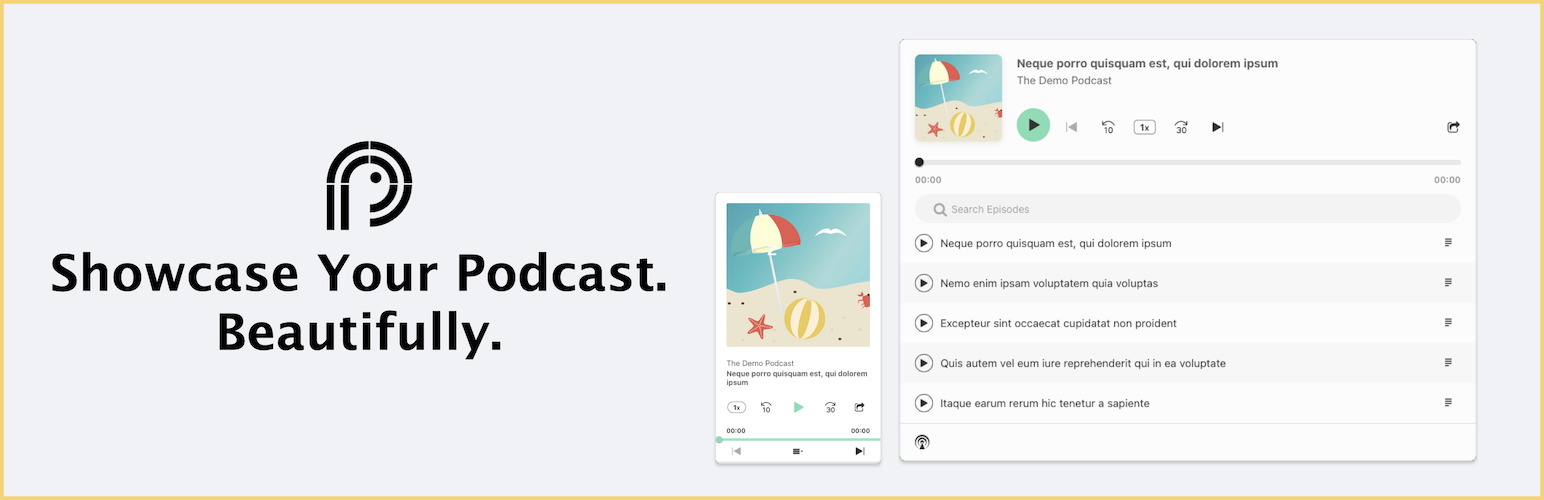
Showcase your podcast only using podcasting feed url. Use widget, shortcode or editor block to display podcast...

Maximize your WordPress site's potential with our versatile HTML5 Audio Player plugin. Seamlessly play .m...