
Join millions who empower their websites with ElementsKit Elementor Addons. Get templates, & 100+ widgets...
Free
1M+ installs 4.9★ (2,036)
A collection of dynamic post blocks to quickly build stunning news, magazine, and blog websites.
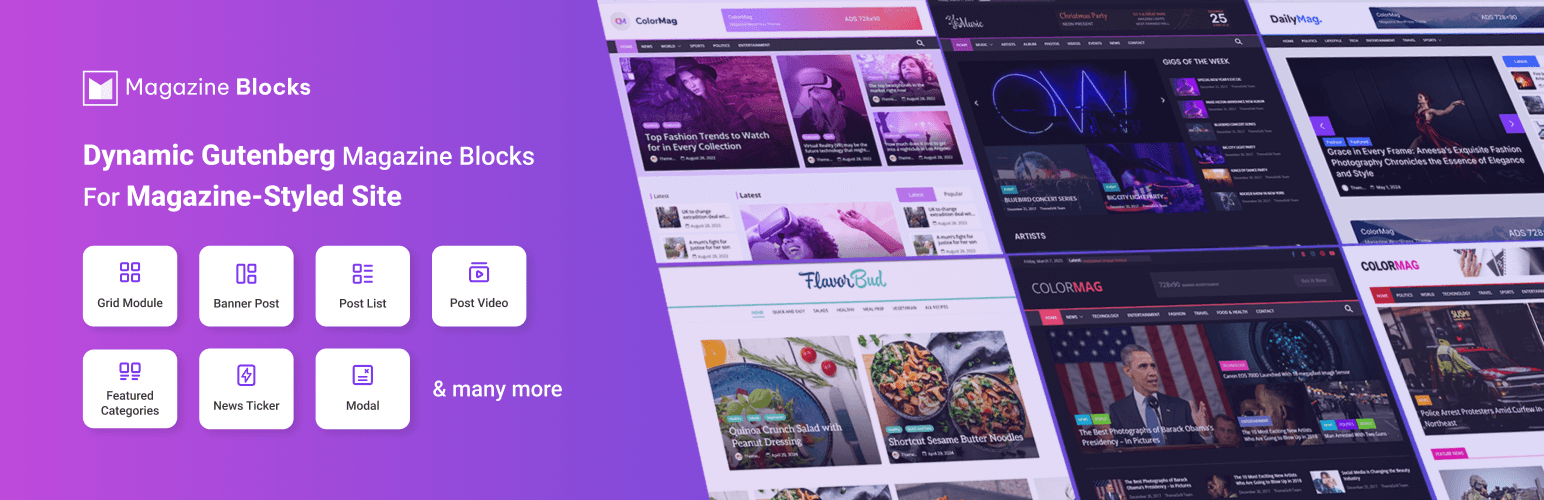
Magazine Blocks is a WordPress plugin designed for creating dynamic websites specifically for magazines, news portals, and blogs. It offers a collection of customizable Gutenberg blocks that allow you to design various post layouts, including grids, banners, and lists, tailored to your content needs.
The plugin includes features such as category lists, featured categories, and specialized blocks for displaying advertisements, social icons, and even a news ticker. It is suitable for users looking to build visually appealing magazine-style websites with flexible layout options and extensive customization capabilities.
Best for: This plugin is best for users looking to create magazine, news, or blog websites with dynamic content layouts.
What it does well
Where it falls short
Magazine Blocks provides a range of tools for building magazine-style websites, but potential users may need to explore its features further to fully understand its capabilities.
BlockArt's own description of Magazine Blocks, lightly tidied.
👉 Magazine Blocks Site
👉 Documentation
👉 Roadmap
👉 Give a Try (Clicking this link creates a demo where you can test Magazine Blocks.)
Craft Stunning News, Magazine, and Blog Websites Using Exclusive Post Blocks by Magazine Blocks!
Magazine Blocks is a powerful Gutenberg blocks plugin focused entirely on creating dynamic websites for magazines, news portals, and blogs.
Design visually captivating and highly detailed magazine WordPress websites with various post layouts, including grids, banners, post lists, and tabbed posts. You can also display posts as per categories using specialized blocks like Category List and Featured Categories.
Additionally, explore several blocks explicitly designed for magazines and news, including Date & Weather, News Ticker, Social Icons, Advertisement, etc. Further, you can seamlessly organize these Magazine blocks into structured rows and columns with the help of the Section block.
Our plugin lives up to its name by providing a collection of customizable magazine blocks tailored for your Gutenberg editor. You also have the flexibility to turn the magazine blocks on or off according to your needs.
WHY CHOOSE MAGAZINE BLOCKS FOR YOUR MAGAZINE SITE?
Magazine Blocks is a Gutenberg block plugin exclusively developed to enable users to create stunning magazines, news portals, and blog websites. You can experiment with our customizable post blocks to design diverse layouts according to your preferences.
Extensive Customization Options for Blocks
Magazine Blocks come with high flexibility and customization options, allowing you to tailor the block design and other elements to your preferences.
Unlimited layout possibilities
With many blocks and customization options, this plugin offers endless magazine layout possibilities for your website.
Query posts by Category
Choose the posts based on the Category. Likewise, it’s also possible to select the posts based on Tag, Date, Title, and Author
Number of posts to show
Select the desired number of posts for display.
Advertisement image sizes
Choose the appropriate size for your advertisement images.
Alignment options
Set the alignment for the text, banner post, pagination, images, meta, etc., per your requirements.
Full width and fixed width section container
Select the full-width or fixed-width layout element per your preferences
Colors, Background colors
Make your site visually appealing and reinforce brand identity with various colors and background color options.
Background image and overlay
Easily add the background image and overlay to achieve the desired aesthetics for your website.
Size and spacing
Efficiently manage the margin/padding, border/box, shadow, and radius as needed.
Horizontal and vertical alignment
Adjust the alignment of your content, either horizontally or vertically, to suit your preferences.
Flexibility for Placement of Blocks Anywhere on Your Website
You can integrate Magazine Blocks seamlessly within the Dashboard Widget Area and Customizer Widget Editor.
Easy-to-Read Text/Readable User Interface
Typography is crucial on magazine websites for distraction-free reading. Thus, Magazine Blocks offers a range of colors, backgrounds, spacing, and contrasts, ensuring excellent readability.
Visual hierarchy is maintained based on size, color, style, etc., so you can organize articles according to their importance. Further, posts are categorized into three sizes: large (Highlighted Post), medium (Normal Posts), and small (Post Listing), allowing readers to find relevant articles easily.
Other plugins for building pages visually.
Join millions who empower their websites with ElementsKit Elementor Addons. Get templates, & 100+ widgets...
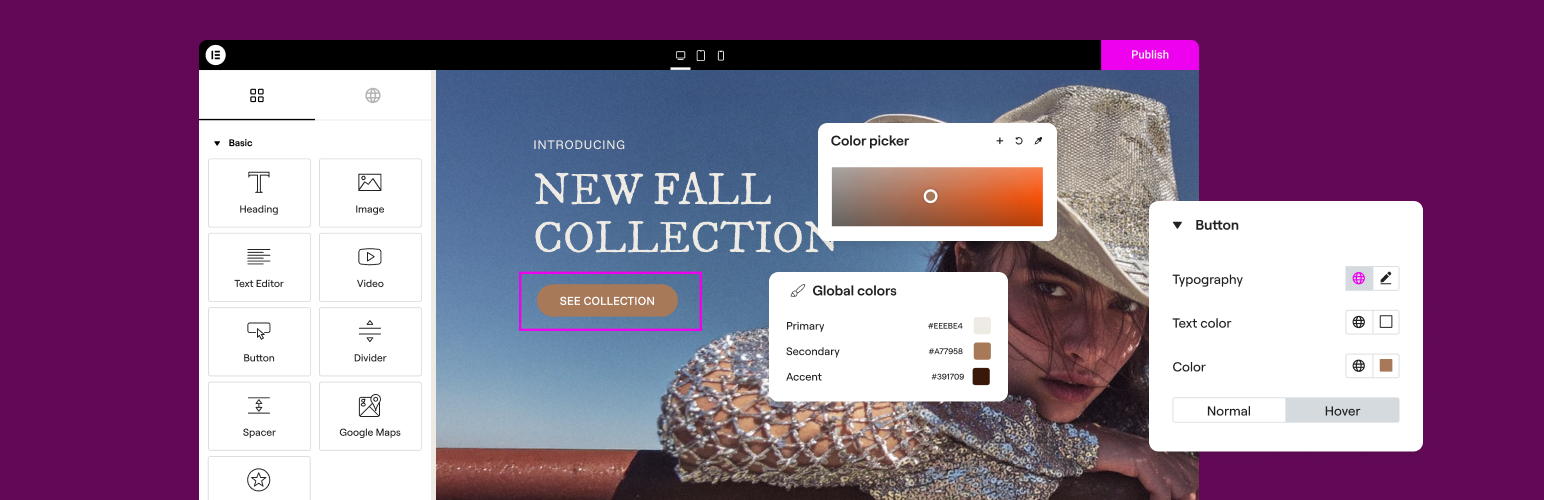
The Elementor Website Builder has it all: drag and drop page builder, Atomic Editor, pixel perfect design, glo...

The growing library of 300+ ready-to-use templates that work with all WordPress themes including Astra, Hello,...

Easy Drag & Drop Page Builder. A complete solution to create a WordPress Website, Custom Themes, Landing P...
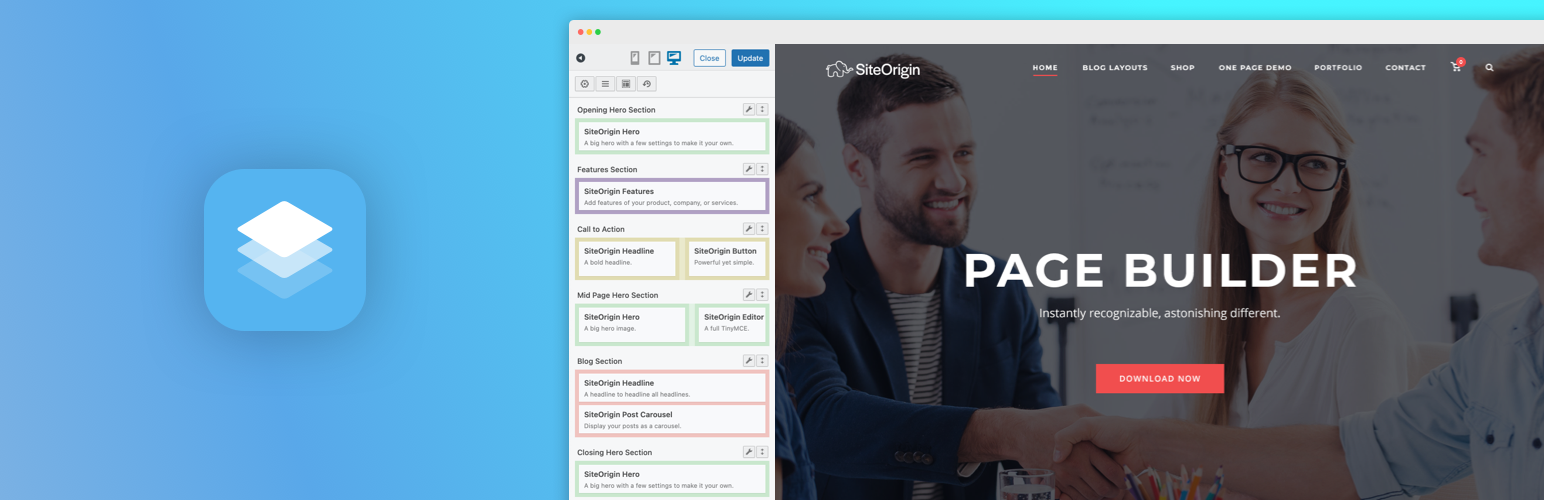
Build responsive page layouts using the widgets you know and love using this simple drag and drop page builder...
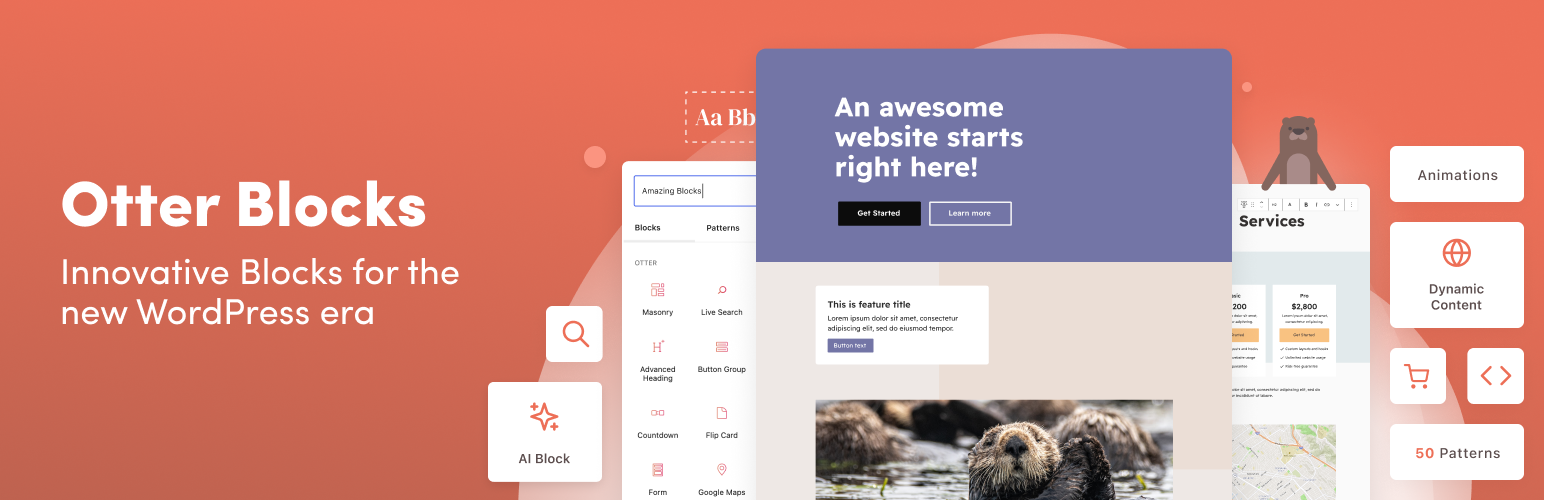
Quickly create WordPress pages with 20+ blocks, 100+ ready-to-import designs, and advanced editor extensions....