
Autoptimize
92Autoptimize speeds up your website by optimizing JS, CSS, images (incl. lazy-load), HTML and Google Fonts, asy...
Free
800k+ installs 4.7★ (1,428)
Manage IcoMoon icon font packages in WordPress.

Manager for IcoMoon is a WordPress plugin that enables you to use icon fonts created with the IcoMoon app. It allows you to import custom IcoMoon ZIP packages, browse available icons, and insert them into your content using shortcodes or HTML in the Gutenberg editor.
The plugin offers features such as icon previewing, detection of removed icons, and options to update existing icon classes. It is suitable for users who want to manage and utilize icon fonts effectively within their WordPress sites.
Best for: This plugin is best for WordPress users looking to integrate custom icon fonts into their content.
What it does well
Where it falls short
Manager for IcoMoon provides a straightforward solution for managing icon fonts in WordPress. It is useful for those who frequently use icons in their posts and pages.
albedo0's own description of Manager for IcoMoon, lightly tidied.
Manager for IcoMoon helps you use icon fonts generated with the IcoMoon app inside WordPress.
You can import a custom IcoMoon ZIP package, browse the available icons in the admin, and insert icons in your content with shortcodes or direct HTML from the Gutenberg editor.
Main features:
Shortcodes are generally safer for long-term content because they rely on the icon name. Direct HTML gives more markup control, but may be affected when generated CSS classes change.
social--facebook with separator -- will be listed in category social.Before replacing an existing font pack, keep a copy of your IcoMoon project or manifest file. Removed icons can stop displaying in existing content.
Other plugins for typography control.
Autoptimize speeds up your website by optimizing JS, CSS, images (incl. lazy-load), HTML and Google Fonts, asy...

The #1 fonts plugin for WordPress. 1,400+ Google Fonts, Adobe Fonts and your own font files. Live preview, no...

Redux is a simple, truly extensible, and fully responsive options framework for WordPress themes and plugins....
The original Google Fonts self-hosting plugin. Automagically caches your fonts locally — no configuration (or...

SpeedyCache is a WordPress cache plugin that helps you improve performance of your WordPress site by caching,...
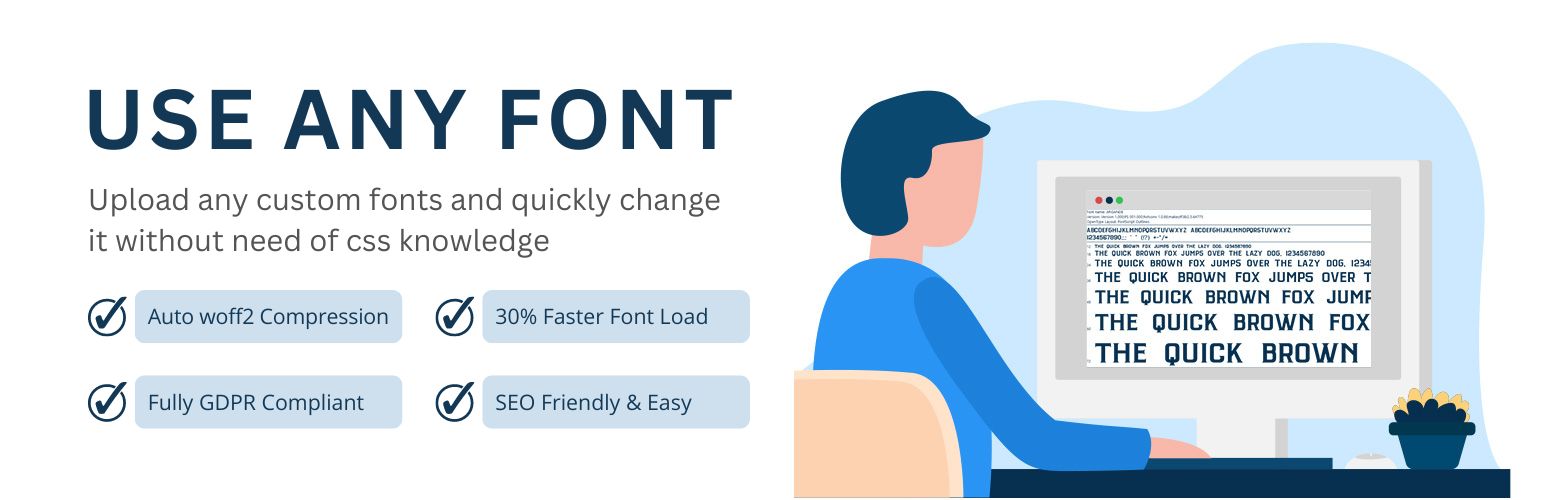
Upload custom fonts with custom font uploader. Auto converts to woff2 for better performance. Self-hosted, GDP...