
Join millions who empower their websites with ElementsKit Elementor Addons. Get templates, & 100+ widgets...
Free
1M+ installs 4.9★ (2,036)
Easily understand how to increase wordpress memory limit, how to increase upload limit in wordpress, and how to increase php limit in wordpress direct …

MaxLimits is a WordPress plugin designed to help users increase various PHP limits without needing to edit code. It addresses common errors related to file uploads and memory limits, making it suitable for those running resource-intensive sites like WooCommerce or using page builders.
The plugin offers features such as custom limit settings for upload size and memory, high-performance suggestions, and live server monitoring. It is aimed at users who want to manage their site’s PHP settings easily and effectively.
Best for: This plugin is best for WordPress users managing resource-heavy sites or those facing upload limit issues.
What it does well
Where it falls short
MaxLimits provides a straightforward solution for users needing to adjust PHP limits without technical intervention. Its features are beneficial for those looking to enhance site performance.
Dominopress's own description of MaxLimits, lightly tidied.
If you are struggling with errors like “upload_max_filesize exceeded” or “Allowed memory size exhausted”, you need to know how to increase php limit in wordpress.
MaxLimits is a powerful yet simple tool designed for users who want to know how to increase php time limit in wordpress or how to increase wp memory limit in wordpress without touching a single line of code. No more editing wp-config.php, php.ini, or .htaccess manually.
Whether you’re running a heavy WooCommerce store or using a page builder like Elementor, knowing how to increase wordpress memory limit is essential for site stability. MaxLimits automates this process for you.
MaxLimits makes it easy to understand how to increase upload limit in wordpress and increase wordpress maximum upload file size up to 2GB.
FREE Version Features:
* Custom Limits: Set specific values for upload size, memory, and more (Now Free!).
* High Performance Suggestions: Choose from pre-defined high-limit values.
* Direct .htaccess Writing: Bypass hosting restrictions by writing rules directly.
* Live Server Monitor: Real-time visibility into your PHP environment.
PRO Version Features:
* Emergency Recovery Mode: A “Rescue Link” to fix your site instantly even if you are locked out of the dashboard.
* Advanced 1-Click Optimizers: Specific “High Power” modes for WooCommerce and heavy builders.
* Priority Support: Get direct assistance from the developers at DominoPress.
MaxLimits allows you to adjust:
upload_max_filesize): Upload larger images, videos, and files.post_max_size): Ensure large form submissions or page builder saves work correctly.memory_limit): Provide more resources for demanding plugins like WooCommerce or page builders.max_execution_time): Allow longer processes like imports, exports, or backups to complete without timing out.max_input_time): Give scripts more time to parse input data, especially important during large uploads.max_input_vars): Increase the limit for complex menus, theme options, or page builder saves.Why Choose MaxLimits?
ini_set()) and provides an optional, automated .htaccess file-writing method for restrictive hosts.ini_set() is blocked, you can enable a feature to write rules directly to your .htaccess file, just like a caching plugin..user.ini and .htaccess code snippets for you to apply manually.MaxLimits first attempts to modify these settings at runtime using standard PHP functions.
Please note: Some hosting providers may restrict this. For those hosts, you can enable the experimental Direct .htaccess Writing feature.
The “Current Server Values” panel will always show you the limits your server is actually enforcing.
This plugin is developed by DominoPress.
Check out our other WordPress Plugins:
Other plugins for building pages visually.
Join millions who empower their websites with ElementsKit Elementor Addons. Get templates, & 100+ widgets...
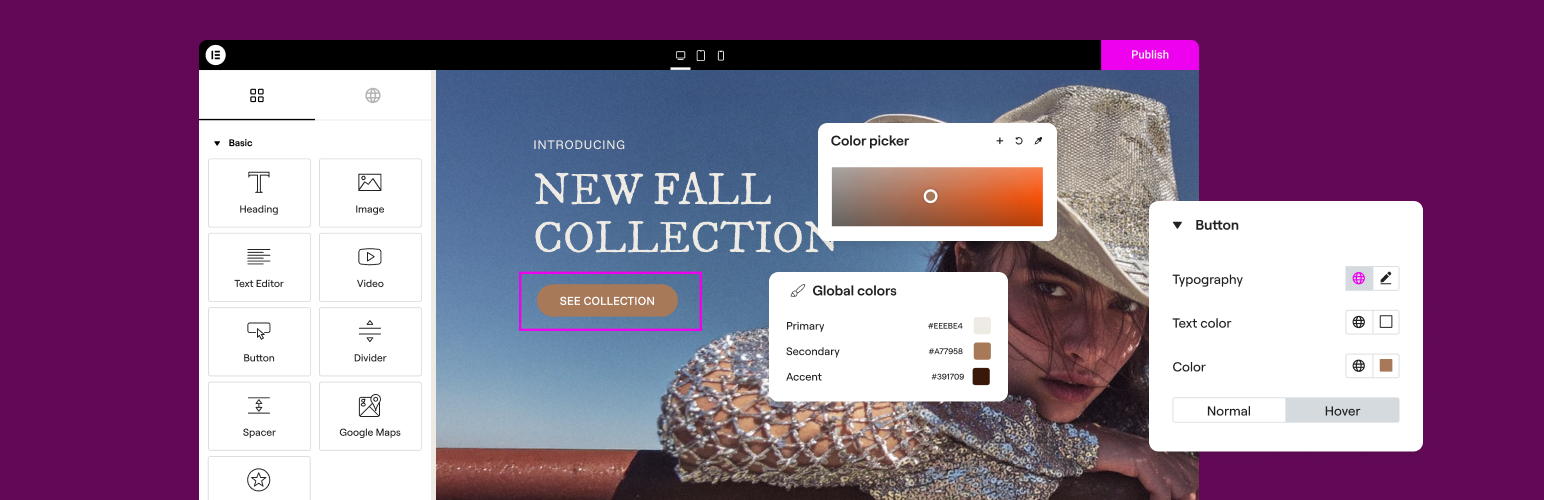
The Elementor Website Builder has it all: drag and drop page builder, Atomic Editor, pixel perfect design, glo...

The growing library of 300+ ready-to-use templates that work with all WordPress themes including Astra, Hello,...

Easy Drag & Drop Page Builder. A complete solution to create a WordPress Website, Custom Themes, Landing P...

Build responsive page layouts using the widgets you know and love using this simple drag and drop page builder...

Quickly create WordPress pages with 20+ blocks, 100+ ready-to-import designs, and advanced editor extensions....