
Join millions who empower their websites with ElementsKit Elementor Addons. Get templates, & 100+ widgets...
Free
1M+ installs 4.9★ (2,036)
A page builder, simplified. Get the most flexibility to display content by adding multiple content sections within Pages, Posts, or Custom Post Types.

Mesh is a WordPress plugin designed to help you create responsive page layouts using a grid system. It allows you to add sections and columns to your pages, enabling you to manage content visually without needing to edit code or templates. The plugin is intended for users who prefer a straightforward way to structure their content within the classic editor environment.
However, it is important to note that Mesh is deprecated and no longer actively maintained, except for security updates. To use this plugin effectively, you will need to install the classic-editor plugin, as it is not compatible with the block editor.
Best for: This plugin suits users who prefer the classic WordPress editor and need a simple way to create responsive layouts.
What it does well
Where it falls short
Mesh offers a user-friendly approach to building page layouts but is limited by its deprecated status and lack of ongoing support.
Jonathan Desrosiers's own description of Mesh, lightly tidied.
This plugin is deprecated and no longer actively maintained excluding any security updates. The Block Editor/Gutenberg can handle many aspects of row and column content that this plugin provides.
If you still would like to utilize this plugin you need to additionally install the classic-editor plugin as mesh is not compatible with the block editor
Page, Post, or Custom Post Type in a responsive grid system. Adding a Mesh Section creates a new row on your page below the default WordPress content. Each Section can be divided into 1 to 4 Columns, providing Visual/Text editors for each Column. Give your Sections and Columns titles, drag to rearrange, add background images to Columns or an entire Section, then Publish your Section or save it as a Draft until your content is just right.
Efficient and unobtrusive, Mesh was designed to simply extend the functionality of the normal page editor within WordPress to provide the flexibility of building pages in a responsive grid without adding code or editing page templates.
Mesh is currently built off of Foundation‘s grid but will soon have support for Bootstrap and custom frameworks as well. All grid styles can also be easily disabled.
Our goal is to stay as close to the core usability of WordPress as possible. Mesh Content editing is recognizable and simple to use. As you create new Sections for your content you will be presented with an interface similar to that utilized on default Pages and Posts.
We have added a few hooks to extend the functionality of Mesh and will continue to expand these over time. For a full list of currently available hooks and filters check out the FAQ.
We first developed Mesh as a tool for our clients to use so they could better self manage their content; in-turn saving them money on support hours. They love it so much we have continued to improve upon it, add new features, and are now proud to present it to the WordPress Community at large!
Let us know how you like Mesh and what we can do to make it even better!
Leave a review here or start a conversation on GitHub.
Other plugins for building pages visually.
Join millions who empower their websites with ElementsKit Elementor Addons. Get templates, & 100+ widgets...
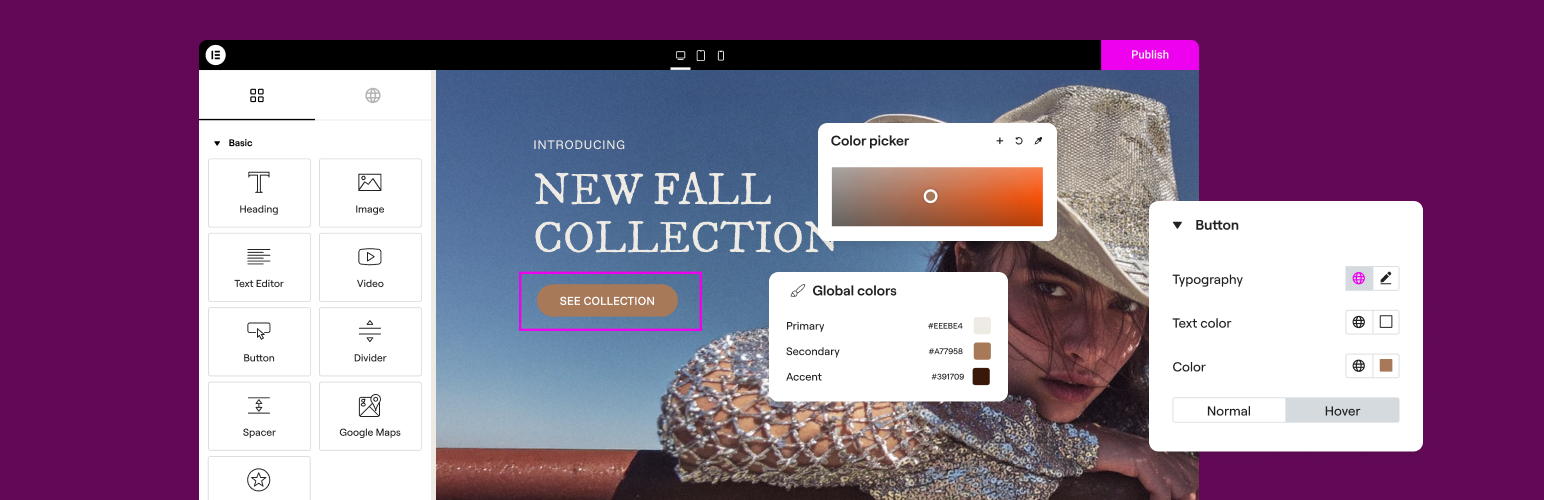
The Elementor Website Builder has it all: drag and drop page builder, Atomic Editor, pixel perfect design, glo...

The growing library of 300+ ready-to-use templates that work with all WordPress themes including Astra, Hello,...

Easy Drag & Drop Page Builder. A complete solution to create a WordPress Website, Custom Themes, Landing P...

Build responsive page layouts using the widgets you know and love using this simple drag and drop page builder...

Quickly create WordPress pages with 20+ blocks, 100+ ready-to-import designs, and advanced editor extensions....