
Yoast SEO
98Real-time SEO guidance, schema, and AI built in. Help search engines and AI systems understand your content. A...
Free
10M+ installs 4.8★ (27,819)
Show content of specific posts, pages, ... within their own, additional domains. Useful for SEO: different domains for landingpages.
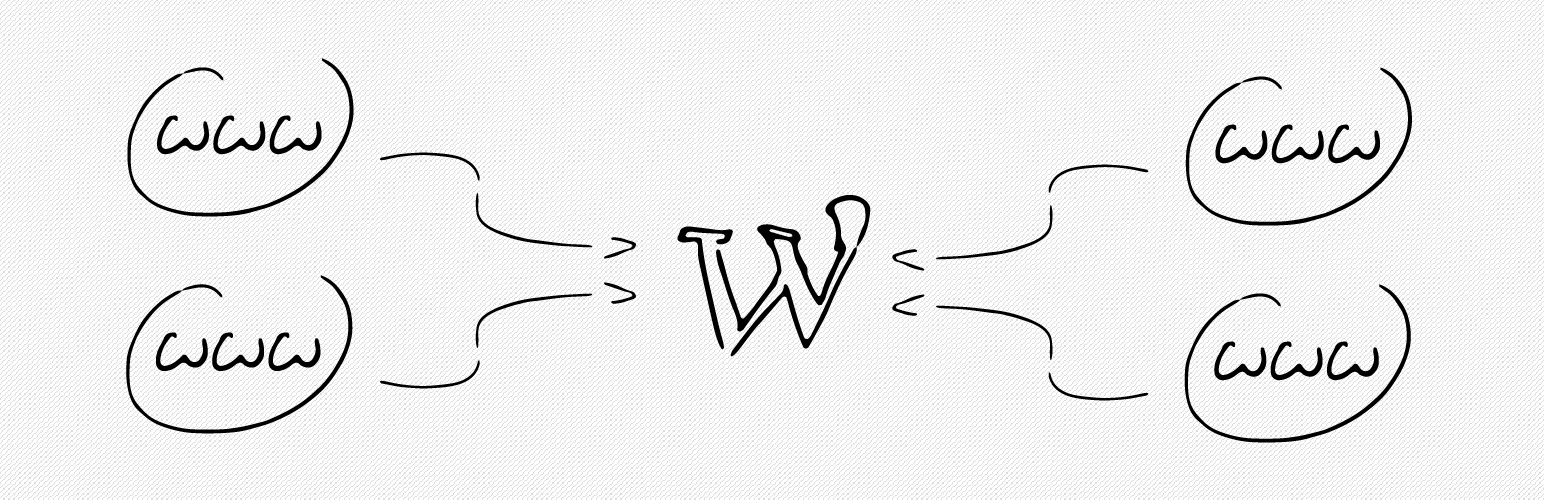
Multiple Domain Mapping on Single Site is a WordPress plugin that allows you to map multiple domains to specific URIs within your website. This enables additional domains to display content from particular pages, which can be useful for marketing and SEO purposes, such as creating landing pages.
The plugin requires you to configure your domains and hosting settings properly. It is designed for users who need to show different domains pointing to specific content on a larger site, but it is not intended for mirroring entire websites to additional domains.
Best for: This plugin is suitable for marketers and website owners looking to enhance their SEO with specific domain mappings.
What it does well
Where it falls short
Multiple Domain Mapping on Single Site offers a straightforward solution for domain mapping, but its setup may be challenging for users without technical expertise.
matthias.wagner's own description of Multiple Domain Mapping on Single Site, lightly tidied.
This lightweight plugin maps domains to specific URIs in your blog or website. It allows you to add as many mappings, e.g. for landingpages, as you want.
Just let the domains point to your WordPress installation (see the installation tab for details) and decide which URI the plugin should map them to.
The main purpose of the plugin is to have specific domains show the content of specific pages from a bigger website. This is especially needed for marketing and SEO purposes (landingpages). Think of a site-structure like
With the plugin you can use an additional domain like www.productA.com to point to your site’s www.mainsite.com/productA.
It is not a redirection, instead the additional domain will display the content from the specified page (the additional domain will be visible in the browsers address bar).
It is not our goal to mirror complete websites to additional domains. You can try to do this, but keep the aspects of duplicate content in mind. In the help section of the installed plugin we provide links to other plugins who may be better at this task.
The plugin lets you define URIs to map to, so it works for pages, posts, custom post types, archives and so on. The plugin also changes hyperlink destination of the links inside your website. For example: navigation, pagination, archive links and so on. (Note: This only works if your theme and other link-generating plugins use standard WordPress functions like get_permalink).
So you will not have to select posts to map to your domains, but instead enter URIs. See the screenshots for examples.
The plugin requires additional steps in setting up your domains and hosting environment (see the installation-tab for details). If you are not familiar with these settings, it can happen that you have troubles with reaching your website. Therefore you should only set up the plugin in a testing environment if you are not sure if you can deal with these external settings.
We give our best to support you, but if you have troubles with correct DNS records and hosting environment settings, you should talk to your hosting provider or your web developer first.
Please see installation-tab, FAQ and the already answered support threads for more information or if you have troubles setting up the plugin.
Other plugins for search engine optimisation.
Real-time SEO guidance, schema, and AI built in. Help search engines and AI systems understand your content. A...

Grow your organic traffic and AI visibility with powerful SEO tools, XML sitemaps, Schema automation, and buil...

Translate WordPress with Google Translate multilanguage plugin using AI translation. Complete multilingual SEO...

AIOSEO is the WordPress SEO plugin. Boost SEO rankings with AI SEO tools, schema, meta descriptions, XML sitem...

Generate multiple types of sitemaps to improve SEO and get your website indexed quickly.

WordPress SEO plugin with AI SEO metadata, schema, XML sitemap, redirections & Search Console. Privacy-fir...