
Yoast SEO
98Real-time SEO guidance, schema, and AI built in. Help search engines and AI systems understand your content. A...
Free
10M+ installs 4.8★ (27,819)
Add a customizable AI chatbot widget to WordPress that connects to any n8n webhook. Build AI support, lead capture, and automation chat with no code.
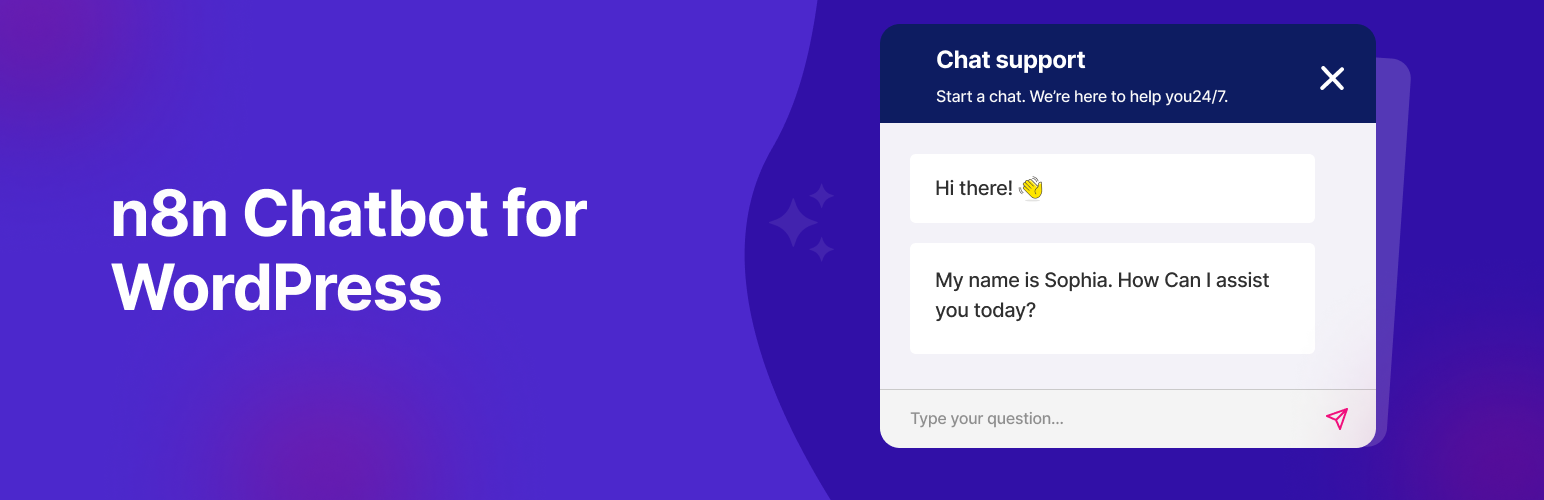
Chatics is a free WordPress plugin that adds a customizable AI chatbot widget to your website, connecting it to your n8n workflows via a public webhook. It allows you to create an AI chat assistant, customer support bot, or lead-capture widget without any coding. The chat widget is designed to float on every page, enabling direct interaction with the conversational logic you build in n8n.
This plugin is suitable for users looking to implement AI-driven customer support, lead capture, or appointment scheduling on their WordPress site. It provides flexibility in choosing the AI model and managing data, making it a good fit for those who want control over their chatbot's functionality and integrations.
Best for: This plugin suits WordPress site owners who want to implement AI chat solutions with custom workflows.
What it does well
Where it falls short
Chatics offers a straightforward way to integrate an AI chatbot into your WordPress site, particularly for those already using n8n. It provides flexibility and control over your chatbot's operations.
Apselo's own description of Chatics, lightly tidied.
Chatics is a free WordPress plugin that adds a customizable AI chatbot widget to your website and connects it to your n8n workflows through a public webhook. With Chatics you can launch an AI-powered chat assistant, customer support bot, or lead-capture widget in minutes without writing a single line of code.
The chat widget floats on every page and talks directly to the conversational logic you build in n8n, so you stay in full control of your AI agent, data, and integrations.
View the Chatics homepage » | Get support »
Most chatbot plugins lock you into one AI provider or a paid SaaS backend. Chatics is different: it is a lightweight, open bridge between WordPress and your own n8n workflow, so you decide which AI model runs, where your data goes, and how the conversation behaves. It is free, translation-ready, and built to stay out of your way.
✨ Key Features
Other plugins for AI features.
Real-time SEO guidance, schema, and AI built in. Help search engines and AI systems understand your content. A...

The best WordPress contact form plugin. Drag & Drop form builder to create beautiful contact forms, paymen...

Grow your organic traffic and AI visibility with powerful SEO tools, XML sitemaps, Schema automation, and buil...

Translate WordPress with Google Translate multilanguage plugin using AI translation. Complete multilingual SEO...

AIOSEO is the WordPress SEO plugin. Boost SEO rankings with AI SEO tools, schema, meta descriptions, XML sitem...

Elementor Carousel, Mega Menu, Posts List/Slider, WooCommerce Widgets, Display Conditions, AI Abilities, Prema...