
Yoast SEO
98Real-time SEO guidance, schema, and AI built in. Help search engines and AI systems understand your content. A...
Free
10M+ installs 4.8★ (27,819)
Lightweight Free WordPress SEO: meta tags, schema, Open Graph, redirects, robots, LLMS, MD, sitemap. No bloat, no tracking. Visible to search and AI.
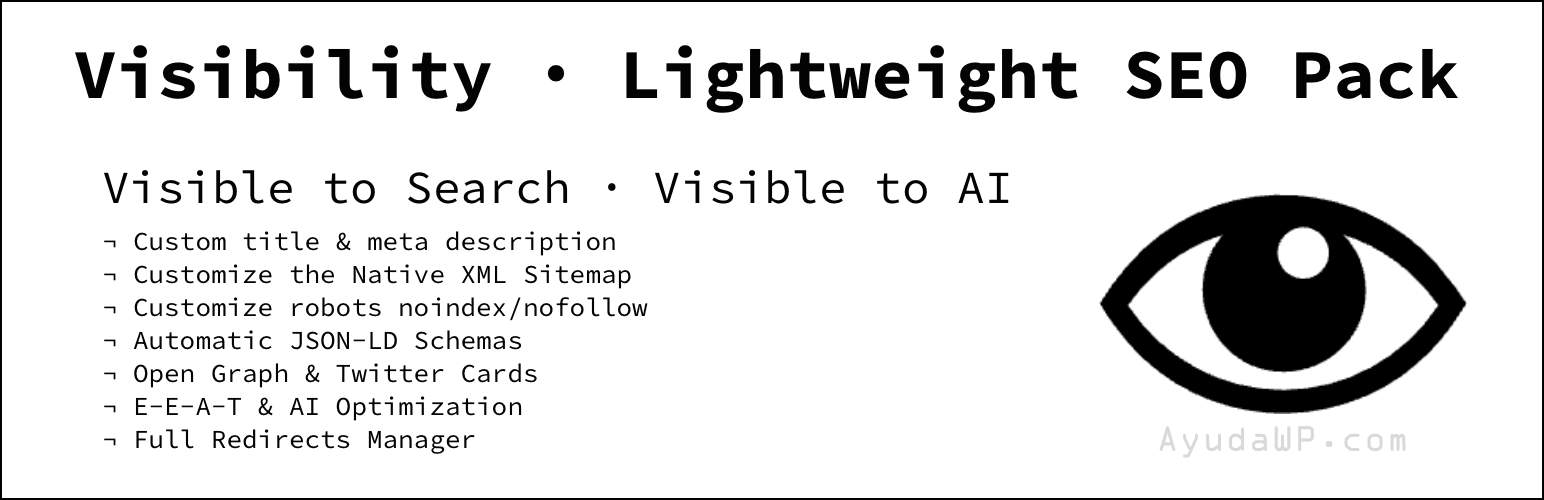
Visibility is a WordPress plugin designed to provide essential SEO features without the complexity of larger suites. It includes tools for managing meta tags, canonical URLs, Open Graph data, JSON-LD schema, and redirects, all while maintaining a lightweight footprint. The plugin is built on WordPress core APIs, ensuring compatibility and optimisation with the platform.
This plugin is suitable for users who need straightforward SEO management without additional bloat. It offers features like bulk indexing options, sitemap control, and a redirect manager, making it ideal for various types of websites, including shops, campuses, and portfolios.
Best for: This plugin suits users looking for essential SEO tools without the complexity of a full suite.
What it does well
Where it falls short
Visibility provides a focused approach to SEO management, making it a practical choice for users who want essential features without unnecessary extras.
Fernando Tellado's own description of Visibility, lightly tidied.
Visibility is the SEO essentials without the suite. It covers what most sites actually need (meta tags, canonical URLs, Open Graph, JSON-LD schema, robots directives, redirects, AI discovery with llms.txt and Markdown for agents, robots.txt editor and native XML sitemap control) in about 290 KB, with no Pro tier, no upsell banners and nothing phoning home. It is built on WordPress core APIs (wp_robots, wp_sitemaps_*, register_post_meta, the Block Editor), so most of the work is the platform’s, already optimized.
Coming from Yoast, Rank Math, All in One SEO or SEOPress? Visibility imports your titles, descriptions, robots, Open Graph, schema and redirects in one click. The clean metadata it outputs is what search engines and AI assistants (ChatGPT, Perplexity, Gemini) read to understand and cite you: the AEO/GEO angle without the bloat.
Four modules, toggled independently from Overview:
/wp-sitemap.xml when a site has no blog posts.It repairs the native sitemap instead of walking away from it. On a site with no published blog posts WordPress serves /wp-sitemap.xml with a 404 status, and Google discards any sitemap that does not answer 200. Shops, campuses, service sites and portfolios all live in that state and almost never notice, because the file looks perfect in a browser. The big suites never meet the problem: they publish their own sitemap from their own URL with their own header, and leave the native one broken behind them. Visibility is built on the native one, so it fixes it.
Per-post controls live in the Block Editor panel and a matching Classic meta box. A Tools tab groups the importers and exports your configuration as JSON for another site.
Visibility replaces a full SEO suite rather than running alongside one (two would fight over the <head>), and warns you if another one is active.
Visibility is fully independent — these plugins aren’t required — but they pair really well with it:
@id references with VigIA so both can add schema without duplicating the Organization or WebSite nodes.robots.txt directives endorsed by Cloudflare.This plugin connects to Gravatar (operated by Automattic Inc.) to check whether the post or page author has a public Gravatar avatar, so it can be exposed in Open Graph tags (og:image) and in Person JSON-LD (image) for E-E-A-T.
What data is sent and when:
og:image, featured image, WooCommerce gallery image, inline content image), the plugin sends an MD5 hash of the lowercased and trimmed author email to https://www.gravatar.com/avatar/{hash}?d=404 via wp_remote_head() (HEAD request, no body).This is the same mechanism WordPress itself uses to display Gravatar avatars in comments. Gravatar’s privacy policy: https://automattic.com/privacy/
Other plugins for search engine optimisation.
Real-time SEO guidance, schema, and AI built in. Help search engines and AI systems understand your content. A...

Grow your organic traffic and AI visibility with powerful SEO tools, XML sitemaps, Schema automation, and buil...

Translate WordPress with Google Translate multilanguage plugin using AI translation. Complete multilingual SEO...

AIOSEO is the WordPress SEO plugin. Boost SEO rankings with AI SEO tools, schema, meta descriptions, XML sitem...

Generate multiple types of sitemaps to improve SEO and get your website indexed quickly.

WordPress SEO plugin with AI SEO metadata, schema, XML sitemap, redirections & Search Console. Privacy-fir...