
MetForm
93Elementor forms builder to create WordPress forms like contact form, booking form, feedback form, survey form,...
Free
600k+ installs 4.7★ (504)
Create configurable occupancy schedules and let visitors view, request and manage bookings directly in the WordPress frontend.

Occupancy Plan is a WordPress plugin designed to manage schedules for shared resources such as sports facilities, rooms, and courts. It allows you to create and publish schedules using shortcodes, enabling visitors to browse availability and manage bookings without needing to reload the page.
The plugin supports various schedule views, including daily and monthly formats, and offers features like AJAX navigation and customizable themes. It is suitable for users who need to manage bookings for multiple resources and want to provide an easy-to-use interface for guests and logged-in users.
Best for: This plugin is best for sports facilities or venues that require a booking system for shared resources.
What it does well
Where it falls short
Occupancy Plan offers a comprehensive solution for managing bookings and schedules. Its flexibility and user-friendly interface make it a suitable choice for facilities needing to coordinate shared resources.
tharkun69's own description of Occupancy Plan, lightly tidied.
Occupancy Plan provides schedules for sports facilities, rooms, courts, halls and other shared resources. Create schedules in WordPress and publish each with a shortcode.
Visitors can browse available periods without reloading the complete page. Depending on the schedule configuration and their permissions, guests or logged-in users can create bookings, view details and manage existing bookings directly in the frontend.
SCHEDULE DISPLAY AND NAVIGATION
* Daily, one-week, two-week, monthly and yearly schedule views
* Responsive desktop and mobile layouts
* AJAX navigation between dates, weeks, months, years and courts without reloading the page
* Optional compact monthly week picker for fast navigation in weekly views
* Configurable weekday selection, abbreviated weekday names and optional navigation header
* Print-optimized schedule, including the date below each weekday in the weekly view
* Configurable header, text, border, booking background and booking text colors
* Eight selectable frontend themes via shortcode: Classic, Modern, Cards, Minimal, Dark, Soft, Outline and Sport
* Independent display density via shortcode: Normal, Compact or Spacious
* Anonymized frontend display and configurable booking tooltips
PLANS, COURTS AND TIME SLOTS
* Create and manage multiple independent occupancy schedules
* Limit each schedule to a configurable start and end date
* Configure operating hours and time intervals from 5 to 90 minutes
* Define break periods and optional breaks between consecutive slots
* Use automatically generated periods or individually configured fixed time slots with display names
* Manage multiple courts, rooms or other resources with custom names, short names and sort order
* Divide resources into named child courts or sub-resources
* Configure schedules for time-based or full-day bookings
BOOKINGS AND SERIES
* Create, edit, delete and move authorized bookings in the frontend
* When enabled per schedule, reserve a second court/resource with one logical booking; both entries stay synchronized
* Create and manage bookings in the WordPress administration area
* One-time, weekly, monthly, flexible and every-second-week booking intervals
* Exceptions for individual dates in recurring bookings, for example holidays
* Conflict detection for times, courts, child courts and recurring bookings
* Configurable booking window with independent minimum and maximum lead times
* Booking priorities to control the display order of overlapping entries
* Prepared booking templates for frequently used booking data
* Custom booking colors, contact information, comments and authorized users
* Up to four configurable custom fields, including mandatory fields and selectable values
PERMISSIONS, PRIVACY AND APPROVALS
* Optional guest booking or capability-based access for logged-in users
* Dedicated Occupancy User, Editor, Owner and Manager roles
* Users can be allowed to edit their own bookings; managers retain full administration access
* Separate permissions for changing booking times, intervals and courts in the frontend
* Optional provisional booking and approval workflow
* Confirm or reject requests in the administration area and send corresponding notifications
* Optional confirmation checkbox, information text and information link in the booking dialog
* Server-side validation, nonce protection and escaped frontend output for protected booking actions
ADMINISTRATION, EMAIL AND DATA EXCHANGE
* Searchable administration lists and bulk deletion for schedule data
* Context-sensitive help for schedule, booking, template, court, time-slot, exception and preview pages
* Copyable shortcode reference with defaults and practical examples
* CSV import and export for schedules and bookings
* Protected iCalendar download and secret subscription feed with recurrence rules and exceptions
* Configurable email notifications to administrators and booking users
* Custom sender, recipients, CC, subjects and message templates with booking placeholders
* Dashboard widget for occupancy managers showing the latest bookings
* Optional automatic cleanup of old bookings
* Complete bundled German translation and WordPress.org-compatible localization support
Create a schedule in Occupancy Plan in the WordPress administration area. The schedule ID is shown in the schedule overview. Add the shortcode to a page or post:
[occupancy_plan id="1"]
The id attribute is required. The following optional attributes are supported:
mode: daily, weekly, monthly or yearly (default: weekly); use weekly! to force the weekly view even with many sub-courtsweekdays: visible weekdays as digits from 1 (Monday) to 7 (Sunday), for example 12345showheader: set to false to hide the frontend navigation headershortweekdays: set to true to use abbreviated weekday namesweeks: 1 or 2 consecutive weeks in weekly mode (default: 1); navigation advances by one weekmonthpicker: set to true to replace the week field and date range with the compact monthly week picker (default: false)calendar: set to true to show protected iCalendar actions to occupancy managerscolumns: number of month columns in the yearly view (default: 3)theme: classic, modern, cards, minimal or dark (default: classic)Examples:
[occupancy_plan id="1" mode="weekly" weekdays="12345" shortweekdays="true"]

[occupancy_plan id="1" mode="weekly" weeks="2" monthpicker="true" calendar="true"]

[occupancy_plan id="1" mode="daily"]

[occupancy_plan id="1" theme="modern"]

[occupancy_plan id="1" theme="cards" weeks="2"]

[occupancy_plan id="1" mode="yearly" columns="3" theme="minimal"]
SUPPORT
The plugin is continuously developed and supported. Please send support inquiries by email to support@software-kunze.de.
Other plugins for taking bookings.
Elementor forms builder to create WordPress forms like contact form, booking form, feedback form, survey form,...

Calculated Fields Form: complete WordPress form builder for contact,booking,quote,payment forms & more,wit...

Appointment booking plugin for WordPress. Let clients self-schedule 24/7, accept payments at booking, and redu...
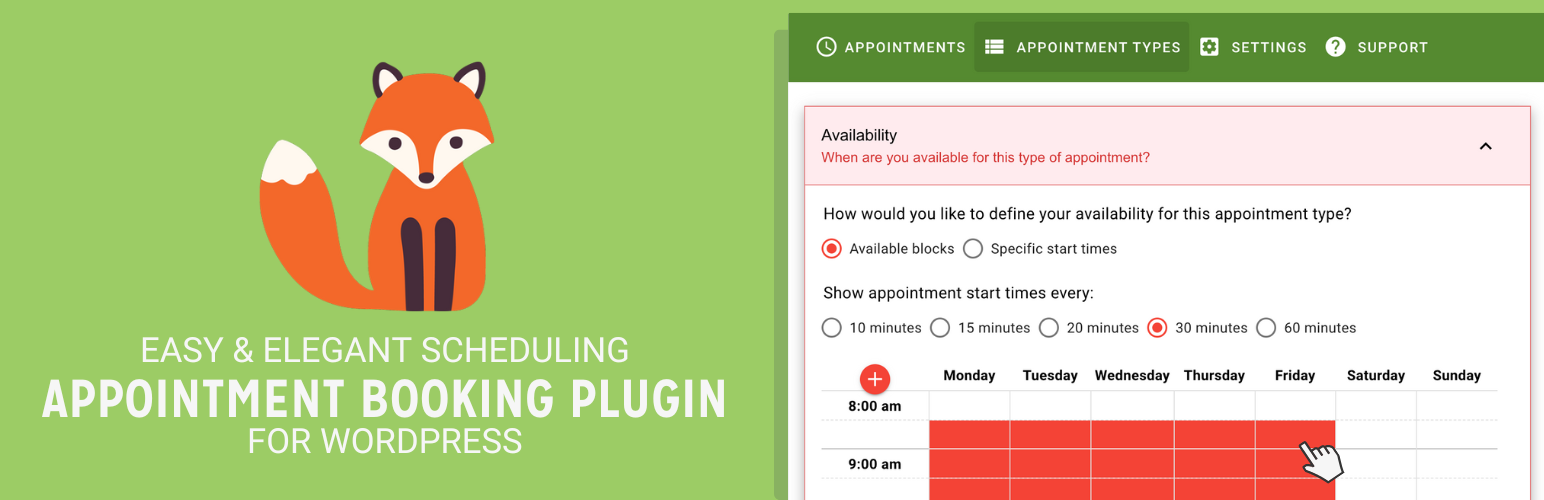
Unlimited appointments, booking calendars, and notifications. Powerful appointment booking plugin and booking...
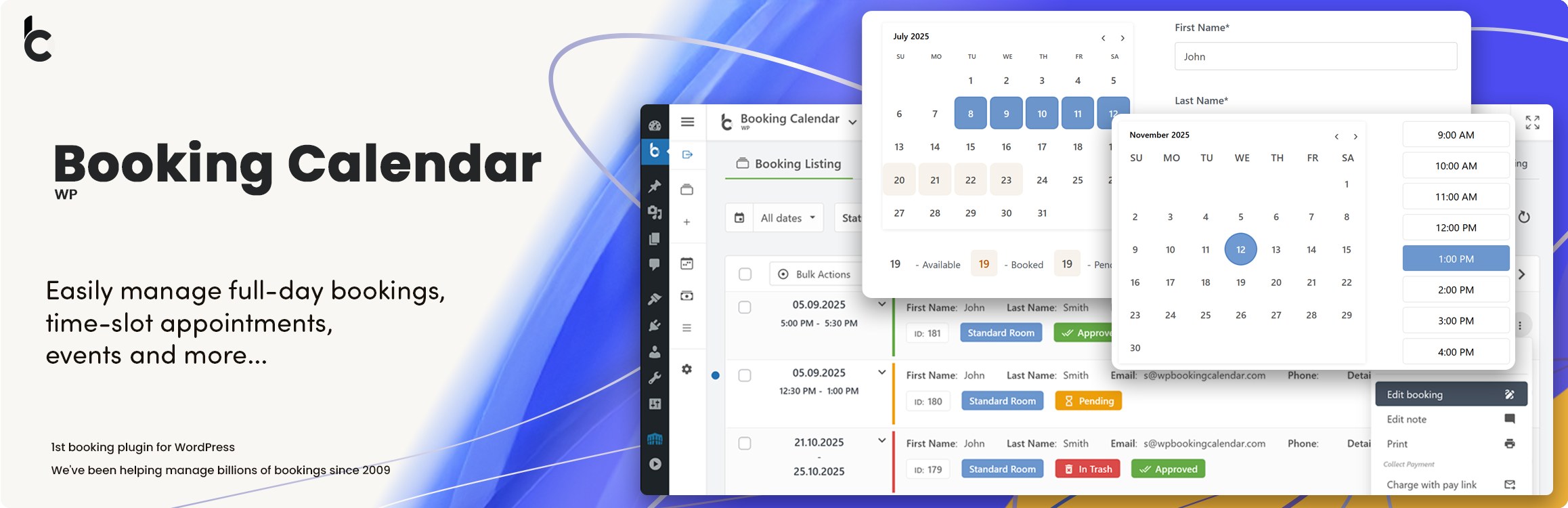
WP Booking Calendar plugin for full-day bookings, time-slot appointments, rentals & events. Accept booking...
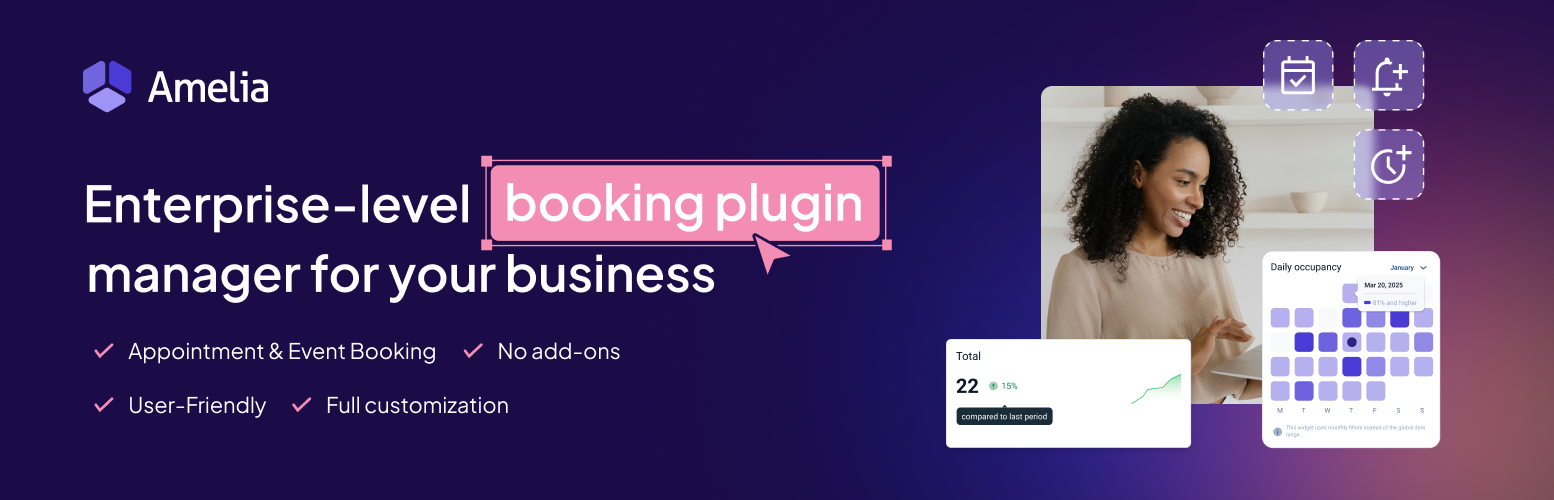
Amelia is a powerful booking plugin for appointments and events. Manage scheduling, calendars, and availabilit...